
About
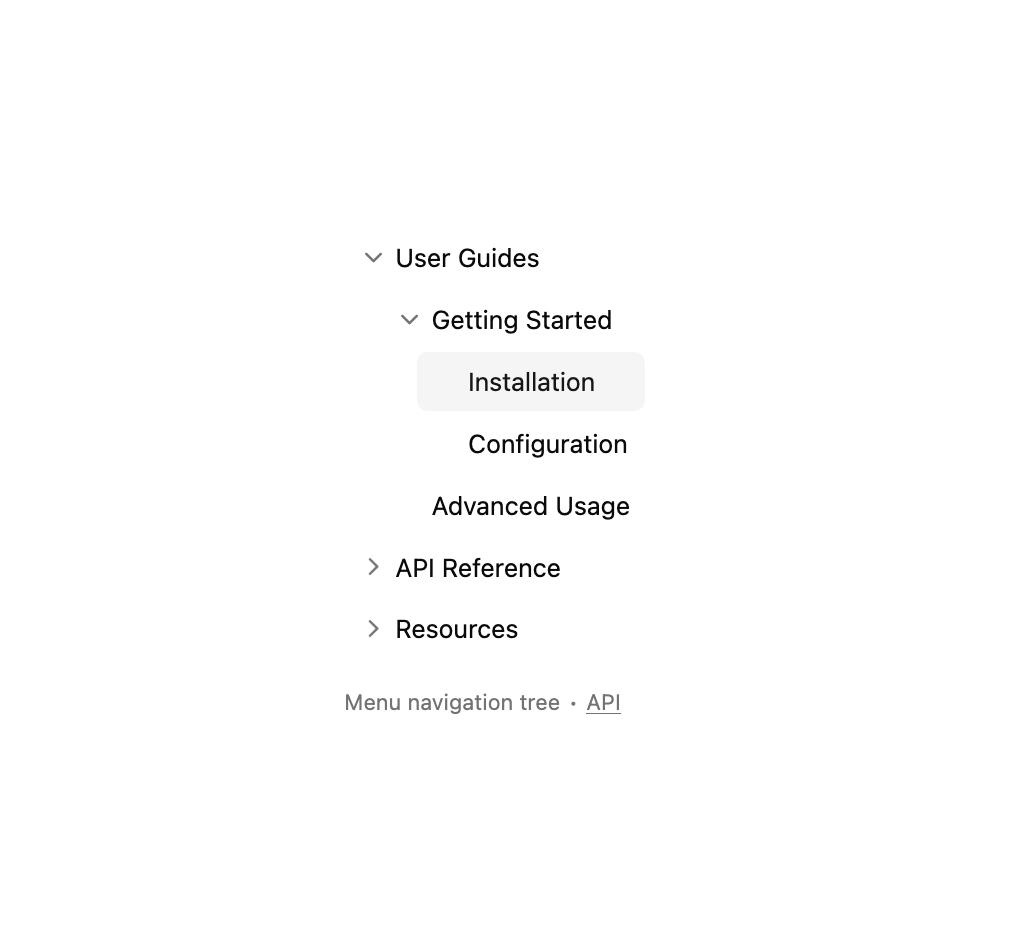
Here is Tree component
Built with React and Tailwind. Copy the prompt and paste it into Claude Code, Cursor or Lovable: your agent adds Tree to your project and fits it to your theme.
Code
How Tree is used: the demo's code. The component's own source comes with a free account.
Usage.tsx
"use client"

import React from "react"
import { hotkeysCoreFeature, syncDataLoaderFeature } from "@headless-tree/core"
import { useTree } from "@headless-tree/react"

import { Tree, TreeItem, TreeItemLabel } from "@/components/ui/tree"

interface Item {
  name: string
  href?: string
  children?: string[]
  current?: boolean
}

const items: Record<string, Item> = {
  main: { name: "Documentation", children: ["guides", "api", "resources"] },
  guides: { name: "User Guides", children: ["getting-started", "advanced"] },
  "getting-started": {
    name: "Getting Started",
    children: ["installation", "setup"],
  },
  installation: { name: "Installation", href: "#", current: true },
  setup: { name: "Configuration", href: "#" },
  advanced: { name: "Advanced Usage", href: "#" },
  api: { name: "API Reference", children: ["endpoints", "models"] },
  endpoints: { name: "Endpoints", href: "#" },
  models: { name: "Data Models", href: "#" },
  resources: { name: "Resources", children: ["examples", "faq"] },
  examples: { name: "Code Examples", href: "#" },
  faq: { name: "FAQ", href: "#" },
}

const indent = 20

// Find the path from root to the current item
function findPathToCurrent(
  items: Record<string, Item>,
  rootId: string
): string[] {
  const path: string[] = []

  function findPath(itemId: string): boolean {
    const item = items[itemId]
    if (!item) return false

    // If this is the current item, we found the path
    if (item.current) {
      path.unshift(itemId)
      return true
    }

    // If this item has children, search them
    if (item.children?.length) {
      for (const childId of item.children) {
        if (findPath(childId)) {
          // If we found the path in this branch, add this item to the path
          path.unshift(itemId)
          return true
        }
      }
    }

    return false
  }

  findPath(rootId)
  return path
}

// Get all parent IDs that need to be expanded
const pathToCurrent = findPathToCurrent(items, "main")
// Remove the current item from the path if it's a leaf node
const expandedItems = pathToCurrent.filter((id) => items[id].children?.length)

export default function Component() {
  const tree = useTree<Item>({
    initialState: {
      expandedItems,
    },
    indent,
    rootItemId: "main",
    getItemName: (item) => item.getItemData().name,
    isItemFolder: (item) => (item.getItemData()?.children?.length ?? 0) > 0,
    dataLoader: {
      getItem: (itemId) => items[itemId],
      getChildren: (itemId) => items[itemId].children ?? [],
    },
    features: [syncDataLoaderFeature, hotkeysCoreFeature],
  })

  return (
    <div className="flex h-full flex-col gap-2 *:first:grow">
      <Tree indent={indent} tree={tree}>
        {tree.getItems().map((item) => {
          return (
            <TreeItem
              key={item.getId()}
              item={item}
              asChild={!!item.getItemData()?.href}
            >
              {item.getItemData()?.href ? (
                <a
                  href={item.getItemData().href}
                  data-current={item.getItemData().current}
                >
                  <TreeItemLabel className="in-data-[current=true]:bg-accent in-data-[current=true]:text-accent-foreground" />
                </a>
              ) : (
                <TreeItemLabel />
              )}
            </TreeItem>
          )
        })}
      </Tree>

      <p
        aria-live="polite"
        role="region"
        className="text-muted-foreground mt-2 text-xs"
      >
        Menu navigation tree ∙{" "}
        <a
          href="https://headless-tree.lukasbach.com"
          className="hover:text-foreground underline"
          target="_blank"
          rel="noopener noreferrer"
        >
          API
        </a>
      </p>
    </div>
  )
}
Dependencies
More by Origin UI
View all
Dialog
1.2K
Avatar
951
useImageUpload
926
usePagination
622
Popover
384
Button
364
Command
321
Accordion
258
More in Navigation
View all

Sidebar
234

Tabs
60
Newsletter Signup Footer
16
Progress Bar Stepper
36

Footer 2
201
Navbar with Theme Toggle
43

Navbar
71

Pagination
86
