
About
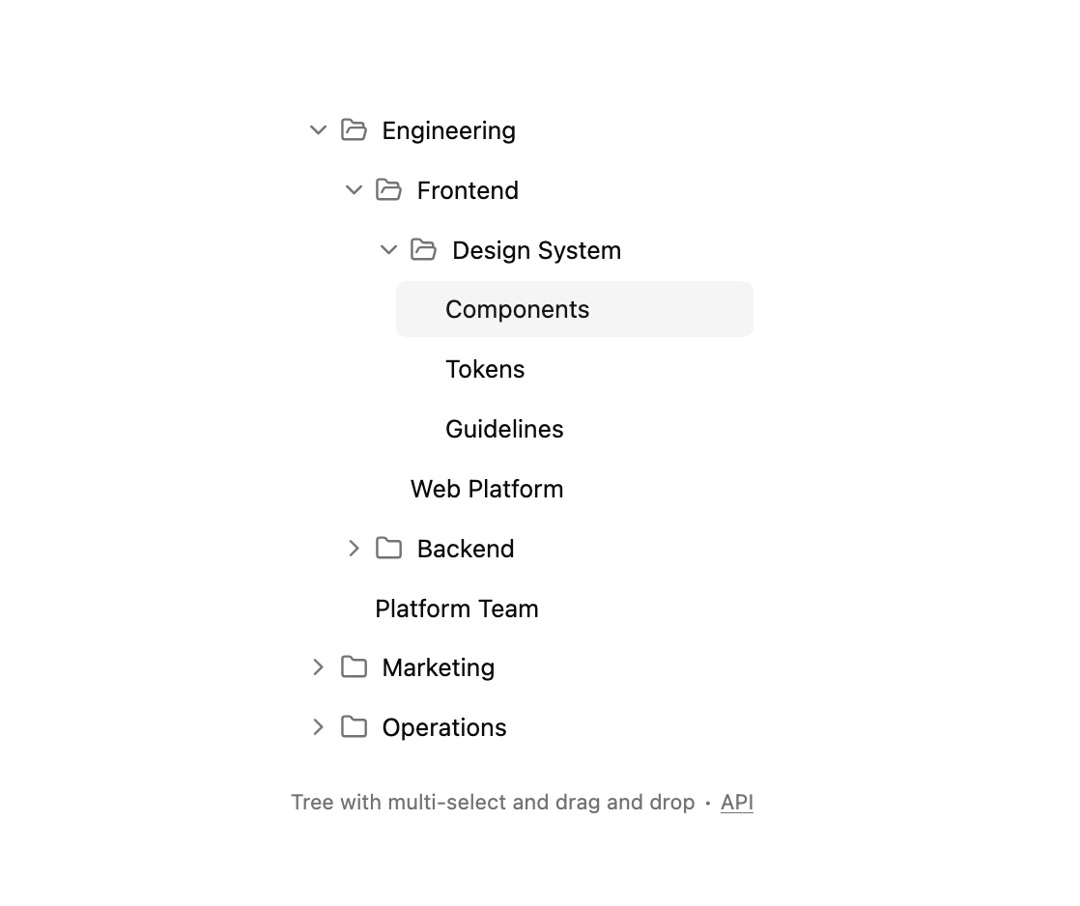
Here is Tree component
Built with React and Tailwind. Copy the prompt and paste it into Claude Code, Cursor or Lovable: your agent adds Tree to your project and fits it to your theme.
Code
How Tree is used: the demo's code. The component's own source comes with a free account.
Usage.tsx
"use client"

import React, { useState } from "react"
import {
  createOnDropHandler,
  dragAndDropFeature,
  hotkeysCoreFeature,
  keyboardDragAndDropFeature,
  selectionFeature,
  syncDataLoaderFeature,
} from "@headless-tree/core"
import { AssistiveTreeDescription, useTree } from "@headless-tree/react"
import { FolderIcon, FolderOpenIcon } from "lucide-react"

import {
  Tree,
  TreeDragLine,
  TreeItem,
  TreeItemLabel,
} from "@/components/ui/tree"

interface Item {
  name: string
  children?: string[]
}

const initialItems: Record<string, Item> = {
  company: {
    name: "Company",
    children: ["engineering", "marketing", "operations"],
  },
  engineering: {
    name: "Engineering",
    children: ["frontend", "backend", "platform-team"],
  },
  frontend: { name: "Frontend", children: ["design-system", "web-platform"] },
  "design-system": {
    name: "Design System",
    children: ["components", "tokens", "guidelines"],
  },
  components: { name: "Components" },
  tokens: { name: "Tokens" },
  guidelines: { name: "Guidelines" },
  "web-platform": { name: "Web Platform" },
  backend: { name: "Backend", children: ["apis", "infrastructure"] },
  apis: { name: "APIs" },
  infrastructure: { name: "Infrastructure" },
  "platform-team": { name: "Platform Team" },
  marketing: { name: "Marketing", children: ["content", "seo"] },
  content: { name: "Content" },
  seo: { name: "SEO" },
  operations: { name: "Operations", children: ["hr", "finance"] },
  hr: { name: "HR" },
  finance: { name: "Finance" },
}

const indent = 20

export default function Component() {
  const [items, setItems] = useState(initialItems)

  const tree = useTree<Item>({
    initialState: {
      expandedItems: ["engineering", "frontend", "design-system"],
      selectedItems: ["components"],
    },
    indent,
    rootItemId: "company",
    getItemName: (item) => item.getItemData().name,
    isItemFolder: (item) => (item.getItemData()?.children?.length ?? 0) > 0,
    canReorder: true,
    onDrop: createOnDropHandler((parentItem, newChildrenIds) => {
      setItems((prevItems) => ({
        ...prevItems,
        [parentItem.getId()]: {
          ...prevItems[parentItem.getId()],
          children: newChildrenIds,
        },
      }))
    }),
    dataLoader: {
      getItem: (itemId) => items[itemId],
      getChildren: (itemId) => items[itemId].children ?? [],
    },
    features: [
      syncDataLoaderFeature,
      selectionFeature,
      hotkeysCoreFeature,
      dragAndDropFeature,
      keyboardDragAndDropFeature,
    ],
  })

  return (
    <div className="flex h-full flex-col gap-2 *:first:grow">
      <Tree indent={indent} tree={tree}>
        <AssistiveTreeDescription tree={tree} />
        {tree.getItems().map((item) => {
          return (
            <TreeItem key={item.getId()} item={item}>
              <TreeItemLabel>
                <span className="flex items-center gap-2">
                  {item.isFolder() &&
                    (item.isExpanded() ? (
                      <FolderOpenIcon className="text-muted-foreground pointer-events-none size-4" />
                    ) : (
                      <FolderIcon className="text-muted-foreground pointer-events-none size-4" />
                    ))}
                  {item.getItemName()}
                </span>
              </TreeItemLabel>
            </TreeItem>
          )
        })}
        <TreeDragLine />
      </Tree>

      <p
        aria-live="polite"
        role="region"
        className="text-muted-foreground mt-2 text-xs"
      >
        Tree with multi-select and drag and drop ∙{" "}
        <a
          href="https://headless-tree.lukasbach.com"
          className="hover:text-foreground underline"
          target="_blank"
          rel="noopener noreferrer"
        >
          API
        </a>
      </p>
    </div>
  )
}
Dependencies
More by Origin UI
View all
Dialog
1.2K
Avatar
951
useImageUpload
926
usePagination
622
Popover
384
Button
364
Command
321
Accordion
258