About
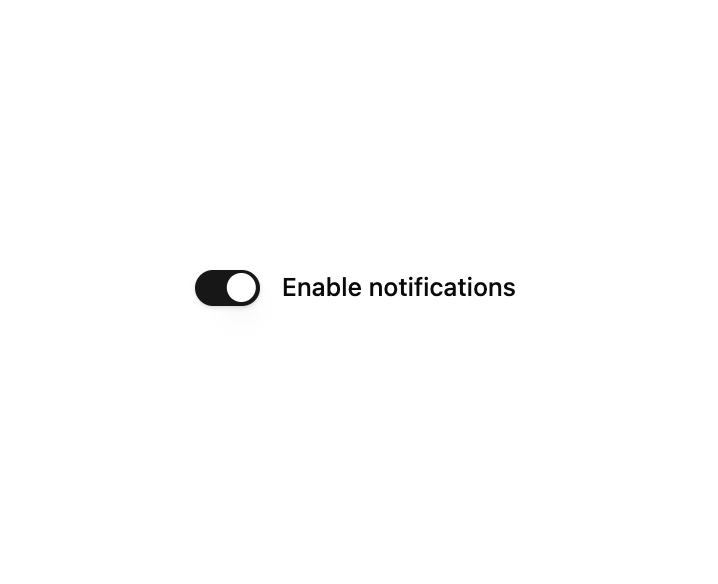
A toggle switch field wired to TanStack Form with a label, on/off state, and inline validation errors.
Built with React and Tailwind. Copy the prompt and paste it into Claude Code, Cursor or Lovable: your agent adds Form Switch to your project and fits it to your theme.
Code
How Form Switch is used: the demo's code. The component's own source comes with a free account.
Usage.tsx
"use client";

import { FormSwitch } from "@/components/ui/form-switch";
import { useForm } from "@tanstack/react-form";

export default function FormSwitchDemo() {
  const form = useForm({
    defaultValues: {
      notifications: true,
    },
  });

  return (
    <form
      onSubmit={(e) => {
        e.preventDefault();
        form.handleSubmit();
      }}
      className="flex w-full max-w-sm flex-col gap-6"
    >
      <FormSwitch
        form={form}
        name="notifications"
        label="Enable notifications"
      />
    </form>
  );
}
Dependencies
More by Pace UI
View all

Dot Loader
905
Flip Reveal
636
Dot Flow
258
Draw Line Text
103
Liquid Glass
54
Liquid Cursor
41
Layered Stack
33
Reveal Text
6
More in Forms
View all

Premium Auth
500

Login 2
7
Authentication Card
47

Login 1
52

Contact Card
1K
Login Form
6

Form
16

Book A Demo 3
83
