
About
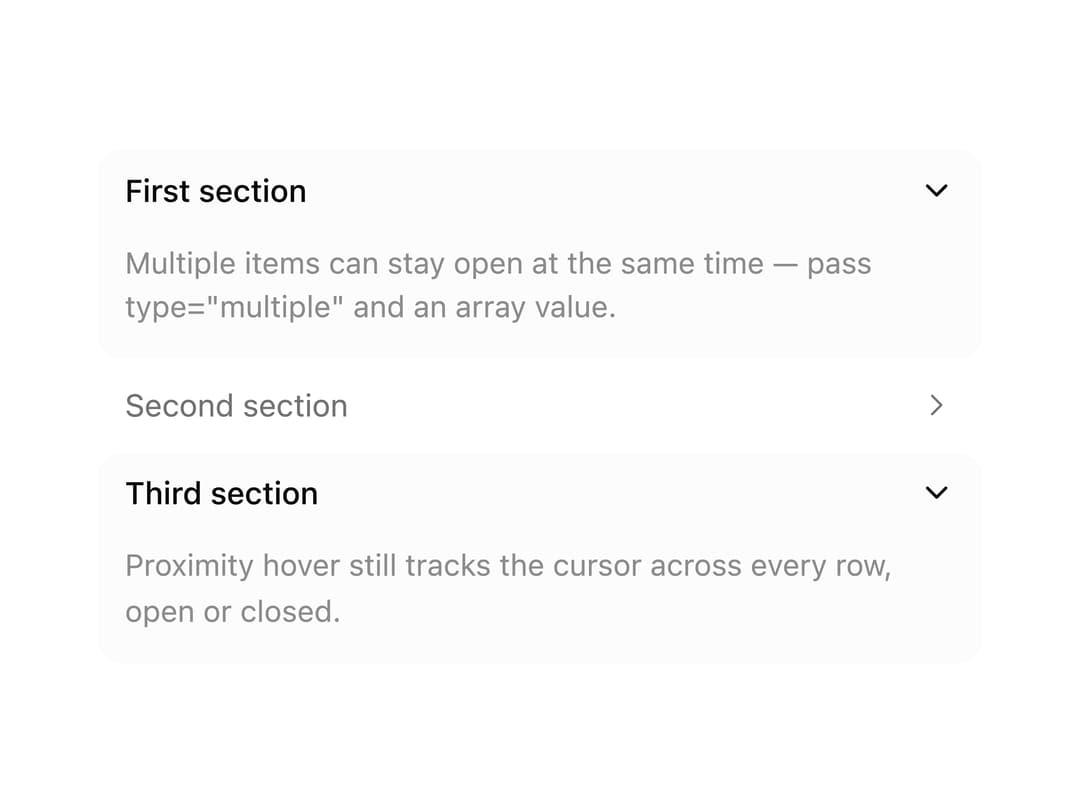
A collapsible accordion whose rows spring-animate open/closed height and chevron rotation, with a hover pill that previews the nearest row before you click.
Built with React and Tailwind. Copy the prompt and paste it into Claude Code, Cursor or Lovable: your agent adds Proximity Accordion to your project and fits it to your theme.
Code
How Proximity Accordion is used: the demo's code. The component's own source comes with a free account.
Usage.tsx
"use client";

import {
  Accordion,
  AccordionContent,
  AccordionItem,
  AccordionTrigger,
} from "@/components/ui/accordion";

const items = [
  {
    value: "first",
    title: "First section",
    body: 'Multiple items can stay open at the same time — pass type="multiple" and an array value.',
  },
  {
    value: "second",
    title: "Second section",
    body: "Each item's height still animates independently, on its own spring.",
  },
  {
    value: "third",
    title: "Third section",
    body: "Proximity hover still tracks the cursor across every row, open or closed.",
  },
];

export default function AccordionMultiExpandExample() {
  return (
    <Accordion
      type="multiple"
      defaultValue={["first", "third"]}
      className="max-w-sm"
    >
      {items.map((item) => (
        <AccordionItem key={item.value} value={item.value}>
          <AccordionTrigger>{item.title}</AccordionTrigger>
          <AccordionContent>{item.body}</AccordionContent>
        </AccordionItem>
      ))}
    </Accordion>
  );
}
Dependencies
More by Purbayan Pramanik
View all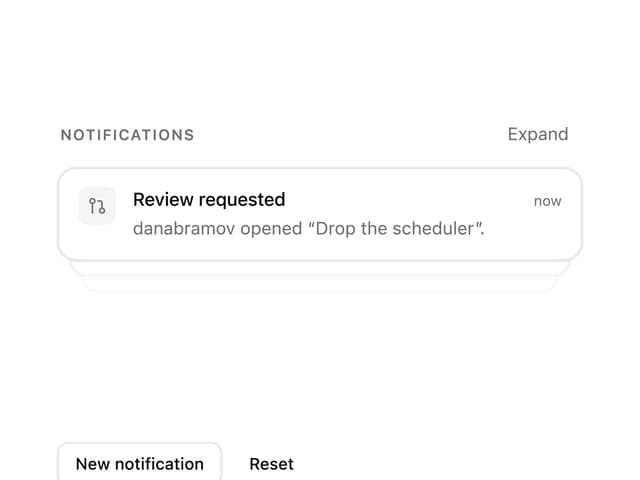
Notification Stack
23
Plan Checklist

Agent Activity
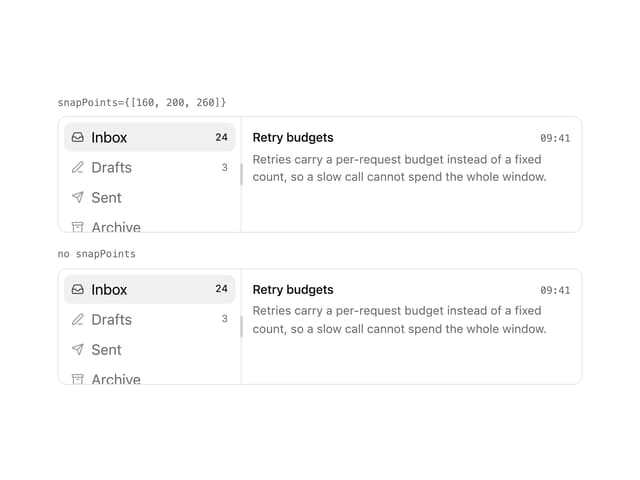
Snap Panels
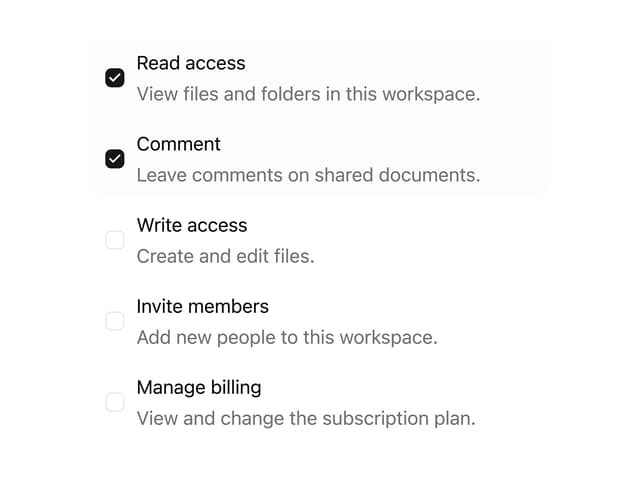
Checkbox Group
Conversation