About
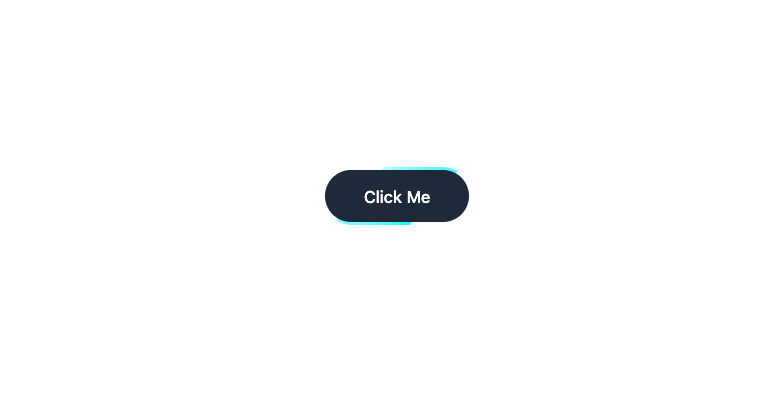
Here is Button Ui components
Built with React and Tailwind. Copy the prompt and paste it into Claude Code, Cursor or Lovable: your agent adds Button Ui to your project and fits it to your theme.
Code
How Button Ui is used: the demo's code. The component's own source comes with a free account.
Usage.tsx
"use client";

import React from "react";


export default function Example() {
    return (
        <>
            <style>{`
                .button-wrapper::before {
                    animation: spin-gradient 4s linear infinite;
                }

                @keyframes spin-gradient {
                    from {
                        transform: rotate(0deg);
                    }

                    to {
                        transform: rotate(360deg);
                    }
                }
            `}</style>
            <div className="relative inline-block p-0.5 rounded-full overflow-hidden hover:scale-105 transition duration-300 active:scale-100 before:content-[''] before:absolute before:inset-0 before:bg-[conic-gradient(from_0deg,_#00F5FF,_#00F5FF30,_#00F5FF)] button-wrapper">
                <button className="relative z-10 bg-gray-800 text-white rounded-full px-8 py-3 font-medium text-sm">Click Me</button>
            </div>
        </>
    );
};More by prebuiltui
View all

Image Gallery
1.3K
Hero Section
412
Feature Sections
344
Testimonial
303
Cards
231
FAQ Sections
177
Form
136
Login Form
125
More in Buttons
View all

Button
14
Button
34
Texture Button
92
Button Save
46

Button
64

Button Group
3

App Store Button
454

Notification Button
103

