About
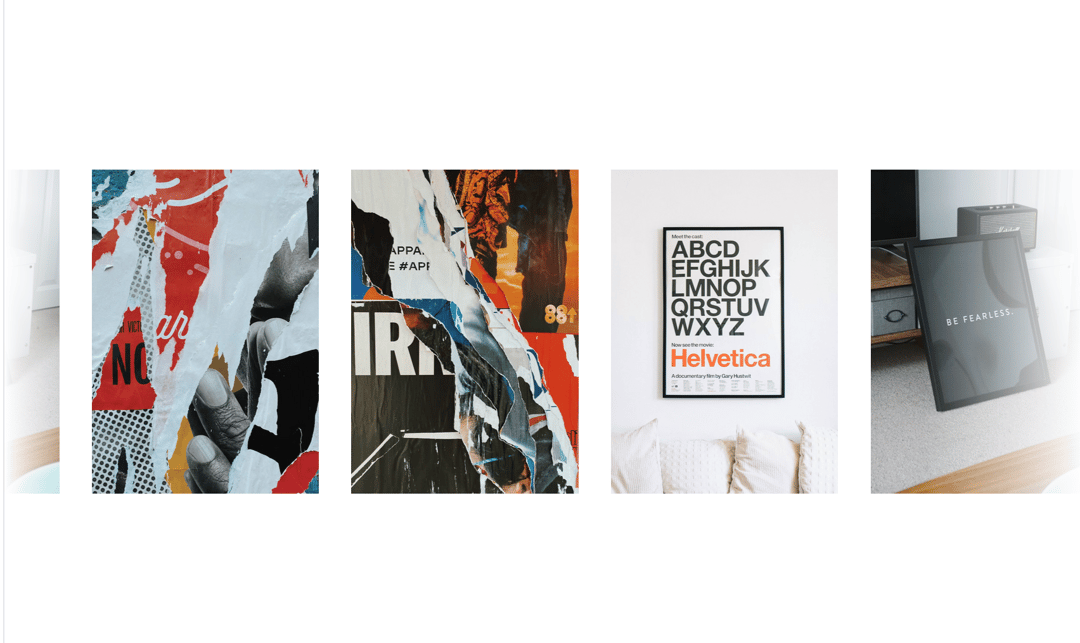
Here is Blog Card Component
Built with React and Tailwind. Copy the prompt and paste it into Claude Code, Cursor or Lovable: your agent adds Cards to your project and fits it to your theme.
Code
How Cards is used: the demo's code. The component's own source comes with a free account.
Usage.tsx
import React, { useState } from "react";
import { cn } from "@/lib/utils";

const App = () => {
  const [stopScroll, setStopScroll] = useState(false);

  const cardData = [
    {
      title: "Unlock Your Creative Flow",
      image:
        "https://cdn.21st.dev/assets/mirror/22/22d11f741e6e96cfc88ca8f3168c153d5c84944e772544dedd36b24ec3e5e80f.jpg",
    },
    {
      title: "Design Your Digital Future",
      image:
        "https://cdn.21st.dev/assets/mirror/1b/1b504c1c809069b610c6899950c3d4416ae0196014fac673dc8be94e866d3d02.jpg",
    },
    {
      title: "Build with Passion, Ship with Pride",
      image:
        "https://cdn.21st.dev/assets/mirror/6a/6a8522b2a5249e844d5b034265d5b6bd03eb3f6c57639fe53c3a5ce62e68e536.jpg",
    },
    {
      title: "Think Big, Code Smart",
      image:
        "https://cdn.21st.dev/assets/mirror/e3/e32ede13c6860a4b1e9bc91a0da89bed05e89bc31e9f8d1f33d7688f8dcae025.jpg",
    },
  ];

  return (
    <>
      <style>{`
        .marquee-inner {
          animation: marqueeScroll linear infinite;
        }

        @keyframes marqueeScroll {
          0% {
            transform: translateX(0%);
          }

          100% {
            transform: translateX(-50%);
          }
        }
      `}</style>

      <div
        className="overflow-hidden w-full relative max-w-6xl mx-auto"
        onMouseEnter={() => setStopScroll(true)}
        onMouseLeave={() => setStopScroll(false)}
      >
        <div className="absolute left-0 top-0 h-full w-20 z-10 pointer-events-none bg-gradient-to-r from-white to-transparent" />

        <div
          className="marquee-inner flex w-fit"
          style={{
            animationPlayState: stopScroll ? "paused" : "running",
            animationDuration: cardData.length * 2500 + "ms",
          }}
        >
          <div className="flex">
            {[...cardData, ...cardData].map((card, index) => (
              <div
                key={index}
                className="w-56 mx-4 h-[20rem] relative group hover:scale-90 transition-all duration-300"
              >
                <img
                  src={card.image}
                  alt="card"
                  className="w-full h-full object-cover"
                />
                <div className="flex items-center justify-center px-4 opacity-0 group-hover:opacity-100 transition-all duration-300 absolute bottom-0 backdrop-blur-md left-0 w-full h-full bg-black/20">
                  <p className="text-white text-lg font-semibold text-center">
                    {card.title}
                  </p>
                </div>
              </div>
            ))}
          </div>
        </div>

        <div className="absolute right-0 top-0 h-full w-20 md:w-40 z-10 pointer-events-none bg-gradient-to-l from-white to-transparent" />
      </div>
    </>
  );
};


export default App;
More by prebuiltui
View all

Image Gallery
1.3K
Hero Section
412
Feature Sections
344
Testimonial
303
FAQ Sections
177
Form
136
Login Form
125
Pricing Cards
86
More in Galleries
View all
Thumbnail image viewer
43

Animated Gallery
1.4K

Hero Section 6
881
Editorial Collage Hero
430
Layout Grid
826
3D Parallax Unfurling Gallery
981

File Upload
18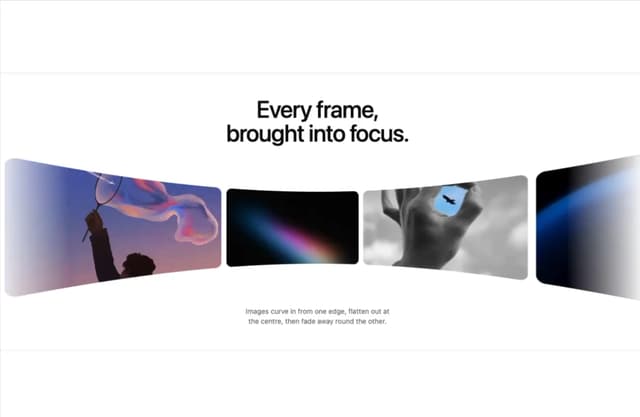

Tilted Grid Hero
1.5K


