About
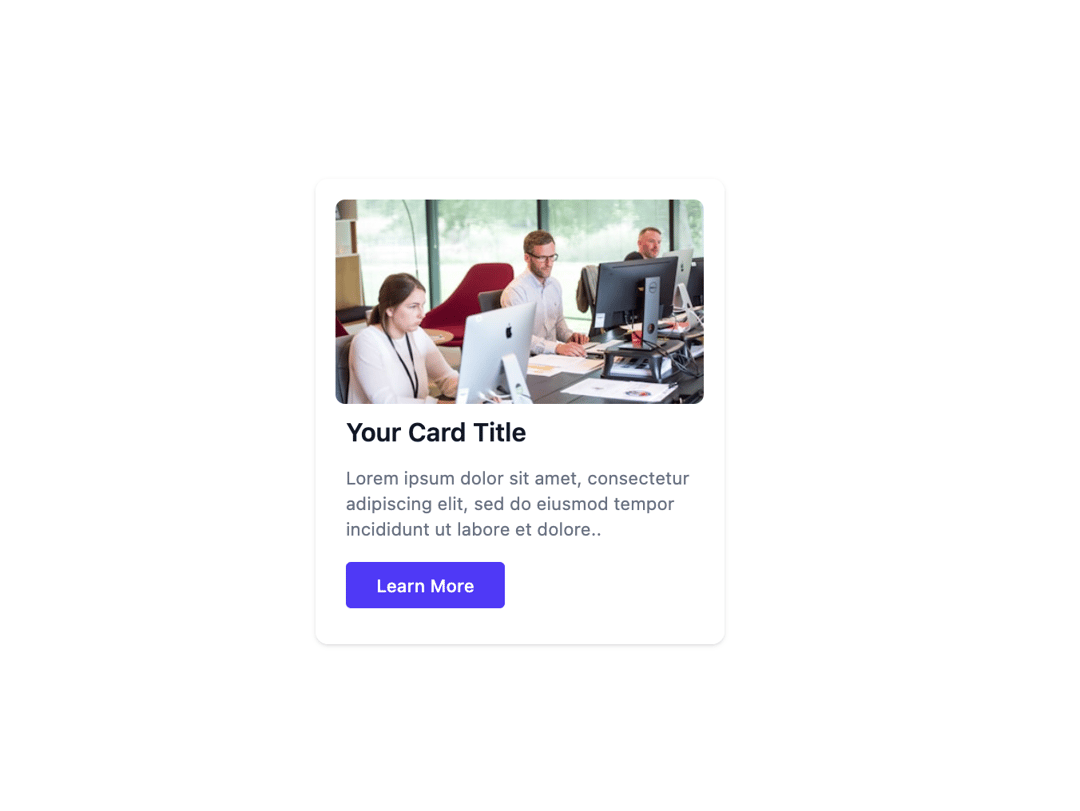
Here is Blog Card Component
Built with React and Tailwind. Copy the prompt and paste it into Claude Code, Cursor or Lovable: your agent adds Cards to your project and fits it to your theme.
Code
How Cards is used: the demo's code. The component's own source comes with a free account.
Usage.tsx
import React from "react";


export default function Example() {
    return (
        <div className="p-4 bg-white rounded-lg shadow text-sm max-w-80">
            <img className="rounded-md max-h-40 w-full object-cover" src="https://cdn.21st.dev/assets/mirror/69/69143c3415fadf1586e6f74239f2dd6e90f842c3507068a532ecb94303d83fd4.jpg" alt="officeImage" />
            <p className="text-gray-900 text-xl font-semibold ml-2 mt-2">Your Card Title</p>
            <p className="text-gray-500 mt-3 ml-2">Lorem ipsum dolor sit amet, consectetur adipiscing elit, sed do eiusmod tempor incididunt ut labore et dolore..</p>
            <button type="button" className="bg-indigo-600 mt-4 mb-3 ml-2 px-6 py-2 font-medium rounded text-white">Learn More</button>
        </div>
    );
};
More by prebuiltui
View all

Image Gallery
1.3K
Hero Section
412
Feature Sections
344
Testimonial
303
FAQ Sections
177
Form
136
Login Form
125
Pricing Cards
86
More in Buttons
View all

Button
14
Button
34
Texture Button
92
Button Save
46

Button
64

Button Group
3

App Store Button
454

Notification Button
103

