
About
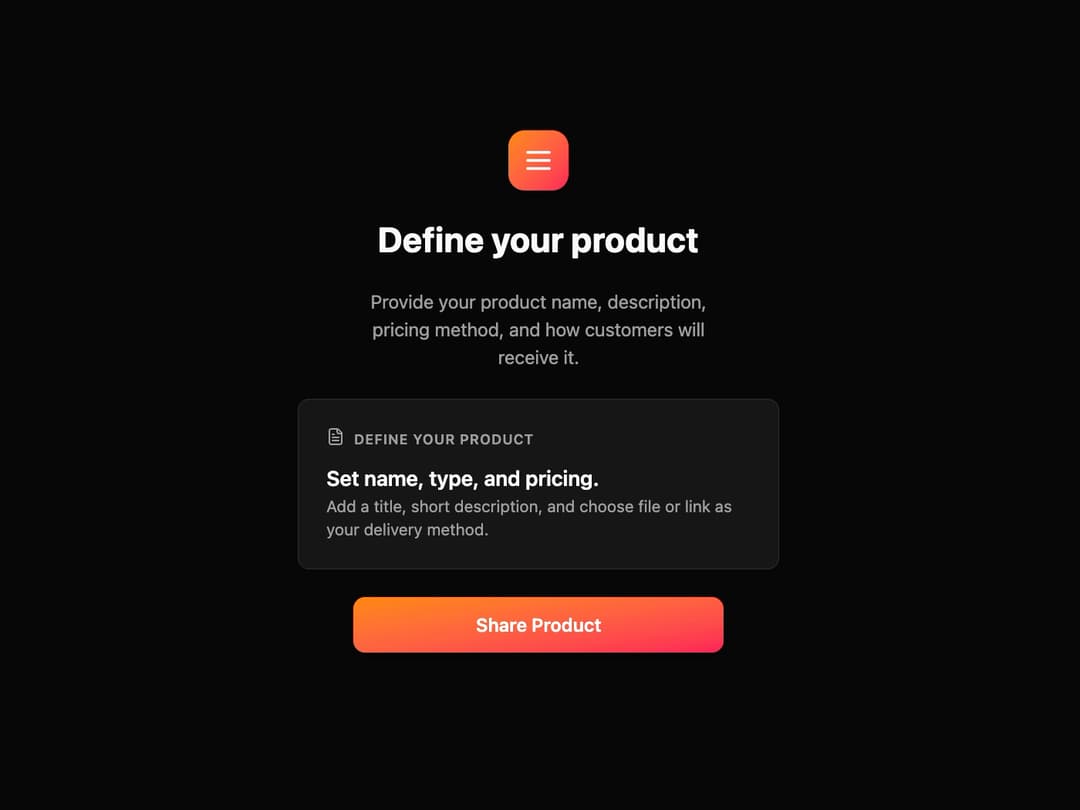
Product Onboarding Card This component provides a structured layout for a feature or step in a process, guiding the user with a clear title, description, and call-to-action.
Built with React and Tailwind. Copy the prompt and paste it into Claude Code, Cursor or Lovable: your agent adds Onboarding Card to your project and fits it to your theme.
Code
How Onboarding Card is used: the demo's code. The component's own source comes with a free account.
Usage.tsx
import { ProductOnboardingCard } from "@/components/ui/onboarding-card";
import { Menu, FileText } from "lucide-react"; // Using lucide-react for icons

const ProductOnboardingDemo = () => {
  return (
    <div className="flex min-h-screen w-full items-center justify-center bg-background">
      <ProductOnboardingCard
        mainIcon={<Menu className="h-7 w-7 text-white" />}
        title="Define your product"
        description="Provide your product name, description, pricing method, and how customers will receive it."
        cardIcon={<FileText className="h-4 w-4 text-muted-foreground" />}
        cardHeaderLabel="Define your product"
        cardTitle="Set name, type, and pricing."
        cardDescription="Add a title, short description, and choose file or link as your delivery method."
        buttonText="Share Product"
        onButtonClick={() => alert("Button clicked!")}
      />
    </div>
  );
};

export default ProductOnboardingDemo;
Dependencies
More by Ravi Katiyar
View all

Animated Shader Hero
3.7K
Hero
3.1K
Circular Gallery
2.7K
Minimalist Hero
2.5K
Floating Icons Hero Section
1.9K
Glass Calendar
1.8K
Feature Carousel
1.7K
AI Image Generator Hero
1.4K
More in Buttons
View all

Button
14
Button
34
Texture Button
92
Button Save
46

Button
64

Button Group
3

Notification Button
103

App Store Button
454

