
About
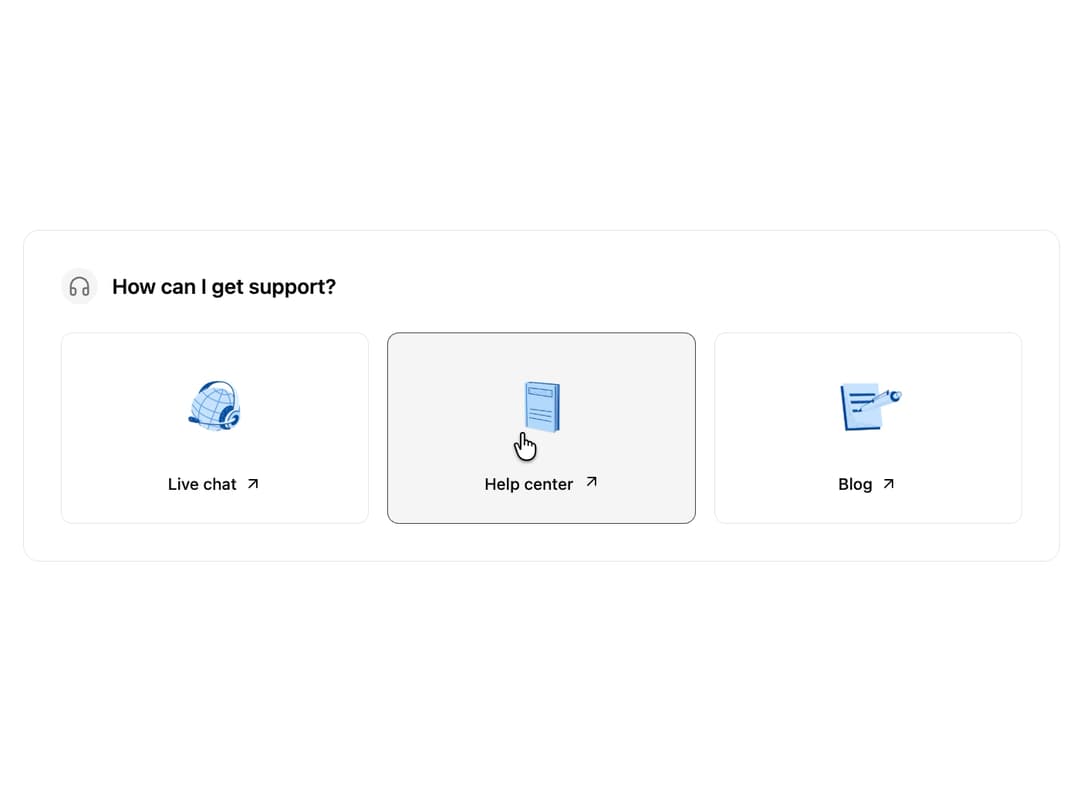
Support Links This component provides a clean and intuitive way to direct users to various support channels. It's built to be flexible, allowing you to easily configure the title, icon, and support items through props.
Built with React and Tailwind. Copy the prompt and paste it into Claude Code, Cursor or Lovable: your agent adds Support to your project and fits it to your theme.
Code
How Support is used: the demo's code. The component's own source comes with a free account.
Usage.tsx
import { SupportLinks, SupportItem } from "@/components/ui/support"; // Adjust path as needed

// Sample data for the support links.
// Replace imageSrc with your actual asset URLs.
const supportItems: SupportItem[] = [
  {
    title: "Live chat",
    href: "#",
    imageSrc: "https://cdn.21st.dev/assets/mirror/d3/d3345fae3286f75822c8c86aa70f30dc87bd028b93ab333a6b0f445707ca009c.png",
  },
  {
    title: "Help center",
    href: "#",
    imageSrc: "https://cdn.21st.dev/assets/mirror/1a/1a4fc4d0fac50e87bd49cc8e99d651e369b178358a6cdb0d0e16f25114882106.png",
  },
  {
    title: "Blog",
    href: "#",
    imageSrc: "https://cdn.21st.dev/assets/mirror/df/df615e20945526ce000cd7ace6817b02bb55ef09f4117b6e8ab97c92618a443d.png",
  },
];

/**
 * A demo component to display the SupportLinks component.
 */
export default function SupportLinksDemo() {
  return (
    <div className="flex min-h-[350px] w-full items-center justify-center bg-background p-4">
      <SupportLinks title="How can I get support?" items={supportItems} />
    </div>
  );
}
Dependencies
More by Ravi Katiyar
View all

Animated Shader Hero
3.7K
Hero
3.1K
Circular Gallery
2.7K
Minimalist Hero
2.5K
Floating Icons Hero Section
1.9K
Glass Calendar
1.8K
Feature Carousel
1.7K
AI Image Generator Hero
1.4K
More in Cards
View all
Stats cards with links
33

Course Design Cards
1.1K

Card
70
Statistics Card 2
264
Statistics Card 10
263

Card
17

Card Studio
9
The Item one
3
