
About
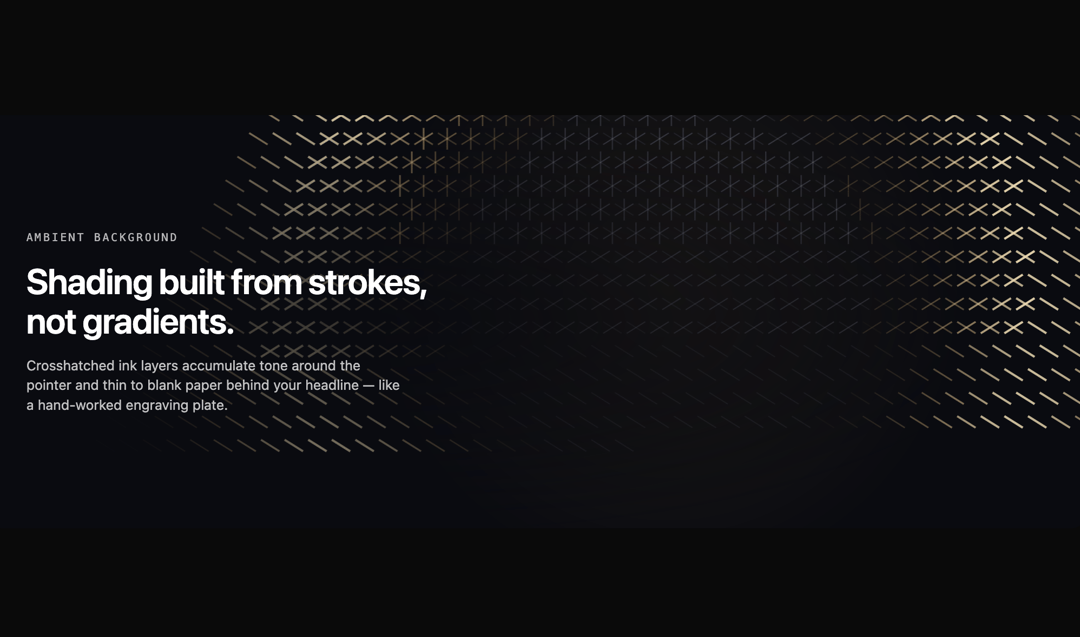
Crosshatched ink strokes that accumulate tone around the pointer and thin to blank paper behind your headline — engraving, not gradients. Fixed plate palette by design, so it reads the same in light and dark.
Built with React and Tailwind. Copy the prompt and paste it into Claude Code, Cursor or Lovable: your agent adds Copperplate Hatch to your project and fits it to your theme.
Code
How Copperplate Hatch is used: the demo's code. The component's own source comes with a free account.
Usage.tsx
"use client";

import { CopperplateHatch } from "@/components/ui/copperplate-hatch";

export default function CopperplateHatchDemo() {
  return (
    <div className="relative w-full overflow-hidden rounded-2xl">
      <CopperplateHatch
        className="absolute inset-0"
        density={1}
        intensity={1}
        speed={1}
        interactive
        safeArea={{ x: 0.06, y: 0.22, w: 0.58, h: 0.56 }}
      />

      <div className="relative flex min-h-[420px] flex-col items-start justify-center gap-4 px-10">
        <span className="font-mono text-[11px] uppercase tracking-[0.18em] text-white/70">
          Ambient background
        </span>
        <h2 className="max-w-md text-4xl font-semibold tracking-tight text-white">
          Shading built from strokes, not gradients.
        </h2>
        <p className="max-w-sm text-sm text-white/75">
          Crosshatched ink layers accumulate tone around the pointer and thin to
          blank paper behind your headline — like a hand-worked engraving plate.
        </p>
      </div>
    </div>
  );
}
Dependencies
More by Mehi
View all
Border Beam Panel
928
Compare Reveal
304
Decrypt Text
240
Holo Card
219
Magnetic Dock
156
Luminous Topography
106
Lens Card
83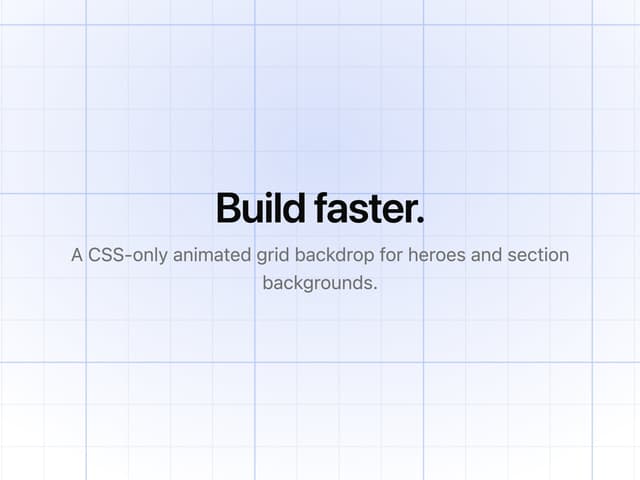
Animated Grid
49
More in Backgrounds
View all
Elegant Dark Pattern
811

Gradient Backgrounds
25
Jade Sky
85

Light theme Tailwind CSS Background Snippet
221
Background snippets
16
Gradient Blur Bg
34
Background Components
233
Tailwind CSS Background Snippet
535

