

About
Sign-up flow in one card, Apple HIG style. Email or phone with country search and masks, 6-digit code with paste, autofill, resend timer and attempt limit, password checklist, success. Smooth height and step transitions. Bring your own backend via promises.
Built with React and Tailwind. Copy the prompt and paste it into Claude Code, Cursor or Lovable: your agent adds Sign Up Flow to your project and fits it to your theme.
Code
How Sign Up Flow is used: the demo's code. The component's own source comes with a free account.
Usage.tsx
"use client";

import * as React from "react";
import { SignUpFlow } from "@/components/ui/sign-up-flow";

/* Live controls (21st Demo Controls). */
const settings = {
  darkMode: false,
  startWithPhone: false,
  socialButtons: true,
};

export default function SignUpFlowDemo(props: Partial<typeof settings>) {
  const s = { ...settings, ...props };
  const dark = s.darkMode;

  return (
    <div
      className="flex min-h-screen w-full flex-col items-center justify-center gap-6 px-4 py-12"
      style={{
        fontFamily: "-apple-system, BlinkMacSystemFont, 'SF Pro Text', Inter, 'Segoe UI', Roboto, sans-serif",
        /* dot grid from the "work with AI" block of vasnev.art */
        backgroundColor: dark ? "#000000" : "#F2F2F7",
        backgroundImage: `radial-gradient(circle, ${dark ? "rgba(255,255,255,.06)" : "rgba(0,0,0,.07)"} 0 1px, transparent 1.4px)`,
        backgroundSize: "20px 13px",
        backgroundPosition: "-6px -1px",
      }}
    >
      <SignUpFlow
        key={`${s.startWithPhone}`}
        theme={dark ? "dark" : "light"}
        defaultMethod={s.startWithPhone ? "phone" : "email"}
        providers={s.socialButtons ? undefined : []}
      />
      <p className="m-0 text-center text-[13px] leading-[18px]" style={{ color: dark ? "rgba(235,235,245,.6)" : "rgba(60,60,67,.6)" }}>
        Demo code: <b>420420</b>. Any other code shows an error.
      </p>
    </div>
  );
}
More by Vasnev.art
View all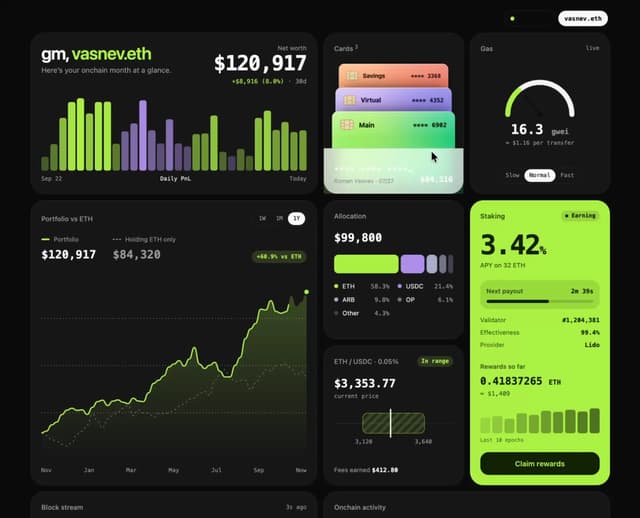

Web3Bento
319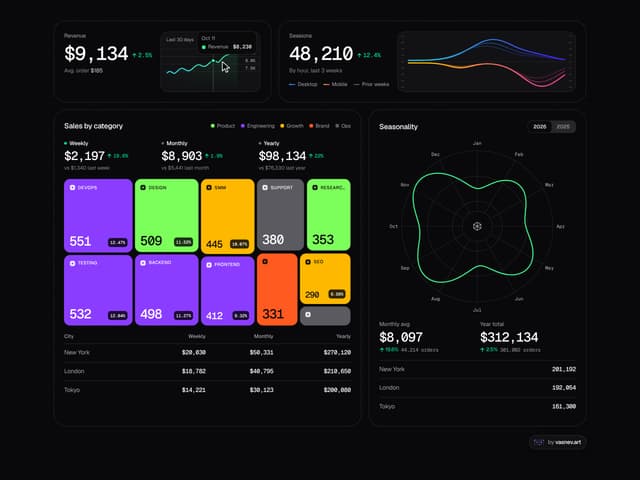
Analytics Bento
253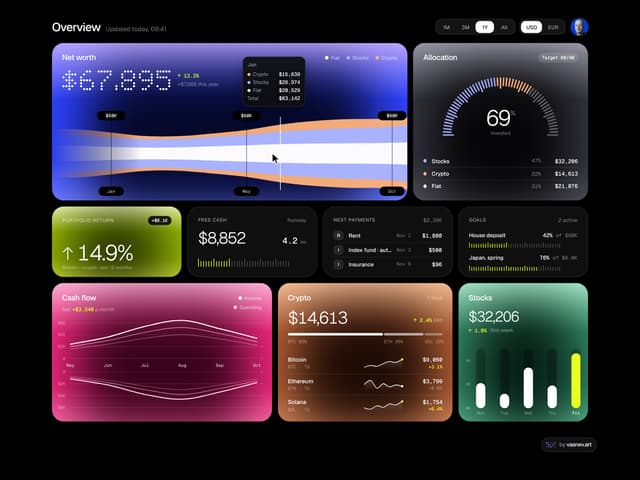
Finance Bento
188
Icon Folder
126
Holo Card
56
Portfolio Hero
52
Glass Prism Hero
32
Dot Field
26