
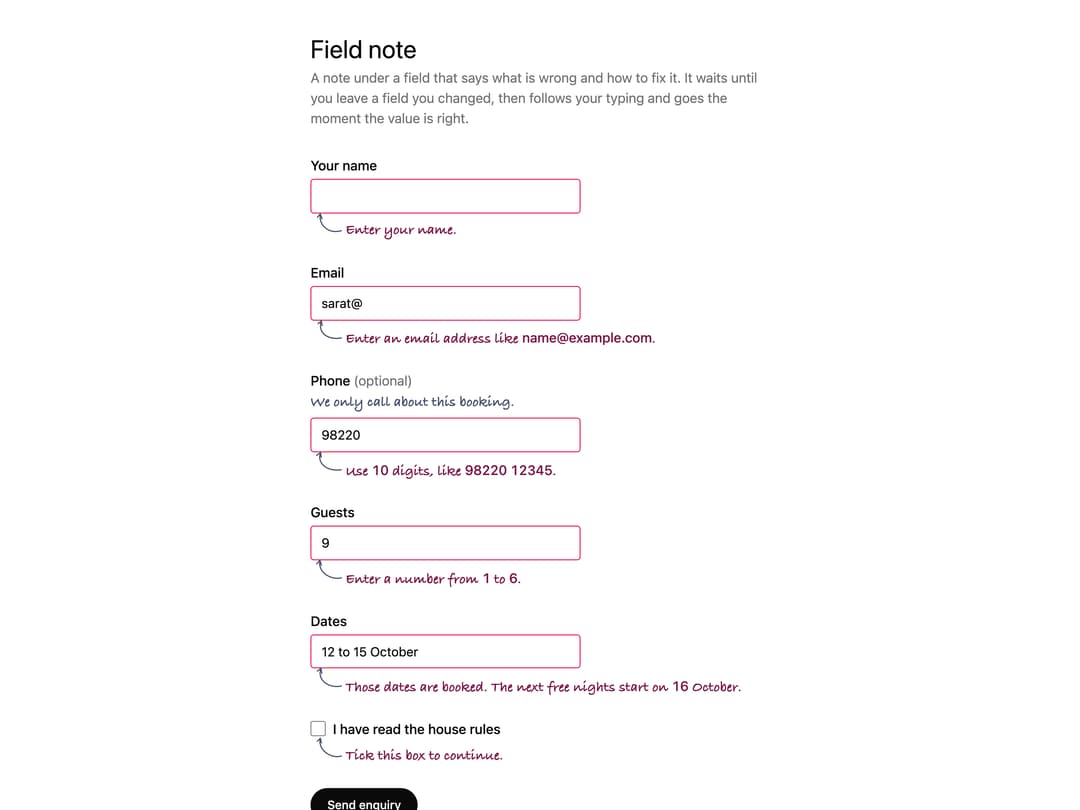
About
A validation note that appears below a form field explaining what is wrong and how to fix it, following the browser's native constraint validation (or showing a server-provided message), with built-in aria-describedby/aria-invalid wiring and focus-first-invalid-on-submit behaviour. Ported to React, faithful to the original Web Component API, from Sarat Chandra Gnanamgari's Susegad UI (MIT), susegad.asymmetrica.ai.
Built with React and Tailwind. Copy the prompt and paste it into Claude Code, Cursor or Lovable: your agent adds Field Note to your project and fits it to your theme.
Code
How Field Note is used: the demo's code. The component's own source comes with a free account.
Usage.tsx
"use client";

/* Reconstructed from Susegad UI's own packages/components/field-note/demo.html
   (enquiry form fields, copy and the initial note.check() call), re-expressed
   with React refs/JSX and Tailwind layout. Colours use theme tokens so the
   form reads correctly in both light and dark. */

import * as React from "react";
import FieldNote, { type FieldNoteHandle } from "@/components/ui/field-note";

export default function FieldNoteDemo() {
  const nameNote = React.useRef<FieldNoteHandle>(null);
  const emailNote = React.useRef<FieldNoteHandle>(null);
  const phoneNote = React.useRef<FieldNoteHandle>(null);
  const guestsNote = React.useRef<FieldNoteHandle>(null);
  const termsNote = React.useRef<FieldNoteHandle>(null);
  const notes = [nameNote, emailNote, phoneNote, guestsNote, termsNote];

  React.useEffect(() => {
    // show the notes as they look after a first try at sending
    notes.forEach((n) => n.current?.check());
  }, []);

  const inputCls =
    "max-w-xs rounded border border-input bg-background px-3 py-2 text-[0.95rem] text-foreground outline-none aria-invalid:border-rose-600 dark:aria-invalid:border-rose-400";

  return (
    <main className="mx-auto w-full max-w-xl bg-background px-4 py-10 text-foreground">
      <h1 className="mb-1 text-3xl text-foreground">Field note</h1>
      <p className="mb-8 text-muted-foreground">
        A note under a field that says what is wrong and how to fix it. It waits
        until you leave a field you changed, then follows your typing and goes
        the moment the value is right.
      </p>

      <form
        className="grid gap-6"
        noValidate
        onSubmit={(e) => {
          e.preventDefault();
          notes.forEach((n) => n.current?.check());
        }}
      >
        <div className="grid gap-1">
          <label htmlFor="name" className="font-medium text-foreground">
            Your name
          </label>
          <input
            id="name"
            name="name"
            required
            autoComplete="name"
            className={inputCls}
          />
          <FieldNote ref={nameNote} htmlFor="name" validate />
        </div>

        <div className="grid gap-1">
          <label htmlFor="email" className="font-medium text-foreground">
            Email
          </label>
          <input
            id="email"
            name="email"
            type="email"
            required
            autoComplete="email"
            defaultValue="sarat@"
            className={inputCls}
          />
          <FieldNote ref={emailNote} htmlFor="email" validate />
        </div>

        <div className="grid gap-1">
          <label htmlFor="phone" className="font-medium text-foreground">
            Phone{" "}
            <span className="font-normal text-muted-foreground">
              (optional)
            </span>
          </label>
          <FieldNote id="phone-hint" htmlFor="phone" tone="hint">
            We only call about this booking.
          </FieldNote>
          <input
            id="phone"
            name="phone"
            inputMode="tel"
            pattern="[0-9 ]{10,12}"
            defaultValue="98220"
            className={inputCls}
          />
          <FieldNote
            ref={phoneNote}
            htmlFor="phone"
            validate
            messages={{ patternMismatch: "Use 10 digits, like 98220 12345." }}
          />
        </div>

        <div className="grid gap-1">
          <label htmlFor="guests" className="font-medium text-foreground">
            Guests
          </label>
          <input
            id="guests"
            name="guests"
            type="number"
            min={1}
            max={6}
            step={1}
            defaultValue={9}
            className={inputCls}
          />
          <FieldNote ref={guestsNote} htmlFor="guests" validate />
        </div>

        <div className="grid gap-1">
          <label htmlFor="dates" className="font-medium text-foreground">
            Dates
          </label>
          <input
            id="dates"
            name="dates"
            defaultValue="12 to 15 October"
            className={inputCls}
          />
          {/* rendered by the server after it checked the calendar */}
          <FieldNote htmlFor="dates">
            Those dates are booked. The next free nights start on 16 October.
          </FieldNote>
        </div>

        <div className="grid gap-1">
          <div className="flex items-center gap-2">
            <input
              id="terms"
              name="terms"
              type="checkbox"
              required
              className="h-[1.15rem] w-[1.15rem] rounded border-input bg-background accent-foreground"
            />
            <label htmlFor="terms" className="font-medium text-foreground">
              I have read the house rules
            </label>
          </div>
          <FieldNote ref={termsNote} htmlFor="terms" validate />
        </div>

        <button
          type="submit"
          className="justify-self-start rounded-full bg-foreground px-5 py-2.5 text-sm font-medium text-background"
        >
          Send enquiry
        </button>
      </form>
    </main>
  );
}
More by sarat-asymmetrica
View all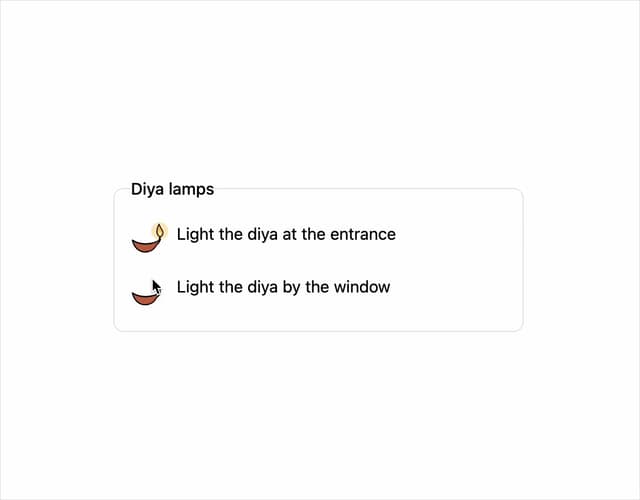
Toggle
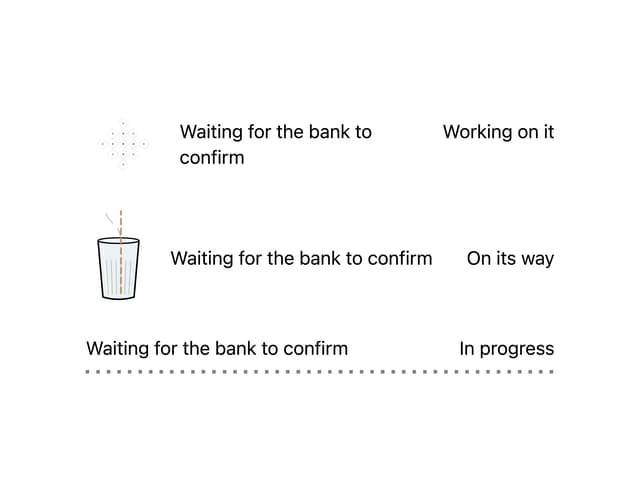
Kolam & Chai Progress
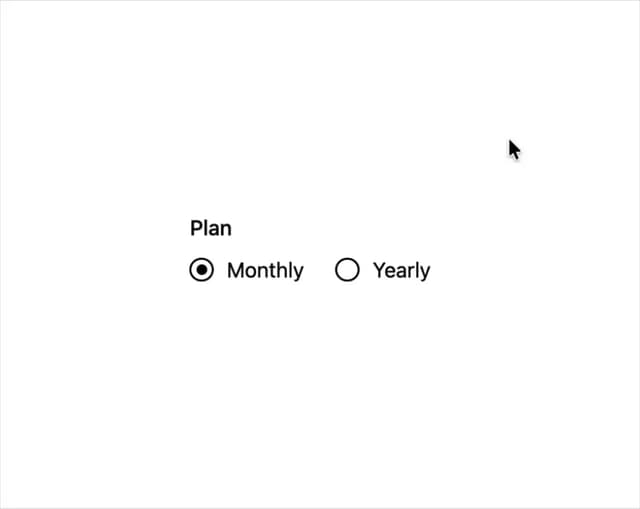
Hand-drawn Radio Group
Hand-Inked Status Badge
File Drop
More in Forms
View all

Premium Auth
497

Login 2
7
Authentication Card
45

Login 1
52

Contact Card
1K

Form
16

Form
136

Card Studio
41
