
About
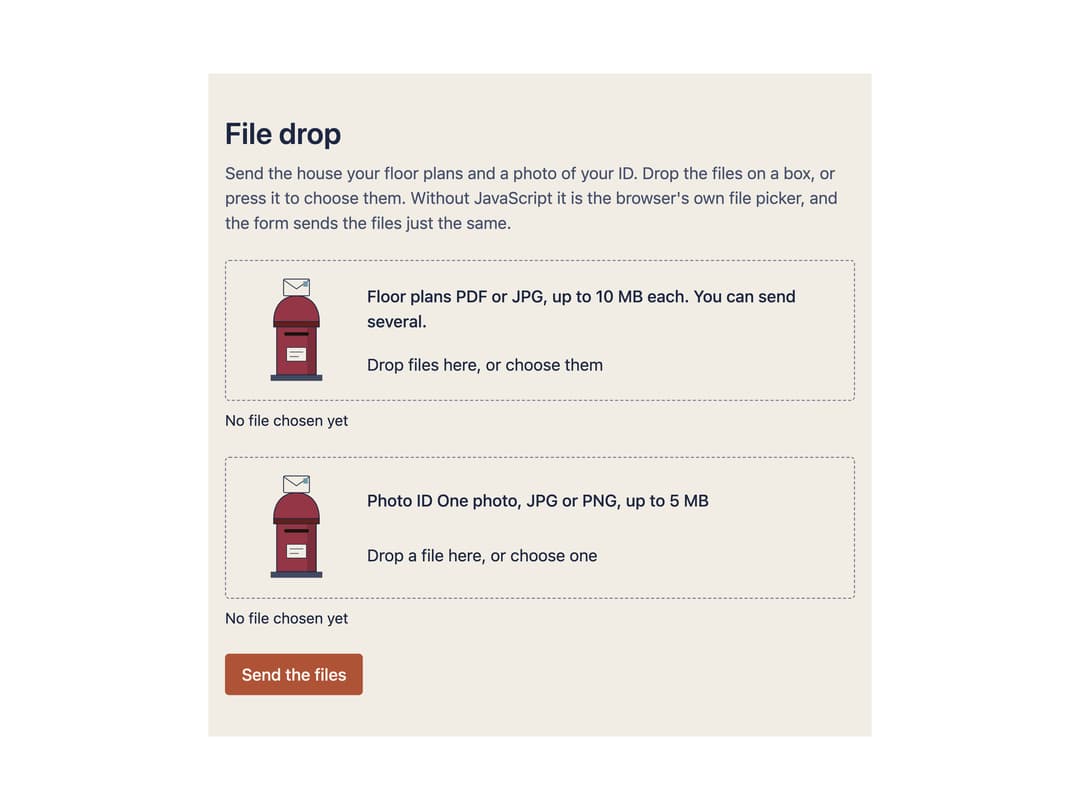
A native file input you can drag files onto, which checks file type/size/count on drop, lists what was chosen with a remove button for each, and announces every change in words for screen readers. Ported to React from Susegad UI's sg-file-drop web component (MIT, Sarat Chandra Gnanamgari / Asymmetrica), including its "warm" skin's animated pillar-postbox illustration.
Built with React and Tailwind. Copy the prompt and paste it into Claude Code, Cursor or Lovable: your agent adds File Drop to your project and fits it to your theme.
Code
How File Drop is used: the demo's code. The component's own source comes with a free account.
Usage.tsx
"use client";
import * as React from "react";
import FileDrop from "@/components/ui/file-drop";
// Harvested from susegad-ui's own packages/components/file-drop/demo.html
// (the project's own usage example), translated to JSX using the ported
// component. Copy, structure and field attributes are unchanged.
export default function FileDropDemo() {
return (
<main
className="mx-auto w-full max-w-[40rem] px-4 py-10"
style={{ background: "var(--sg-paper)", color: "var(--sg-ink)" }}
>
<h1 className="mb-2 text-[1.8rem] font-semibold leading-tight">
File drop
</h1>
<p className="mb-6" style={{ color: "var(--sg-ink-soft)" }}>
Send the house your floor plans and a photo of your ID. Drop the files
on a box, or press it to choose them. Without JavaScript it is the
browser's own file picker, and the form sends the files just the
same.
</p>
<form
action="./demo.html"
method="post"
encType="multipart/form-data"
onSubmit={(e) => e.preventDefault()}
className="grid gap-6"
>
<FileDrop
label="Floor plans"
hint="PDF or JPG, up to 10 MB each. You can send several."
name="plans"
accept=".pdf,image/jpeg"
multiple
maxSize="10 MB"
/>
<FileDrop
label="Photo ID"
hint="One photo, JPG or PNG, up to 5 MB"
name="id"
accept="image/jpeg,image/png"
required
maxSize="5 MB"
/>
<button
type="submit"
className="justify-self-start rounded px-4 py-2 font-medium"
style={{
background: "var(--sg-accent)",
color: "var(--sg-on-accent)",
}}
>
Send the files
</button>
</form>
</main>
);
}
More by sarat-asymmetrica
View all
Toggle
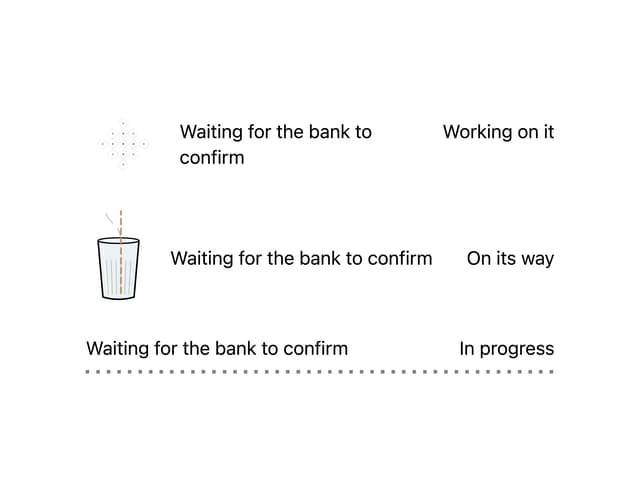
Kolam & Chai Progress
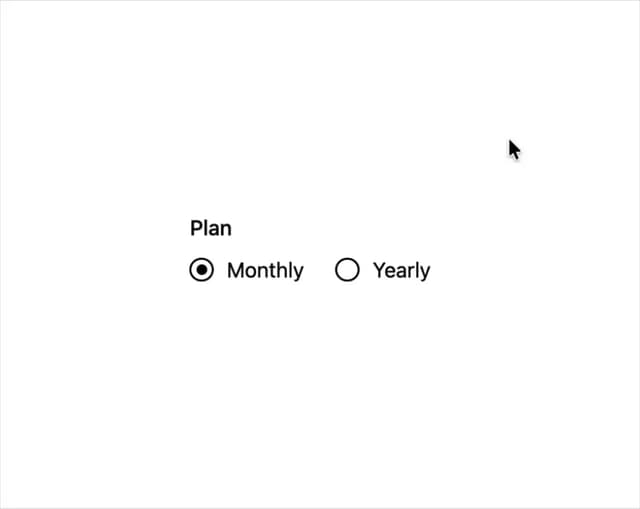
Hand-drawn Radio Group
Hand-Inked Status Badge
Field Note
More in Forms
View all

Premium Auth
497

Login 2
7
Authentication Card
45

Login 1
52

Contact Card
1K

Form
16

Form
136

Card Studio
41
