
About
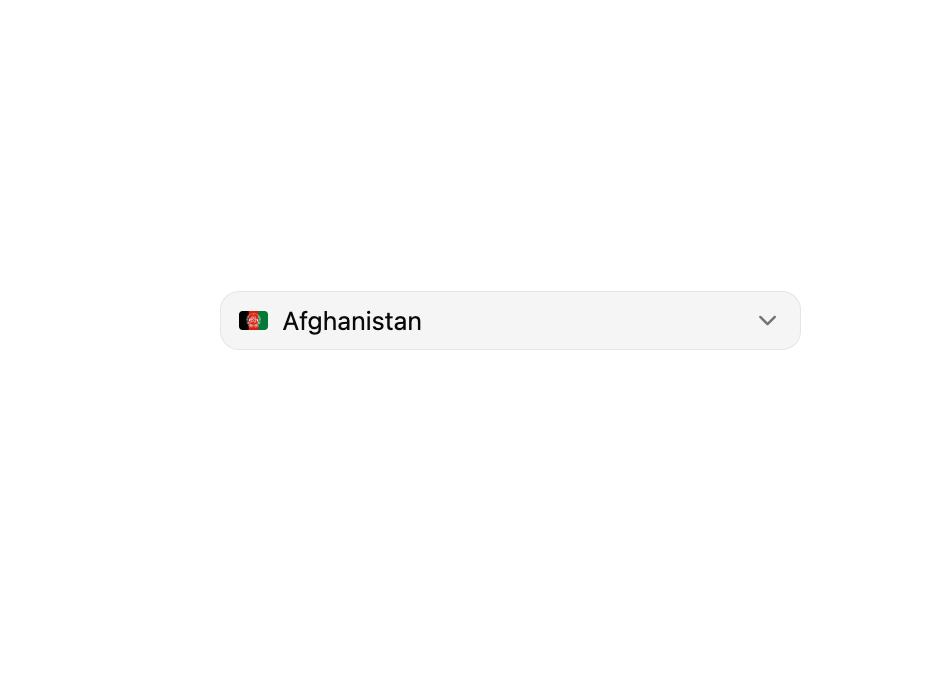
ReUI Combobox with the first 10 official ReUI examples, preserved from the MIT-licensed source registry.
Built with React and Tailwind. Copy the prompt and paste it into Claude Code, Cursor or Lovable: your agent adds ReUI Combobox to your project and fits it to your theme.
Code
How ReUI Combobox is used: the demo's code. The component's own source comes with a free account.
Usage.tsx
import { Button } from "@/components/ui/reui-combobox-utils/button"
import {
  Combobox,
  ComboboxContent,
  ComboboxEmpty,
  ComboboxInput,
  ComboboxItem,
  ComboboxList,
  ComboboxTrigger,
  ComboboxValue,
} from "@/components/ui/reui-combobox"
import { Field } from "@/components/ui/reui-combobox-utils/field"

const countries = [
  { code: "af", label: "Afghanistan" },
  { code: "al", label: "Albania" },
  { code: "dz", label: "Algeria" },
  { code: "as", label: "American Samoa" },
  { code: "ad", label: "Andorra" },
  { code: "ao", label: "Angola" },
]

export default function Pattern() {
  return (
    <Field className="max-w-xs">
      <Combobox
        items={countries}
        defaultValue={countries[0]}
        itemToStringValue={(item: (typeof countries)[number]) => item.label}
      >
        <ComboboxTrigger
          render={
            <Button variant="outline" className="justify-between font-normal" />
          }
        >
          <ComboboxValue>
            {(item: (typeof countries)[number]) => (
              <span className="flex items-center gap-2">
                <img
                  src={`https://flagcdn.com/${item.code.toLowerCase()}.svg`}
                  alt=""
                  width={16}
                  height={16}
                  className="rounded-xs"
                />
                <span>{item.label}</span>
              </span>
            )}
          </ComboboxValue>
        </ComboboxTrigger>
        <ComboboxContent className="max-w-(--anchor-width) min-w-(--anchor-width)">
          <ComboboxInput showTrigger={false} placeholder="Search" />
          <ComboboxEmpty>No items found.</ComboboxEmpty>
          <ComboboxList>
            {(item) => (
              <ComboboxItem key={item.code} value={item}>
                <img
                  src={`https://flagcdn.com/${item.code.toLowerCase()}.svg`}
                  alt=""
                  width={16}
                  height={12}
                  className="rounded-xs"
                />
                {item.label}
              </ComboboxItem>
            )}
          </ComboboxList>
        </ComboboxContent>
      </Combobox>
    </Field>
  )
}
Dependencies
More by Sean Hello
View all

3D Testimonails
3.3K
Line Charts 9
637
Alert
492
Area Charts 1
385
Line Charts 6
384
Scroll Area
376
Area Charts 2
317
Navigation Menu
306