
About
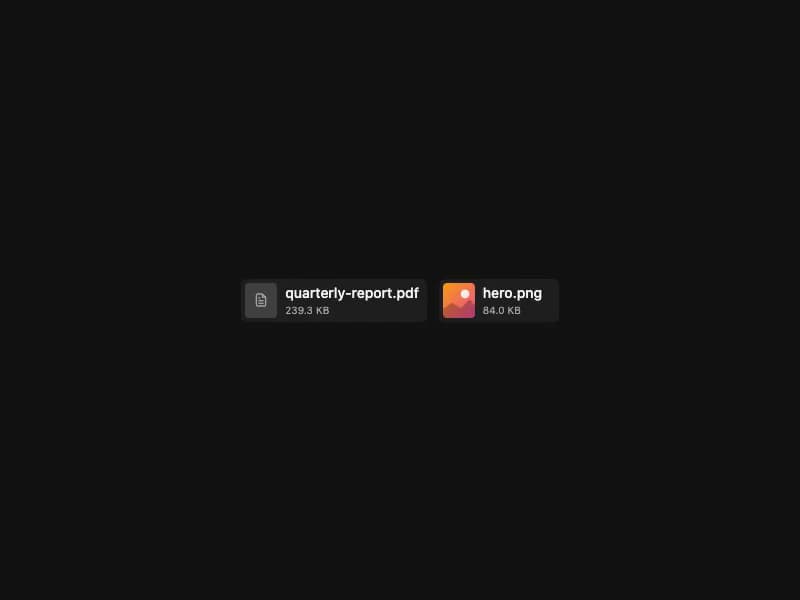
File/image chip for AI chat input. Renders file icons by extension, image thumbnails, image-only mode, and a hover-revealed remove button. Self-contained port from 21st.dev Agent Elements.
Built with React and Tailwind. Copy the prompt and paste it into Claude Code, Cursor or Lovable: your agent adds File Attachment to your project and fits it to your theme.
Code
How File Attachment is used: the demo's code. The component's own source comes with a free account.
Usage.tsx
import { FileAttachment } from "@/components/ui/file-attachment";

const heroSvg = `<svg xmlns="http://www.w3.org/2000/svg" viewBox="0 0 64 64"><defs><linearGradient id="g" x1="0" y1="0" x2="1" y2="1"><stop offset="0" stop-color="#f59e0b"/><stop offset="1" stop-color="#ec4899"/></linearGradient></defs><rect width="64" height="64" fill="url(#g)"/><circle cx="44" cy="20" r="8" fill="#fff" fill-opacity="0.85"/><path d="M0 50 L20 36 L36 46 L52 30 L64 42 L64 64 L0 64 Z" fill="#000" fill-opacity="0.25"/></svg>`;
const heroImg = `data:image/svg+xml;utf8,${encodeURIComponent(heroSvg)}`;

export default function Demo() {
  return (
    <div className="flex h-full w-full items-center justify-center p-8">
      <div className="flex items-center gap-3">
        <FileAttachment
          id="report"
          filename="quarterly-report.pdf"
          size={245_000}
        />
        <FileAttachment
          id="hero"
          filename="hero.png"
          size={86_000}
          isImage
          url={heroImg}
        />
      </div>
    </div>
  );
}
Dependencies
More by 21st
View all
Spline Scene
9.5K
Testimonials with Marquee
2.3K
Gradient Button
1.9K
Pixel Canvas
900
Animated Blur Number
830
Empty State
775
Balloons
755
Status Badge
646
