
About
Code Block component used across Vercel and Next.js.
Built with React and Tailwind. Copy the prompt and paste it into Claude Code, Cursor or Lovable: your agent adds Code Block to your project and fits it to your theme.
Code
How Code Block is used: the demo's code. The component's own source comes with a free account.
Usage.tsx
import React, { useState } from "react";
import { CodeBlock } from "@/components/ui/code-block.tsx";

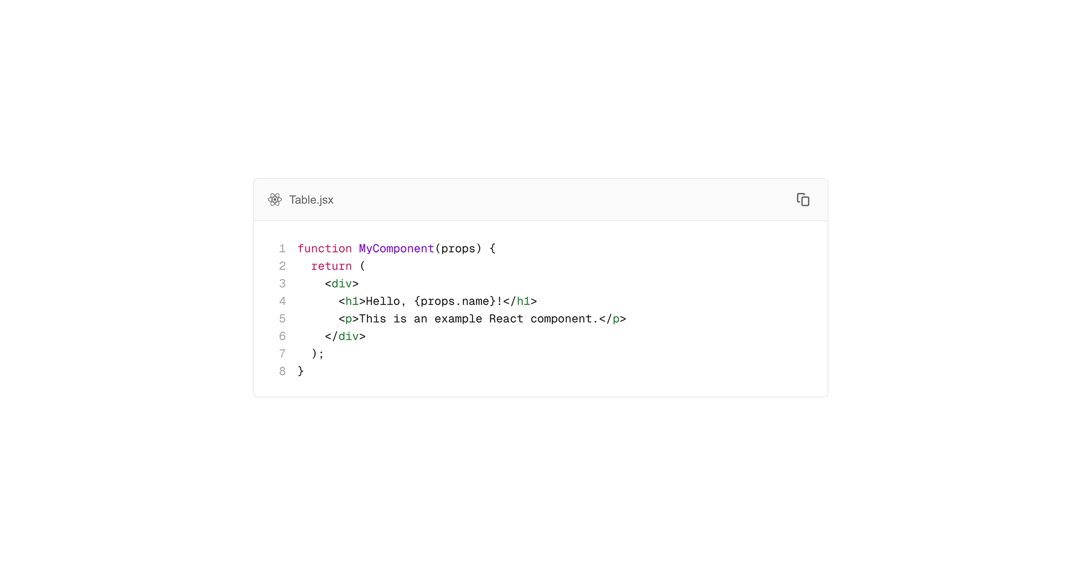
const code = `function MyComponent(props) {
  return (
    <div>
      <h1>Hello, {props.name}!</h1>
      <p>This is an example React component.</p>
    </div>
  );
}`;

const codeTs = `function MyComponent(props: Props) {
	return (
	  <div>
		<h1>Hello, {props.name}!</h1>
		<p>Good to see you</p>
	  </div>
	);
}`;

const languages = [
  {
    label: "JavaScript",
    value: "js"
  },
  {
    label: "TypeScript",
    value: "ts"
  },
  {
    label: "Next.js",
    value: "next"
  }
];

const LanguageSwitcherDemo = () => {
  const [language, setLanguage] = useState("js");

  if (language === "ts") {
    return (
      <CodeBlock
        aria-label="Hello world"
        filename="Table.tsx"
        language="tsx"
        switcher={{
          options: languages,
          value: language,
          onChange: (l) => setLanguage(l)
        }}
      >
        {codeTs}
      </CodeBlock>
    );
  }

  if (language === "next") {
    return (
      <CodeBlock
        aria-label="Hello world"
        filename="Table.tsx"
        language="next"
        switcher={{
          options: languages,
          value: language,
          onChange: (l) => setLanguage(l)
        }}
      >
        {codeTs}
      </CodeBlock>
    );
  }

  return (
    <CodeBlock
      aria-label="Hello world"
      filename="Table.jsx"
      language="jsx"
      switcher={{
        options: languages,
        value: language,
        onChange: (l) => setLanguage(l)
      }}
    >
      {code}
    </CodeBlock>
  );
};

export const Default = () => (
  <div className="flex flex-col gap-2 w-full">
    <div className="font-bold text-xl dark:text-white">Default</div>
    <CodeBlock aria-label="Hello world" filename="Table.jsx" language="jsx">
      {code}
    </CodeBlock>
  </div>
);

export const NoFilename = () => (
  <div className="flex flex-col gap-2 w-full">
    <div className="font-bold text-xl dark:text-white">No filename</div>
    <CodeBlock aria-label="Hello world" language="jsx">
      {code}
    </CodeBlock>
  </div>
);


export const HighlightedLines = () => (
  <div className="flex flex-col gap-2 w-full">
    <div className="font-bold text-xl dark:text-white">Highlighted lines</div>
    <CodeBlock
      aria-label="Hello world"
      filename="Table.jsx"
      highlightedLinesNumbers={[1, 4]}
      language="jsx"
    >
      {code}
    </CodeBlock>
  </div>
);


export const LanguageSwitcher = () => (
  <div className="flex flex-col gap-2 w-full">
    <div className="font-bold text-xl dark:text-white">Language switcher</div>
    <LanguageSwitcherDemo />
  </div>
);


export const HiddenLineNumbers = () => (
  <div className="flex flex-col gap-2 w-full">
    <div className="font-bold text-xl dark:text-white">Hidden line numbers</div>
    <CodeBlock
      aria-label="Hello world"
      filename="Table.jsx"
      hideLineNumbers
      language="jsx"
    >
      {code}
    </CodeBlock>
  </div>
);
Dependencies
More by tigran tumasov
View all
Product Hunt Badge
1.8K
Book
162
Calendar
152
Theme Switcher
135
Snippet
124
Table
123
Toggle
89
Feedback
88