
About
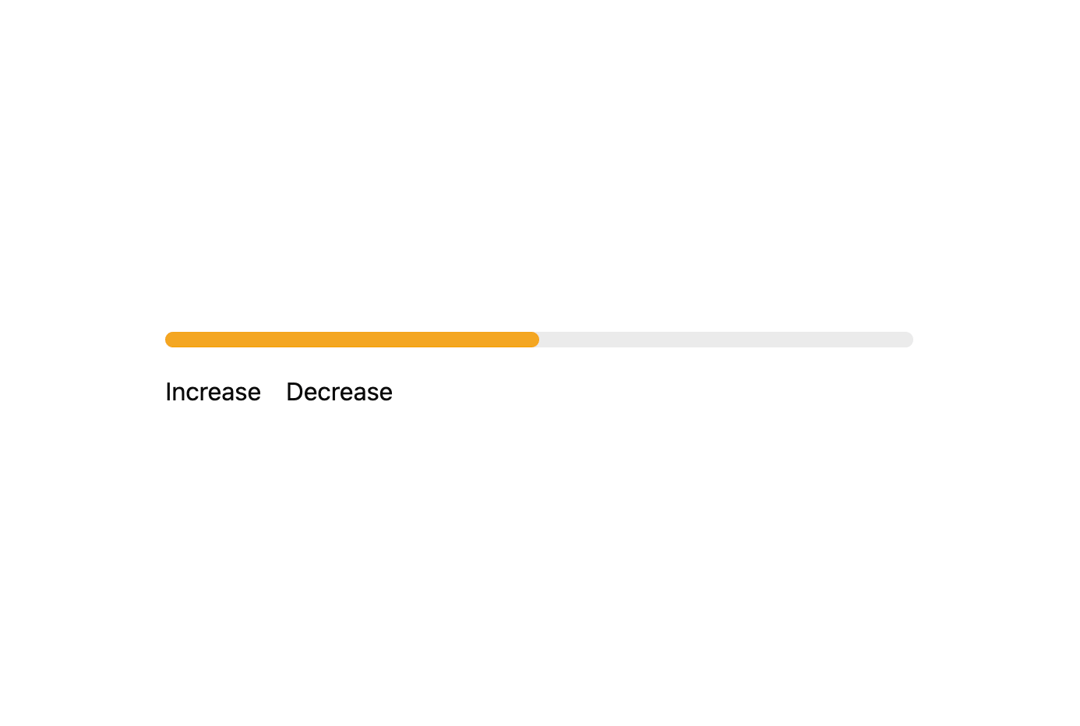
Display progress relative to a limit or related to a task.
Built with React and Tailwind. Copy the prompt and paste it into Claude Code, Cursor or Lovable: your agent adds Progress to your project and fits it to your theme.
Code
How Progress is used: the demo's code. The component's own source comes with a free account.
Usage.tsx
import React, { useState } from "react";
import { Progress } from "@/components/ui/progress";

export default function DynamicColorsDemo() {
  const [value, setValue] = useState(0);
  return (
    <div className="flex flex-col gap-4 w-1/2">
        <Progress
          colors={{
            0: "var(--geist-foreground)",
            25: "var(--geist-error)",
            50: "var(--geist-warning)",
            75: "var(--geist-highlight-pink)",
            100: "var(--geist-success)"
          }}
          value={value}
        />
        <div className="flex gap-4">
          <button
            onClick={() => {
              if (value < 100) setValue(value + 10);
            }}
          >
            Increase
          </button>
          <button
            onClick={() => {
              if (value > 0) setValue(value - 10);
            }}
          >
            Decrease
          </button>
        </div>
      </div>
  );
}
More by tigran tumasov
View all
Product Hunt Badge
1.8K
Book
162
Calendar
152
Theme Switcher
135
Snippet
124
Table
123
Toggle
89
Feedback
88