
About
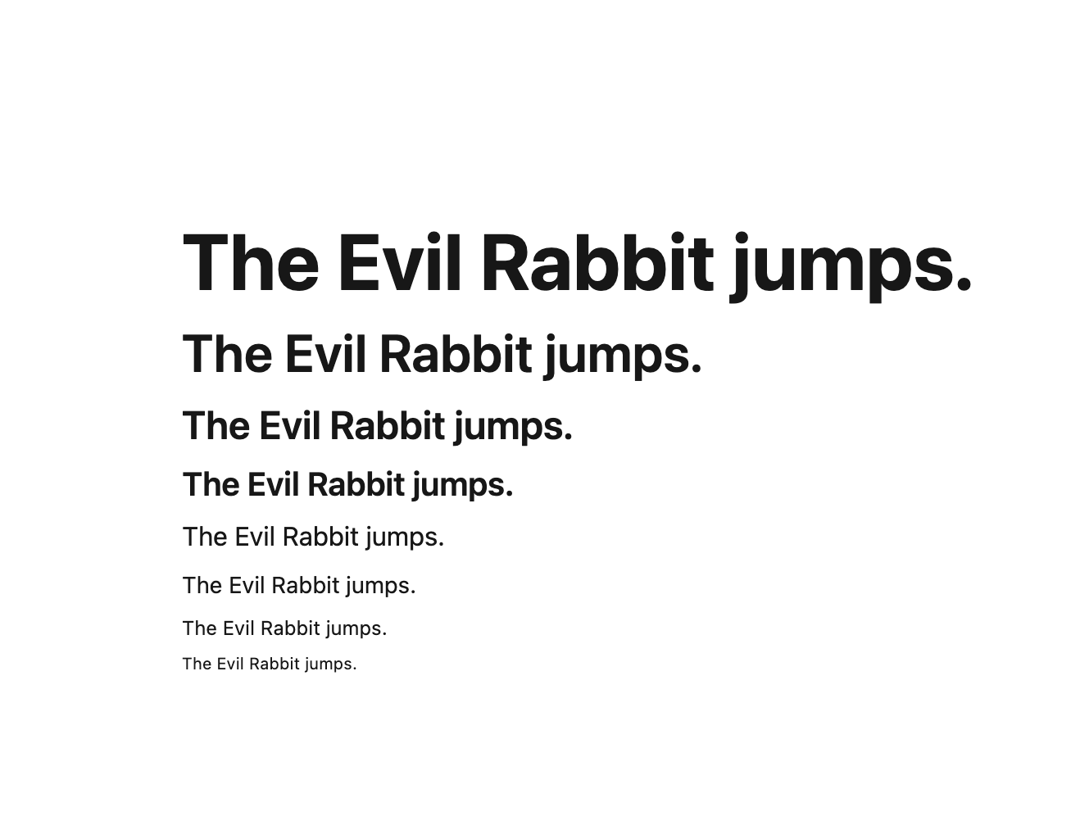
Display text using well-defined typographic styles.
Built with React and Tailwind. Copy the prompt and paste it into Claude Code, Cursor or Lovable: your agent adds Text to your project and fits it to your theme.
Code
How Text is used: the demo's code. The component's own source comes with a free account.
Usage.tsx
import { Text } from "@/components/ui/text-1";

export default function DefaultDemo() {
  return (
      <div className="flex flex-col gap-2 w-3/4">
        <Text size={48}>The Evil Rabbit jumps.</Text>
        <Text size={32}>The Evil Rabbit jumps.</Text>
        <Text size={24}>The Evil Rabbit jumps.</Text>
        <Text size={20}>The Evil Rabbit jumps.</Text>
        <Text size={16}>The Evil Rabbit jumps.</Text>
        <Text size={14}>The Evil Rabbit jumps.</Text>
        <Text size={12}>The Evil Rabbit jumps.</Text>
        <Text size={10}>The Evil Rabbit jumps.</Text>
      </div>
  );
}
Dependencies
More by tigran tumasov
View all
Product Hunt Badge
1.8K
Book
162
Calendar
152
Theme Switcher
135
Snippet
124
Table
123
Toggle
89
Feedback
88
More in Text
View all

Vertical Cut Reveal Characters
103

Rainbow Text Effect
47
Motion Blur Text
36
Text Loop
307
Text Reveal
27

Animated Text
8
Apple Hello Effect
609
Lightning Text
123

