
About
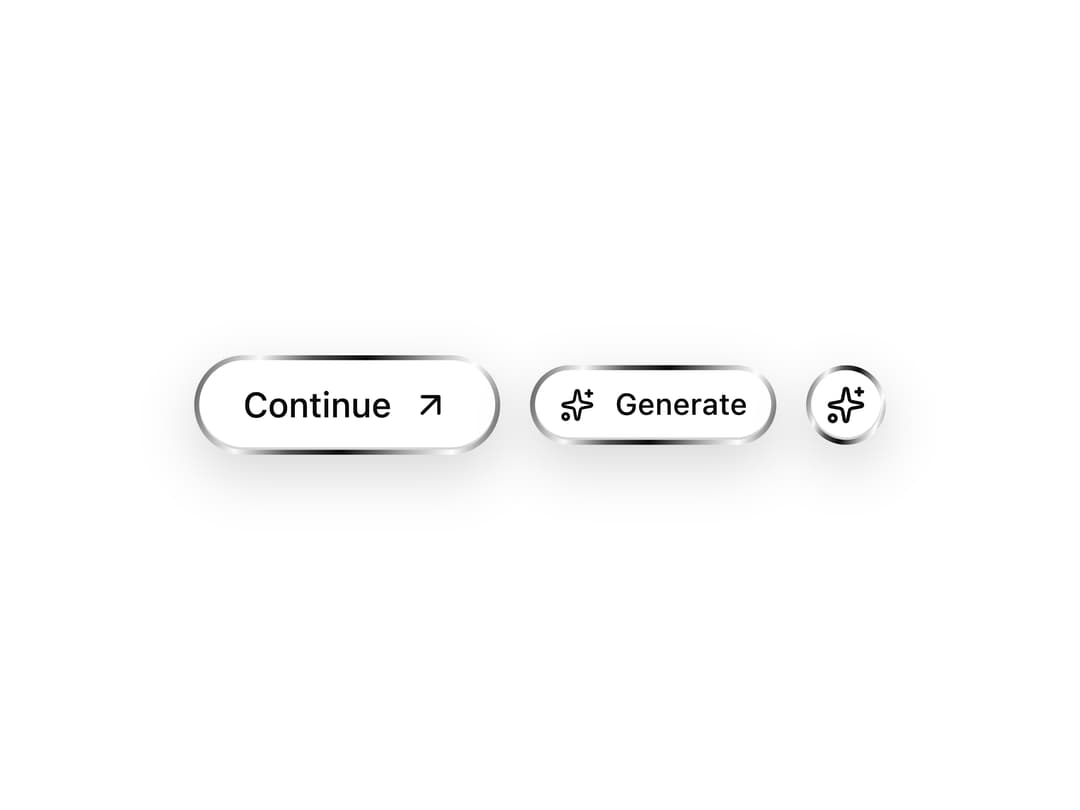
An animated button with a chrome-like metallic rim and a traveling light reflection on hover, for CTAs that want a premium metal surface look.
Built with React and Tailwind. Copy the prompt and paste it into Claude Code, Cursor or Lovable: your agent adds Metallic Button to your project and fits it to your theme.
Code
How Metallic Button is used: the demo's code. The component's own source comes with a free account.
Usage.tsx
"use client";

import MetallicButton from "@/components/ui/button-metallic";
import { ArrowUpRight, Sparkles } from "lucide-react";

export default function ButtonMetallicDemo() {
  return (
    <div className="flex flex-wrap items-center justify-center gap-3 px-6 py-10">
      <MetallicButton>
        Continue
        <ArrowUpRight className="size-4" />
      </MetallicButton>
      <MetallicButton size="sm">
        <Sparkles className="size-3.5" />
        Generate
      </MetallicButton>
      <MetallicButton size="icon" aria-label="Magic tools">
        <Sparkles className="size-4" />
      </MetallicButton>
    </div>
  );
}
Dependencies
More by Saurabh
View all
BeUI Tilt Card
369
BeUI Expandable Tabs
345
BeUI File Upload
293
BeUI Bouncy Accordion
200
BeUI Create Menu
199
BeUI Expanable Action Bar
184
Loader
173
BeUI 404 / Not Found
166
More in Buttons
View all
Button Save
46

Button
20

Eclipse Button
5

Button
32

Button
6

Button
14

Button Group
37
Split Button
32

