

About
A fullscreen animated overlay for transitioning between pages or views, with multiple stair, wave, and fade style transition effects.
Built with React and Tailwind. Copy the prompt and paste it into Claude Code, Cursor or Lovable: your agent adds Page Transition to your project and fits it to your theme.
Code
How Page Transition is used: the demo's code. The component's own source comes with a free account.
Usage.tsx
"use client";

import PageTransition from "@/components/ui/page-transition";
import { useState } from "react";

export default function PageTransitionDemo() {
  const [isVisible, setIsVisible] = useState(false);

  const trigger = () => {
    setIsVisible(true);
    setTimeout(() => setIsVisible(false), 1200);
  };

  return (
    <div className="relative w-full h-screen flex items-center justify-center bg-background">
      <button
        onClick={trigger}
        className="px-6 py-3 rounded-md bg-primary text-primary-foreground font-medium"
      >
        Trigger Transition
      </button>
      <PageTransition type="double-stairs" isVisible={isVisible} />
    </div>
  );
}
Dependencies
More by Subhan Uddin
View all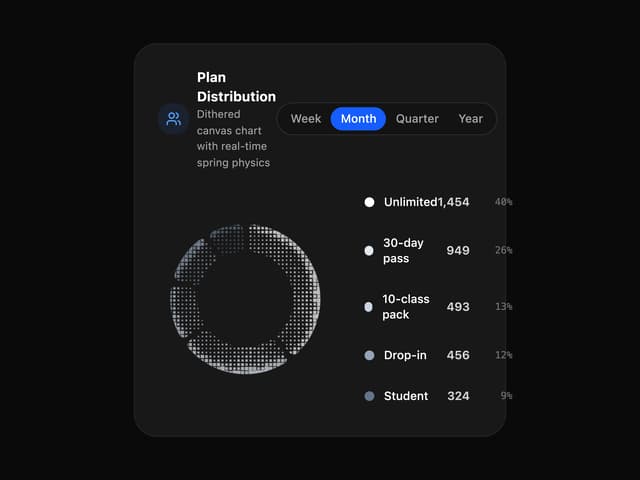

Dither Donut Chart
74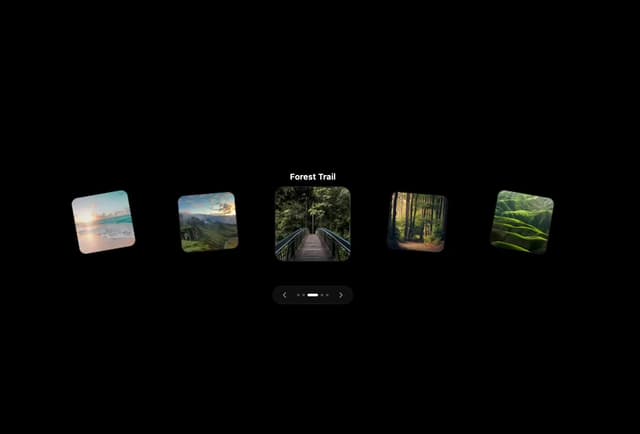
Interactive 3D Card Carousel
58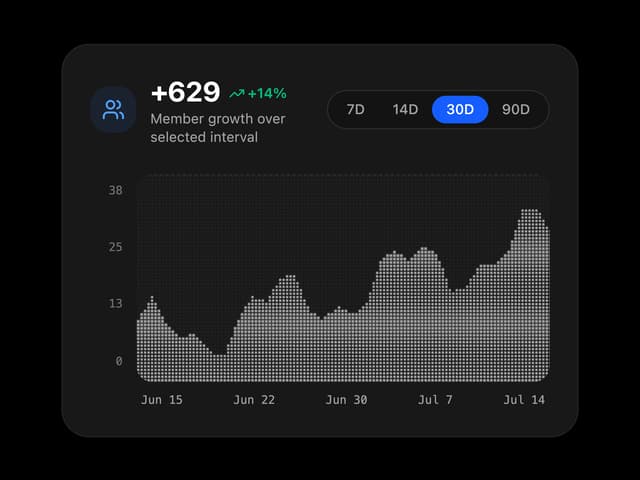
Dither Growth Chart
25
Dots Ring
23
Waveform Loader
14
Bouncing Square
12
Intersecting Rings
11
Bouncing Dots
10