
About
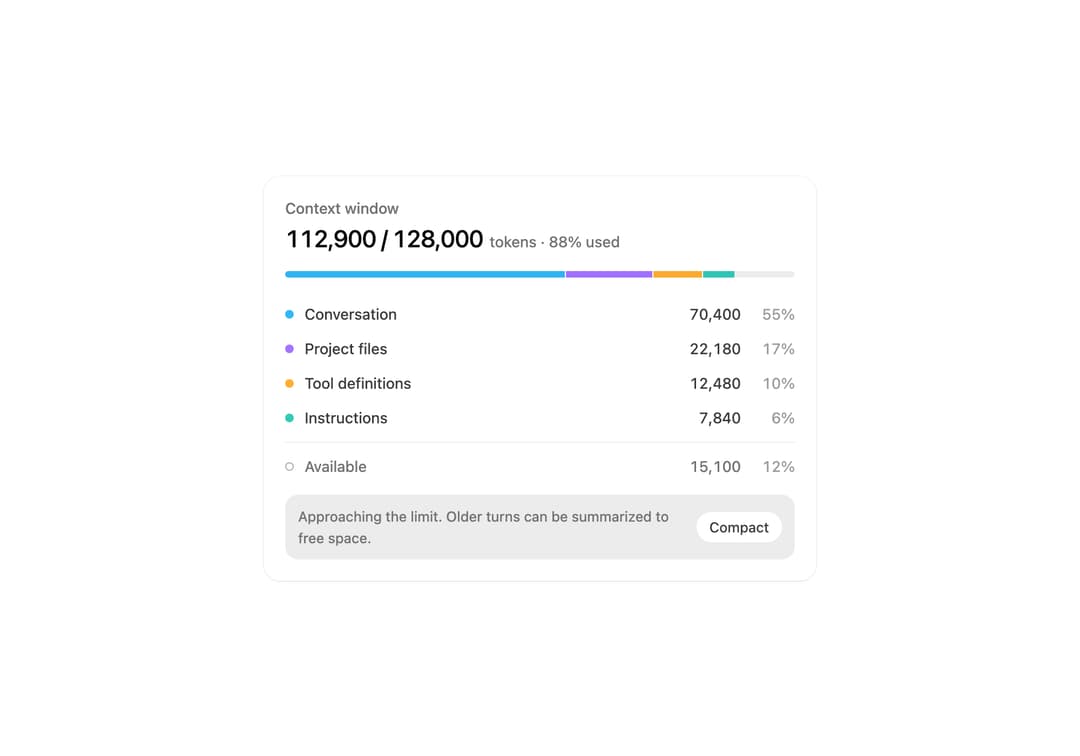
Context window usage by source with linked hover, a near-limit warning, and a compact action.
Built with React and Tailwind. Copy the prompt and paste it into Claude Code, Cursor or Lovable: your agent adds Context Breakdown to your project and fits it to your theme.
Code
How Context Breakdown is used: the demo's code. The component's own source comes with a free account.
Usage.tsx
import * as React from 'react'
import ContextBreakdown from '@/components/ui/context-breakdown'

const base = { files: 22180, tools: 12480, instructions: 7840 }

export default function Demo() {
  const [conversation, setConversation] = React.useState(64000)
  const [compacting, setCompacting] = React.useState(false)
  const used = conversation + base.files + base.tools + base.instructions
  const full = used / 128000 >= 0.86

  React.useEffect(() => {
    const timer = setTimeout(
      () => {
        if (compacting) {
          setConversation(9200)
          setCompacting(false)
        } else if (full) setCompacting(true)
        else setConversation((value) => value + 6400)
      },
      compacting ? 1600 : full ? 2200 : 650,
    )
    return () => clearTimeout(timer)
  }, [compacting, full, conversation])

  return (
    <ContextBreakdown
      className="w-full max-w-lg"
      compacting={compacting}
      limit={128000}
      onCompact={() => setCompacting(true)}
      segments={[
        { id: 'conversation', label: 'Conversation', tokens: conversation },
        { id: 'files', label: 'Project files', tokens: base.files },
        { id: 'tools', label: 'Tool definitions', tokens: base.tools },
        { id: 'instructions', label: 'Instructions', tokens: base.instructions },
      ]}
    />
  )
}
Dependencies
More by Syed Hasnain
View all
Color Picker
76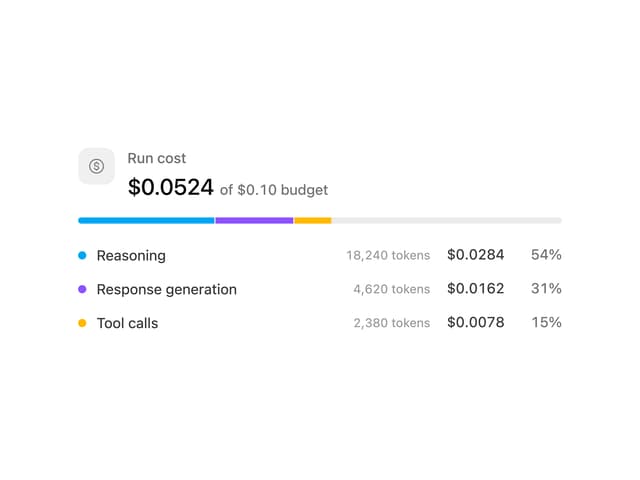
Cost Meter
29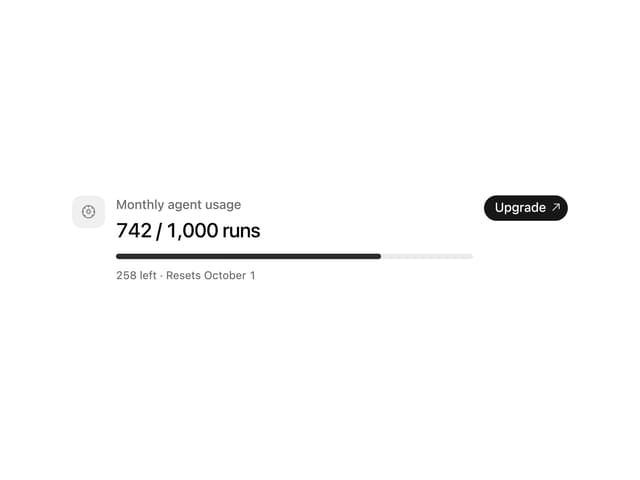
Quota Banner
21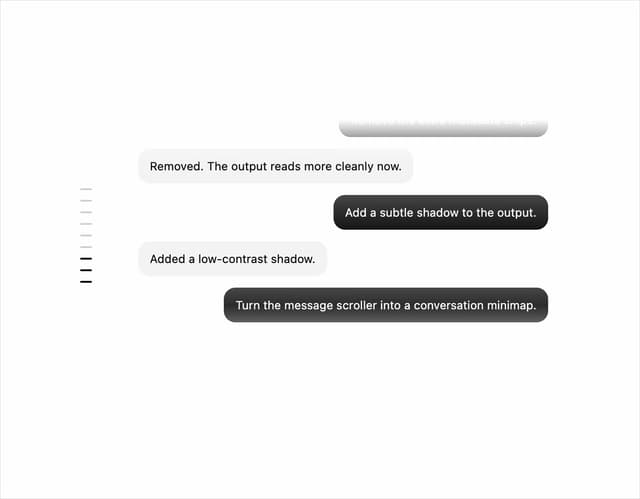
Message Scroller
21
Commit
17
Image Generation Loader
15
Attachments
15
Citations
14