

About
A keyboard-navigable file tree with collapsible folders, git change badges, and change counts rolled up to folders.
Built with React and Tailwind. Copy the prompt and paste it into Claude Code, Cursor or Lovable: your agent adds File Tree to your project and fits it to your theme.
Code
How File Tree is used: the demo's code. The component's own source comes with a free account.
Usage.tsx
import * as React from 'react'
import { FileTree, type FileTreeItem } from '@/components/ui/file-tree'

const items: FileTreeItem[] = [
  { id: 'src', name: 'src', kind: 'folder', expanded: true },
  { id: 'components', name: 'components', kind: 'folder', depth: 1, expanded: true },
  { id: 'prompt-input', name: 'prompt-input.tsx', kind: 'file', depth: 2, status: 'modified' },
  { id: 'artifact', name: 'artifact.tsx', kind: 'file', depth: 2, status: 'added' },
  { id: 'message', name: 'message.tsx', kind: 'file', depth: 2 },
  { id: 'hooks', name: 'hooks', kind: 'folder', depth: 1 },
  { id: 'use-stream', name: 'use-stream.ts', kind: 'file', depth: 2, status: 'modified' },
  { id: 'use-legacy-chat', name: 'use-legacy-chat.ts', kind: 'file', depth: 2, status: 'deleted' },
  { id: 'routes', name: 'routes', kind: 'folder', depth: 1 },
  { id: 'index-route', name: 'index.tsx', kind: 'file', depth: 2 },
  { id: 'package', name: 'package.json', kind: 'file', status: 'modified' },
  { id: 'readme', name: 'README.md', kind: 'file' },
]

export default function Demo() {
  const [selected, setSelected] = React.useState('artifact')

  return (
    <FileTree
      className="w-full max-w-sm"
      items={items}
      onSelect={setSelected}
      selectedId={selected}
      title="Repository"
    />
  )
}
Dependencies
More by Syed Hasnain
View all
Color Picker
78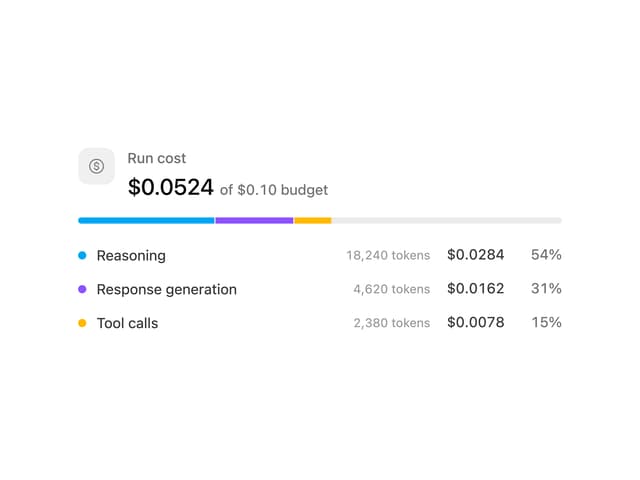
Cost Meter
29
Quota Banner
21
Message Scroller
21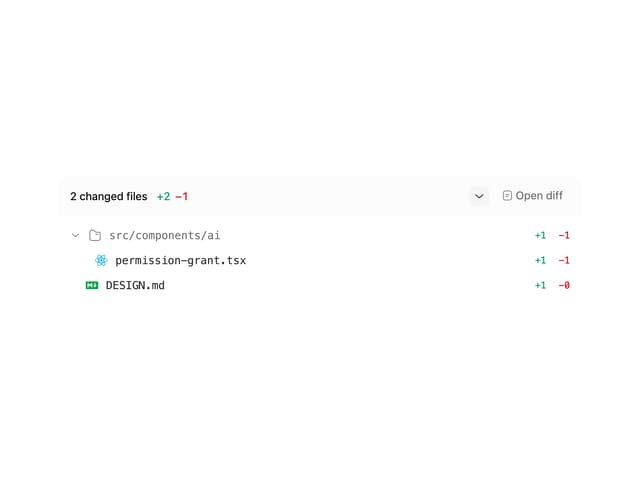
Commit
17
Image Generation Loader
15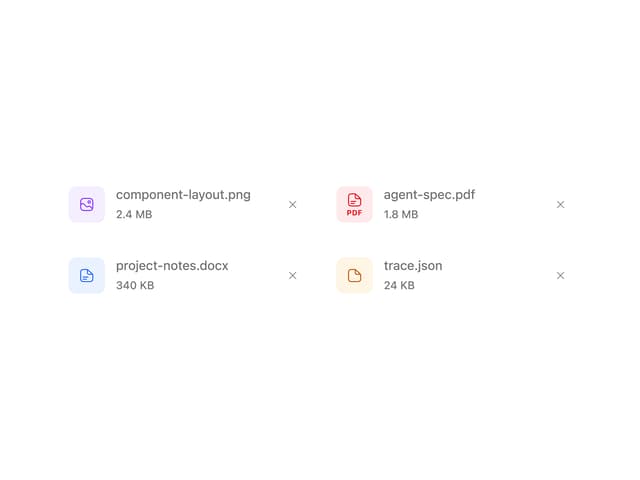
Attachments
15
Citations
14