About
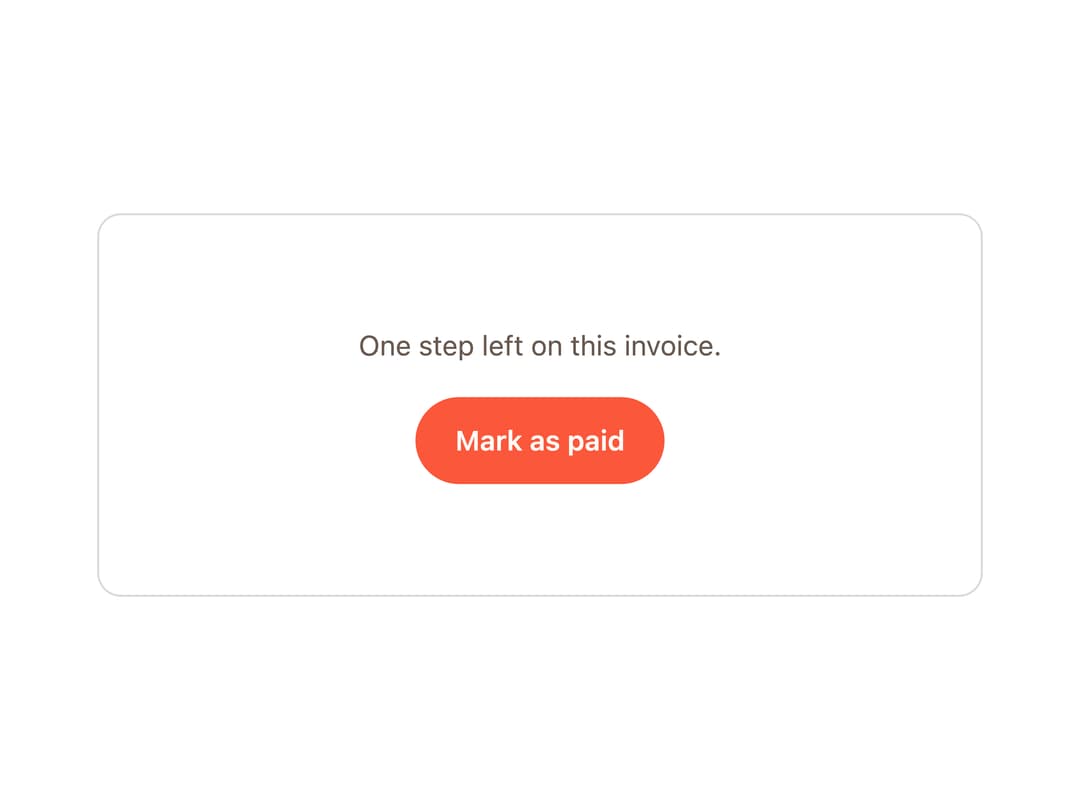
A canvas-based burst of confetti-like pieces that fires on demand to celebrate a completed action like a paid invoice or a finished task.
Built with React and Tailwind. Copy the prompt and paste it into Claude Code, Cursor or Lovable: your agent adds Burst to your project and fits it to your theme.
Code
How Burst is used: the demo's code. The component's own source comes with a free account.
Usage.tsx
"use client";

import * as React from "react";
import { Burst, type BurstHandle } from "@/components/ui/burst";

export function BurstDemo() {
  const burst = React.useRef<BurstHandle>(null);
  const [done, setDone] = React.useState(false);

  return (
    <div className="border-border bg-card relative isolate grid w-full max-w-md place-items-center overflow-hidden rounded-[var(--radius)] border px-6 py-14">
      <Burst ref={burst} announce="Invoice paid" />

      <p className="text-muted-foreground mb-4 text-sm">
        {done ? "Invoice paid." : "One step left on this invoice."}
      </p>

      <button
        type="button"
        className="bg-primary text-primary-foreground focus-visible:ring-ring inline-flex min-h-11 items-center rounded-full px-5 text-sm font-semibold focus-visible:ring-2 focus-visible:outline-none"
        onClick={() => {
          setDone(true);
          burst.current?.fire();
        }}
      >
        Mark as paid
      </button>
    </div>
  );
}

export default BurstDemo;
More by tinkerers-labs
View all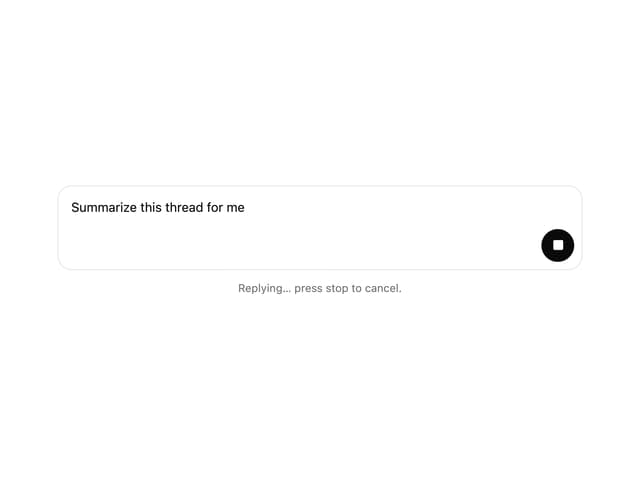

Prompt Input
6
Orb
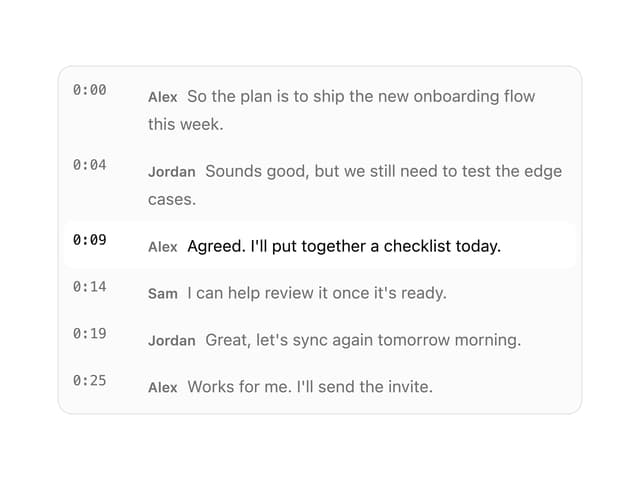
Transcript Viewer
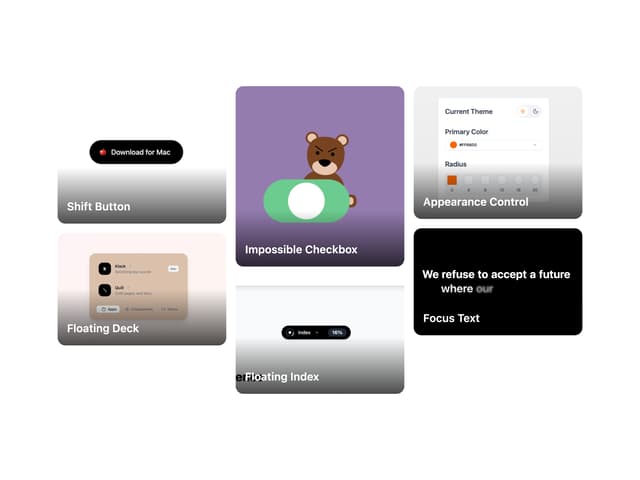
Image Grid
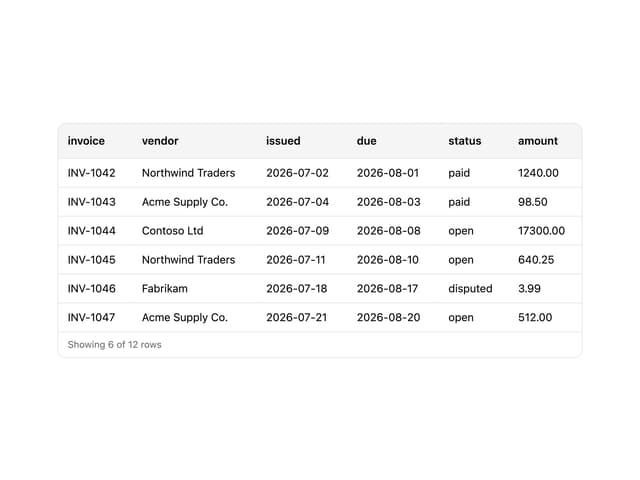
CSV Viewer
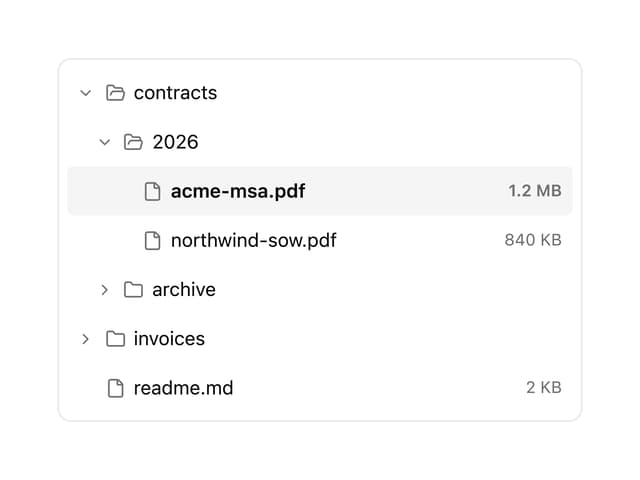
File Tree
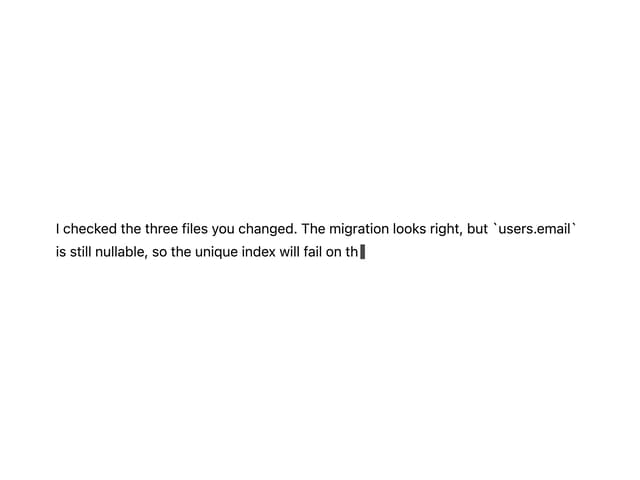
Streaming Text
Message