About
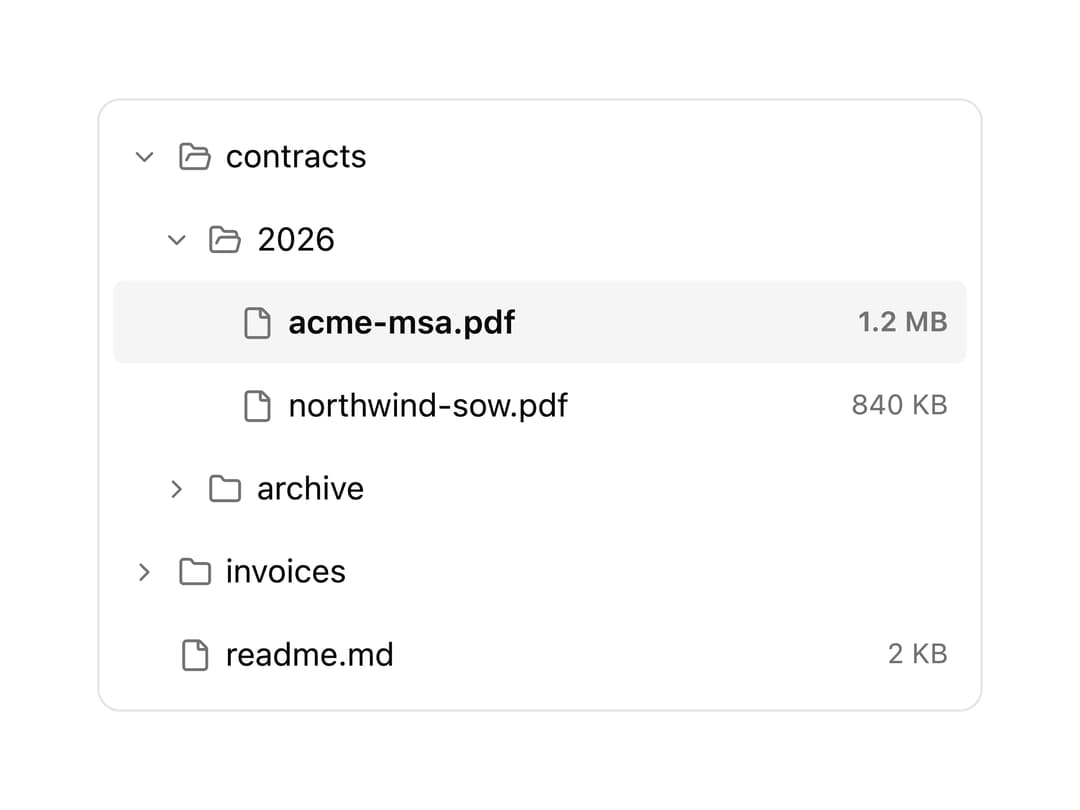
An expandable tree view of nested folders and files with keyboard navigation, expand/collapse state, and selection, for browsing hierarchical data like a file explorer or document repository.
Built with React and Tailwind. Copy the prompt and paste it into Claude Code, Cursor or Lovable: your agent adds File Tree to your project and fits it to your theme.
Code
How File Tree is used: the demo's code. The component's own source comes with a free account.
Usage.tsx
"use client";

import FileTree from "@/components/ui/file-tree";

const nodes = [
  {
    id: "contracts",
    name: "contracts",
    kind: "folder" as const,
    children: [
      {
        id: "2026",
        name: "2026",
        kind: "folder" as const,
        children: [
          { id: "acme", name: "acme-msa.pdf", meta: "1.2 MB" },
          { id: "northwind", name: "northwind-sow.pdf", meta: "840 KB" },
        ],
      },
      { id: "archive", name: "archive", kind: "folder" as const, children: [] },
    ],
  },
  {
    id: "invoices",
    name: "invoices",
    kind: "folder" as const,
    children: [{ id: "jan", name: "january.pdf", meta: "94 KB" }],
  },
  { id: "readme", name: "readme.md", meta: "2 KB" },
];

export default function FileTreeDemo() {
  return (
    <FileTree
      className="w-full max-w-sm"
      nodes={nodes}
      defaultExpandedIds={["contracts", "2026"]}
      defaultSelectedId="acme"
    />
  );
}
Dependencies
More by tinkerers-labs
View all

Prompt Input
6
Burst
2
Orb

Transcript Viewer
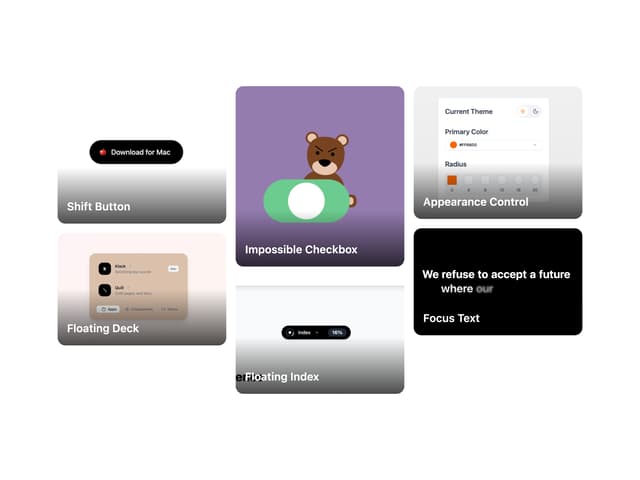
Image Grid
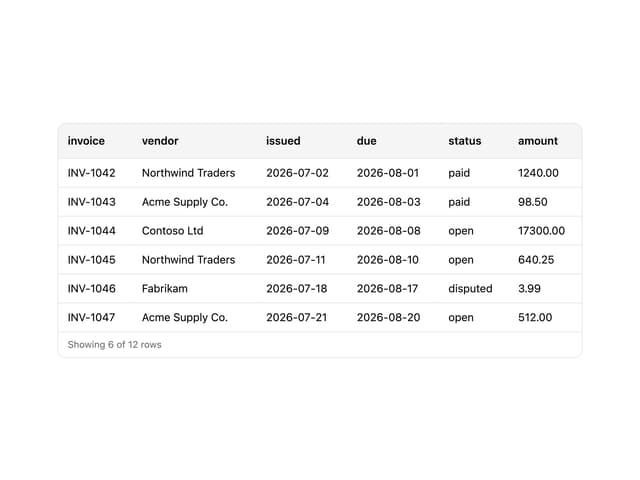
CSV Viewer

Streaming Text

Message
More in Navigation
View all

Sidebar
225

Tabs
52
Navbar with Theme Toggle
40

Breadcrumb
12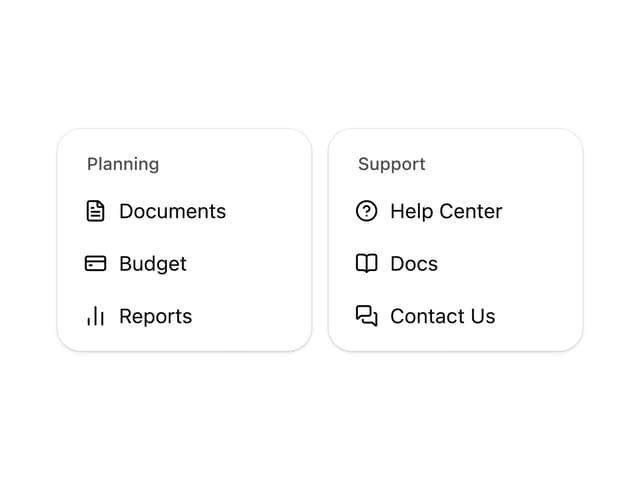
Nav List Card
30
Pagination Ant
3

Pagination
85
Pagination
9


