

About
A group of labeled toggle switches, each tinted a semantic color (success, info, warning, danger) to signal its meaning in a settings or preferences form.
Built with React and Tailwind. Copy the prompt and paste it into Claude Code, Cursor or Lovable: your agent adds Switch Color Options to your project and fits it to your theme.
Code
How Switch Color Options is used: the demo's code. The component's own source comes with a free account.
Usage.tsx
import SwitchColorOptions from "@/components/ui/switch-color-options";

export default function SwitchColorOptionsDemo() {
  return (
    <div className="flex w-full items-center justify-center p-10">
      <SwitchColorOptions />
    </div>
  );
}
More by uiable
View all

Feature Highlights Grid
341
Card Tabs
101
Financial Bento Grid
71
Chart Tooltip
67
Portfolio Showcase Grid
58
Marketing Hero Section
58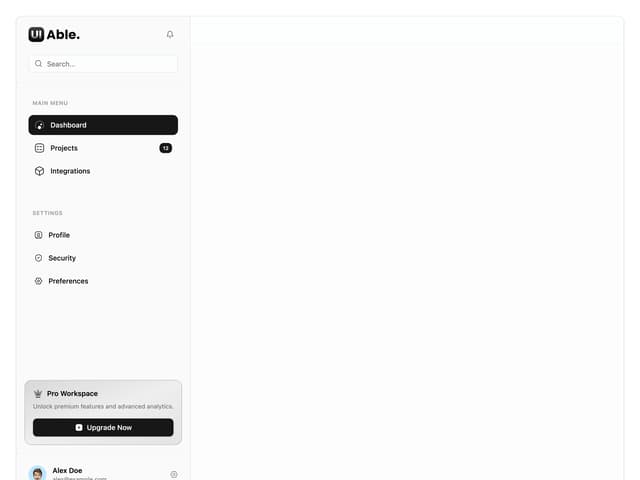
Sidebar with Search and Profile
50
Position Sonner
48
More in Forms
View all

Premium Auth
500

Login 1
52
Authentication Card
47

Book A Demo 3
83
Book A Demo 1
69

Contact Card
1K

Login Card
32

Login 2
7
