About
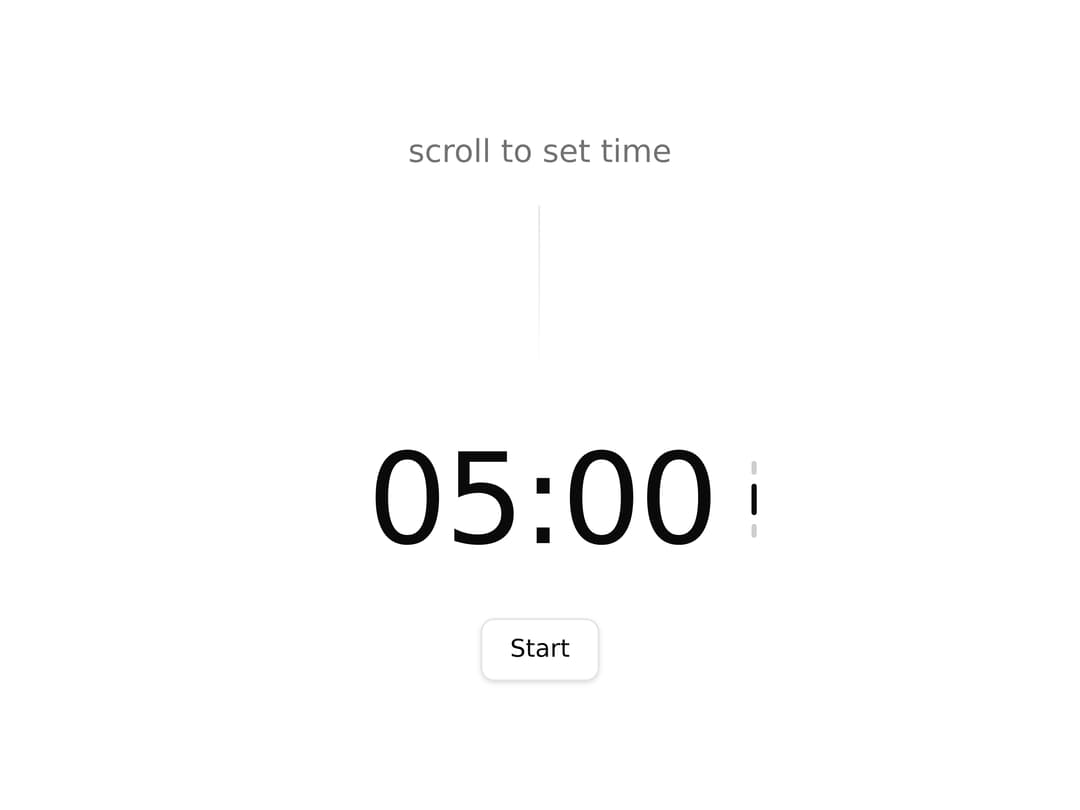
A number display where each digit blur-slides on change, animating only the digits that actually change — ideal for timers, counters, and live metrics.
Built with React and Tailwind. Copy the prompt and paste it into Claude Code, Cursor or Lovable: your agent adds Animate Digits to your project and fits it to your theme.
Code
How Animate Digits is used: the demo's code. The component's own source comes with a free account.
Usage.tsx
"use client";

import { AnimateDigits } from "@/components/ui/animate-digits";
import { Button } from "@/components/ui/button";
import { motion } from "motion/react";
import React, { useEffect, useRef, useState } from "react";

function formatTime(seconds: number): string {
  const m = Math.floor(seconds / 60);
  const s = seconds % 60;
  return String(m).padStart(2, "0") + ":" + String(s).padStart(2, "0");
}

interface AnimateDigitsDemoProps {
  gap?: number;
  enterStiffness?: number;
  enterDamping?: number;
  exitStiffness?: number;
  exitDamping?: number;
  direction?: "dynamic" | "up" | "down";
  enterY?: number;
  enterBlur?: number;
  enterScale?: number;
  animationDelay?: number;
}

const SCROLL_THRESHOLD = 80;

export default function AnimateDigitsDemo({
  gap = 2,
  enterStiffness,
  enterDamping,
  exitStiffness,
  exitDamping,
  direction,
  enterY,
  enterBlur,
  enterScale,
  animationDelay,
}: AnimateDigitsDemoProps) {
  const [minutes, setMinutes] = useState(5);
  const [remaining, setRemaining] = useState<number | null>(null);
  const [running, setRunning] = useState(false);
  const [scrollDir, setScrollDir] = useState<"up" | "down" | null>(null);
  const intervalRef = useRef<ReturnType<typeof setInterval> | null>(null);
  const scrollAccum = useRef(0);
  const scrollIdleTimer = useRef<ReturnType<typeof setTimeout> | null>(null);

  const idle = !running && remaining === null;

  function start() {
    setRemaining(minutes * 60);
    setRunning(true);
  }

  function reset() {
    if (intervalRef.current) clearInterval(intervalRef.current);
    setRunning(false);
    setRemaining(null);
  }

  function handleWheel(e: React.WheelEvent) {
    if (!idle) return;
    e.preventDefault();
    setScrollDir(e.deltaY > 0 ? "down" : "up");
    if (scrollIdleTimer.current) clearTimeout(scrollIdleTimer.current);
    scrollIdleTimer.current = setTimeout(() => setScrollDir(null), 400);
    scrollAccum.current += e.deltaY;
    if (Math.abs(scrollAccum.current) >= SCROLL_THRESHOLD) {
      const steps = Math.trunc(scrollAccum.current / SCROLL_THRESHOLD);
      scrollAccum.current -= steps * SCROLL_THRESHOLD;
      setMinutes((m) => Math.max(1, Math.min(99, m - steps)));
    }
  }

  useEffect(() => {
    if (!running || remaining === null) return;
    if (remaining <= 0) {
      setRunning(false);
      return;
    }
    intervalRef.current = setInterval(() => {
      setRemaining((r) => {
        if (r === null || r <= 1) {
          clearInterval(intervalRef.current!);
          setRunning(false);
          return 0;
        }
        return r - 1;
      });
    }, 1000);
    return () => clearInterval(intervalRef.current!);
  }, [running, remaining]);

  const display =
    remaining !== null ? formatTime(remaining) : formatTime(minutes * 60);

  return (
    <div className="flex flex-col items-center justify-center gap-8 p-8">
      <span className="text-lg text-muted-foreground flex flex-col items-center gap-4 ">
        {idle ? "scroll to set time" : "Concentration"}
        <div className="h-25 w-px bg-gradient-to-b from-border" />
      </span>
      <div
        className="flex relative items-center gap-4"
        onWheel={handleWheel}
        style={{ cursor: idle ? "ns-resize" : "default" }}
      >
        <div className="flex absolute left-55 flex-col items-center gap-[5px]">
          {[0, 1, 2].map((i) => {
            const activeIndex =
              scrollDir === "up" ? 0 : scrollDir === "down" ? 2 : 1;
            const isActive = idle && activeIndex === i;
            return (
              <motion.div
                key={i}
                animate={{
                  height: isActive ? 18 : 8,
                  opacity: isActive ? 1 : 0.2,
                  y:
                    isActive && scrollDir === "up"
                      ? -2
                      : isActive && scrollDir === "down"
                        ? 2
                        : 0,
                }}
                transition={{ type: "spring", stiffness: 400, damping: 28 }}
                className="w-[3px] rounded-full bg-foreground"
              />
            );
          })}
        </div>
        <div className="flex flex-col items-center gap-3">
          <AnimateDigits
            value={display}
            gap={gap}
            className="text-7xl font-bold font-medium tracking-tighter"
            enterStiffness={enterStiffness}
            enterDamping={enterDamping}
            exitStiffness={exitStiffness}
            exitDamping={exitDamping}
            direction={direction}
            enterY={enterY}
            enterBlur={enterBlur}
            enterScale={enterScale}
            animationDelay={animationDelay}
          />
        </div>
      </div>

      {idle && (
        <Button variant="outline" size="default" onClick={start}>
          Start
        </Button>
      )}

      {(running || remaining !== null) && (
        <Button variant="destructive" size="default" onClick={reset}>
          Reset
        </Button>
      )}
    </div>
  );
}
Dependencies
More by unlumen
View all
Motion Navigation Menu
271
Side By Side Slide
228
Scroll Reveal Image
222
Count Up
145
Pixel Liquid Background
106
Glow Button
97
Animated Sidebar
95
Horizontal Depth Fade
78
More in Text
View all

Vertical Cut Reveal Characters
103
Motion Blur Text
36

NeonRGBTextEffect
144
Text Reveal
27
Random Letter Swap
46

Rainbow Text Effect
47
Text Color
545

Blur Reveal
300