About
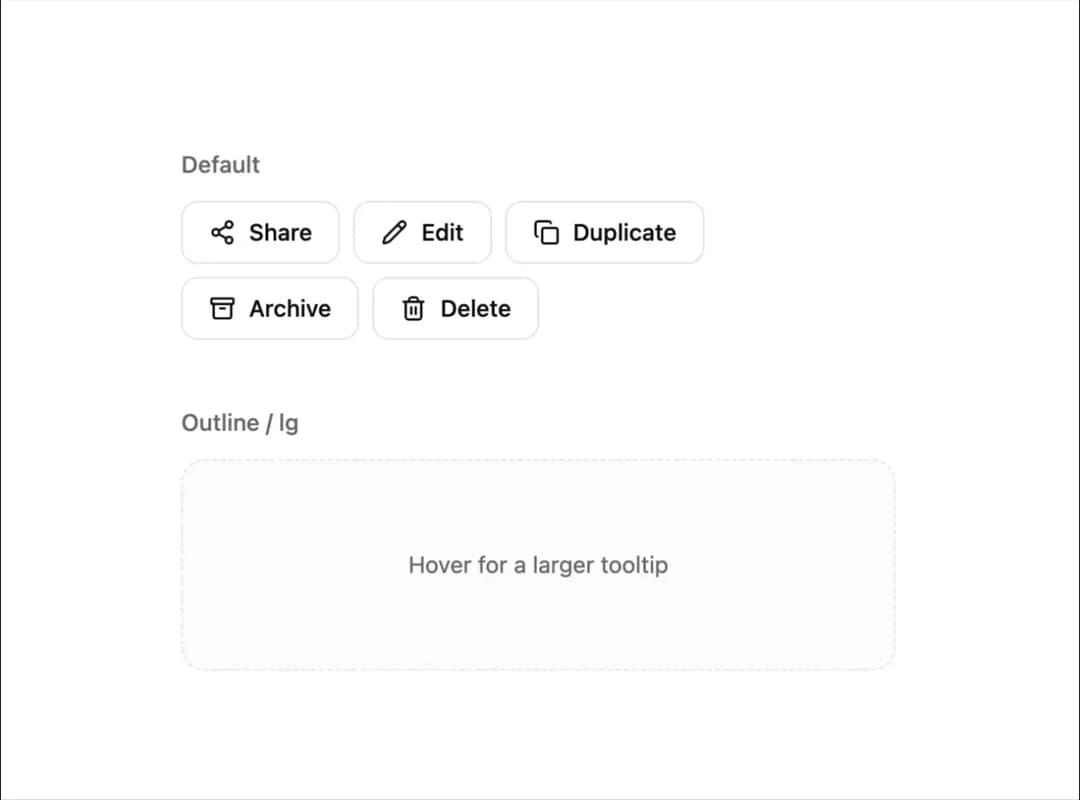
A cursor-following tooltip that floats near the pointer with springy motion, supporting a title, description, and style variants.
Built with React and Tailwind. Copy the prompt and paste it into Claude Code, Cursor or Lovable: your agent adds Floating Tooltip to your project and fits it to your theme.
Code
How Floating Tooltip is used: the demo's code. The component's own source comes with a free account.
Usage.tsx
"use client";

import { FloatingTooltip } from "@/components/ui/floating-tooltip";
import { Archive, Copy, Pencil, Share2, Trash2 } from "lucide-react";

const ACTIONS = [
  {
    label: "Share",
    Icon: Share2,
    content: "Share link",
    description: "Copy a shareable link to clipboard.",
  },
  {
    label: "Edit",
    Icon: Pencil,
    content: "Edit",
    description: "Open in the inline editor.",
  },
  {
    label: "Duplicate",
    Icon: Copy,
    content: "Duplicate",
    description: "Creates an exact copy in this folder.",
  },
  {
    label: "Archive",
    Icon: Archive,
    content: "Archive",
    description: "Move to archive — reversible at any time.",
  },
  {
    label: "Delete",
    Icon: Trash2,
    content: "Delete permanently",
    description: "This action cannot be undone.",
  },
];

export default function FloatingTooltipDemo() {
  return (
    <div className="flex flex-col gap-10 p-10 max-w-lg mx-auto w-full select-none">
      <FloatingTooltip.Provider>
        <div className="flex flex-col gap-3">
          <p className="text-sm font-medium text-muted-foreground">Default</p>
          <div className="flex flex-wrap gap-2">
            {ACTIONS.map(({ label, Icon, content }) => (
              <FloatingTooltip.Trigger key={label} content={content}>
                <button className="flex items-center gap-2 rounded-lg border border-border bg-background px-4 py-2 text-sm font-medium transition-colors hover:bg-accent">
                  <Icon className="size-4" />
                  <span>{label}</span>
                </button>
              </FloatingTooltip.Trigger>
            ))}
          </div>
        </div>
      </FloatingTooltip.Provider>

      <FloatingTooltip.Provider variant="outline" size="lg">
        <div className="flex flex-col gap-3">
          <p className="text-sm font-medium text-muted-foreground">
            Outline / lg
          </p>
          <FloatingTooltip.Trigger
            content="Detailed tooltip"
            description="Larger spacing and a fixed rounded shape from the size variant."
            contentClassName="font-serif text-2xl tracking-normal font-normal"
            descriptionClassName="text-muted-foreground opacity-100"
          >
            <div className="flex h-32 w-full items-center justify-center rounded-xl border border-dashed border-border bg-accent/30 text-sm text-muted-foreground transition-colors hover:bg-accent/50">
              Hover for a larger tooltip
            </div>
          </FloatingTooltip.Trigger>
        </div>
      </FloatingTooltip.Provider>
    </div>
  );
}
Dependencies
More by unlumen
View all
Motion Navigation Menu
271
Side By Side Slide
228
Scroll Reveal Image
222
Count Up
145
Pixel Liquid Background
106
Glow Button
97
Animated Sidebar
95
Horizontal Depth Fade
78