About
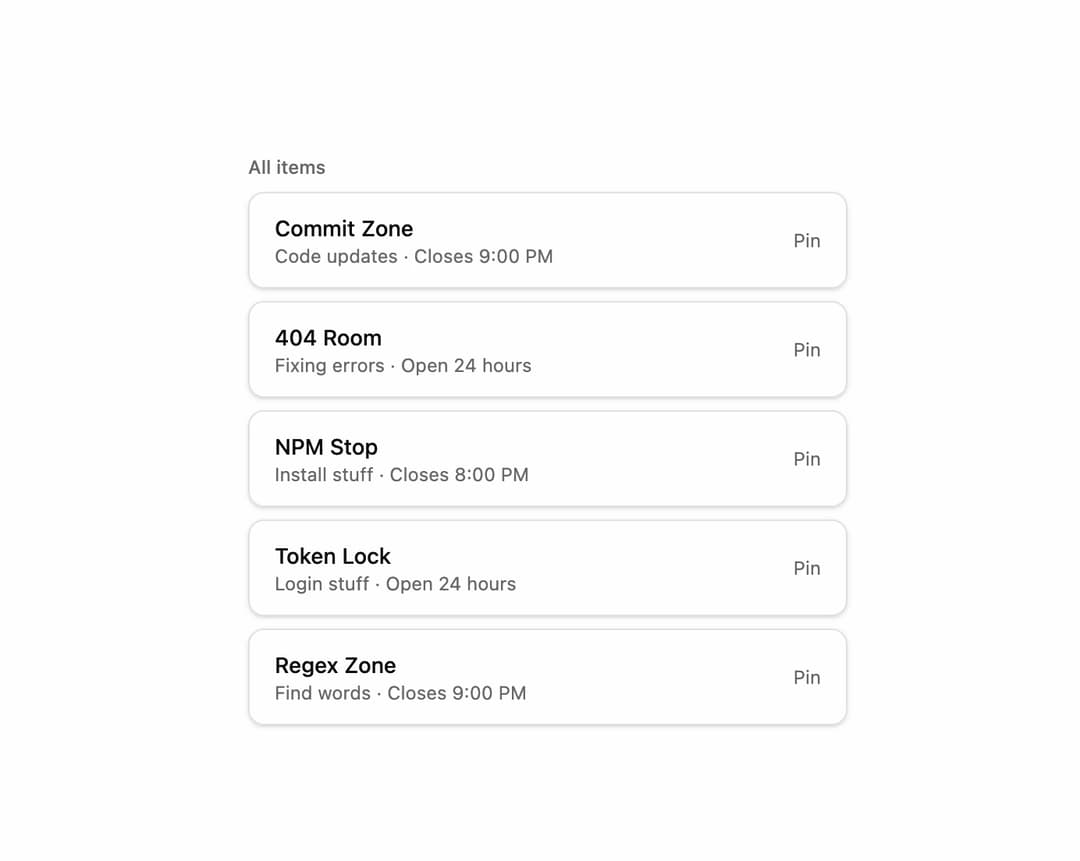
A composable, headless list of items that animates an item to the top of the list with a spring layout transition when it's pinned or unpinned.
Built with React and Tailwind. Copy the prompt and paste it into Claude Code, Cursor or Lovable: your agent adds Pinned List to your project and fits it to your theme.
Code
How Pinned List is used: the demo's code. The component's own source comes with a free account.
Usage.tsx
"use client";

import * as React from "react";
import {
  PinnedList,
  PinnedListPinned,
  PinnedListUnpinned,
  PinnedListLabel,
  PinnedListItems,
  PinnedListItem,
  PinnedListTrigger,
} from "@/components/ui/primitives-animate-pinned-list";

type Item = { id: string; title: string; subtitle: string };

const ITEMS: Item[] = [
  { id: "1", title: "Commit Zone", subtitle: "Code updates · Closes 9:00 PM" },
  { id: "2", title: "404 Room", subtitle: "Fixing errors · Open 24 hours" },
  { id: "3", title: "NPM Stop", subtitle: "Install stuff · Closes 8:00 PM" },
  { id: "4", title: "Token Lock", subtitle: "Login stuff · Open 24 hours" },
  { id: "5", title: "Regex Zone", subtitle: "Find words · Closes 9:00 PM" },
];

export default function PinnedListDemo() {
  const [pinnedIds, setPinnedIds] = React.useState<string[]>(["1", "2"]);

  const togglePin = (id: string) => {
    setPinnedIds((prev) =>
      prev.includes(id) ? prev.filter((p) => p !== id) : [...prev, id],
    );
  };

  const pinned = ITEMS.filter((item) => pinnedIds.includes(item.id));
  const unpinned = ITEMS.filter((item) => !pinnedIds.includes(item.id));

  const renderItem = (item: Item, isPinned: boolean) => (
    <PinnedListItem
      key={item.id}
      id={item.id}
      customTrigger
      className="flex items-center justify-between rounded-lg border bg-card px-4 py-3 shadow-sm"
    >
      <div>
        <p className="text-sm font-medium text-foreground">{item.title}</p>
        <p className="text-xs text-muted-foreground">{item.subtitle}</p>
      </div>
      <PinnedListTrigger
        onClick={() => togglePin(item.id)}
        className="text-xs text-muted-foreground hover:text-foreground underline-offset-2 hover:underline"
      >
        {isPinned ? "Unpin" : "Pin"}
      </PinnedListTrigger>
    </PinnedListItem>
  );

  return (
    <div className="flex w-full min-h-[28rem] items-start justify-center bg-background p-10">
      <PinnedList className="flex w-full max-w-sm flex-col gap-4">
        <PinnedListPinned className="flex flex-col gap-2">
          <PinnedListLabel
            hide={pinned.length === 0}
            className="text-xs font-medium text-muted-foreground"
          >
            Pinned
          </PinnedListLabel>
          <PinnedListItems className="flex flex-col gap-2">
            {pinned.map((item) => renderItem(item, true))}
          </PinnedListItems>
        </PinnedListPinned>

        <PinnedListUnpinned className="flex flex-col gap-2">
          <PinnedListLabel
            hide={unpinned.length === 0}
            className="text-xs font-medium text-muted-foreground"
          >
            All items
          </PinnedListLabel>
          <PinnedListItems className="flex flex-col gap-2">
            {unpinned.map((item) => renderItem(item, false))}
          </PinnedListItems>
        </PinnedListUnpinned>
      </PinnedList>
    </div>
  );
}
Dependencies
More by unlumen
View all
Motion Navigation Menu
270
Side By Side Slide
226
Scroll Reveal Image
219
Count Up
142
Pixel Liquid Background
104
Glow Button
97
Animated Sidebar
94
Horizontal Depth Fade
77