About
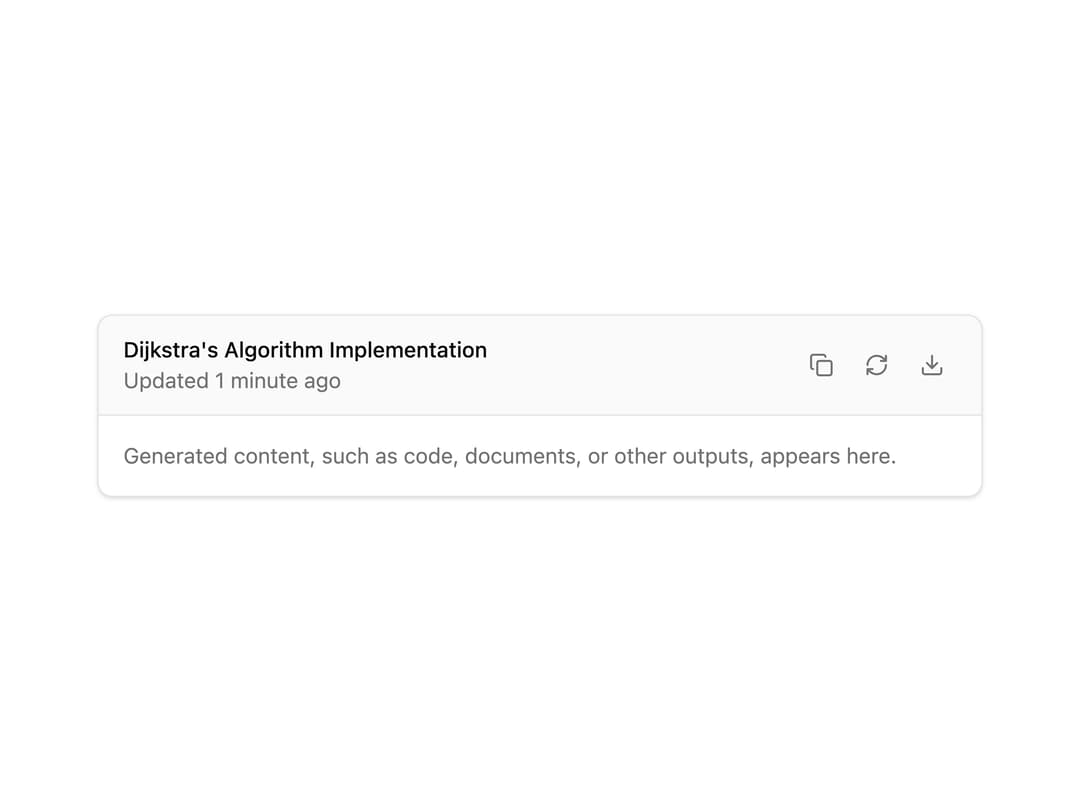
A structured container for displaying AI-generated content like code, documents, or other outputs, with a header, title, description, and a row of tooltip-labeled action buttons.
Built with React and Tailwind. Copy the prompt and paste it into Claude Code, Cursor or Lovable: your agent adds Artifact to your project and fits it to your theme.
Code
How Artifact is used: the demo's code. The component's own source comes with a free account.
Usage.tsx
"use client";

import {
  Artifact,
  ArtifactAction,
  ArtifactActions,
  ArtifactContent,
  ArtifactDescription,
  ArtifactHeader,
  ArtifactTitle,
} from "@/components/ui/artifact";
import { CopyIcon, DownloadIcon, RefreshCwIcon } from "lucide-react";

export default function ArtifactDemo() {
  return (
    <div className="w-full max-w-xl">
      <Artifact>
        <ArtifactHeader>
          <div>
            <ArtifactTitle>Dijkstra's Algorithm Implementation</ArtifactTitle>
            <ArtifactDescription>Updated 1 minute ago</ArtifactDescription>
          </div>
          <ArtifactActions>
            <ArtifactAction
              icon={CopyIcon}
              label="Copy"
              tooltip="Copy to clipboard"
            />
            <ArtifactAction
              icon={RefreshCwIcon}
              label="Regenerate"
              tooltip="Regenerate content"
            />
            <ArtifactAction
              icon={DownloadIcon}
              label="Download"
              tooltip="Download file"
            />
          </ArtifactActions>
        </ArtifactHeader>
        <ArtifactContent>
          <p className="text-muted-foreground text-sm">
            Generated content, such as code, documents, or other outputs,
            appears here.
          </p>
        </ArtifactContent>
      </Artifact>
    </div>
  );
}
Dependencies
More by Vercel
View all

Announcement
290
Message
48
Conversation
42
Task
41
Inline Citation
36
Loader
22
Sources
20
Code Block
12
More in AI chats
View all

AI Actions
319
Color Picker
82
Agent Chat
17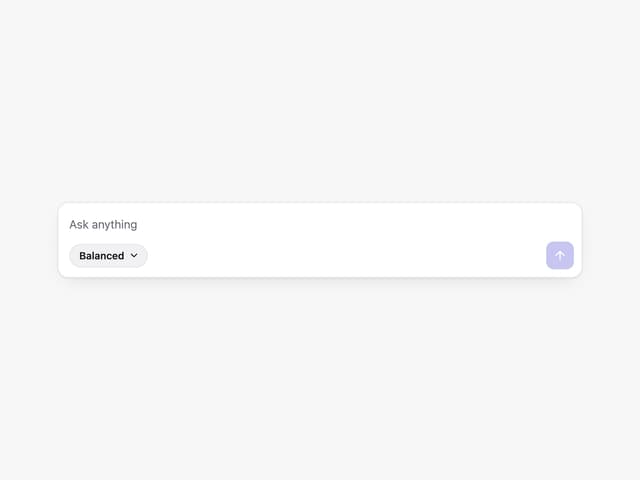
Prompt with Model Picker
2

System Message
54
Message Thread
36
Suggestions
28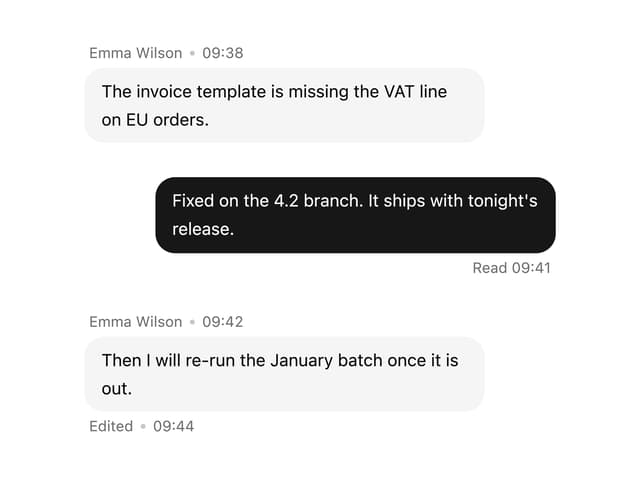

Message With Header And Delivery Status
38


