
About
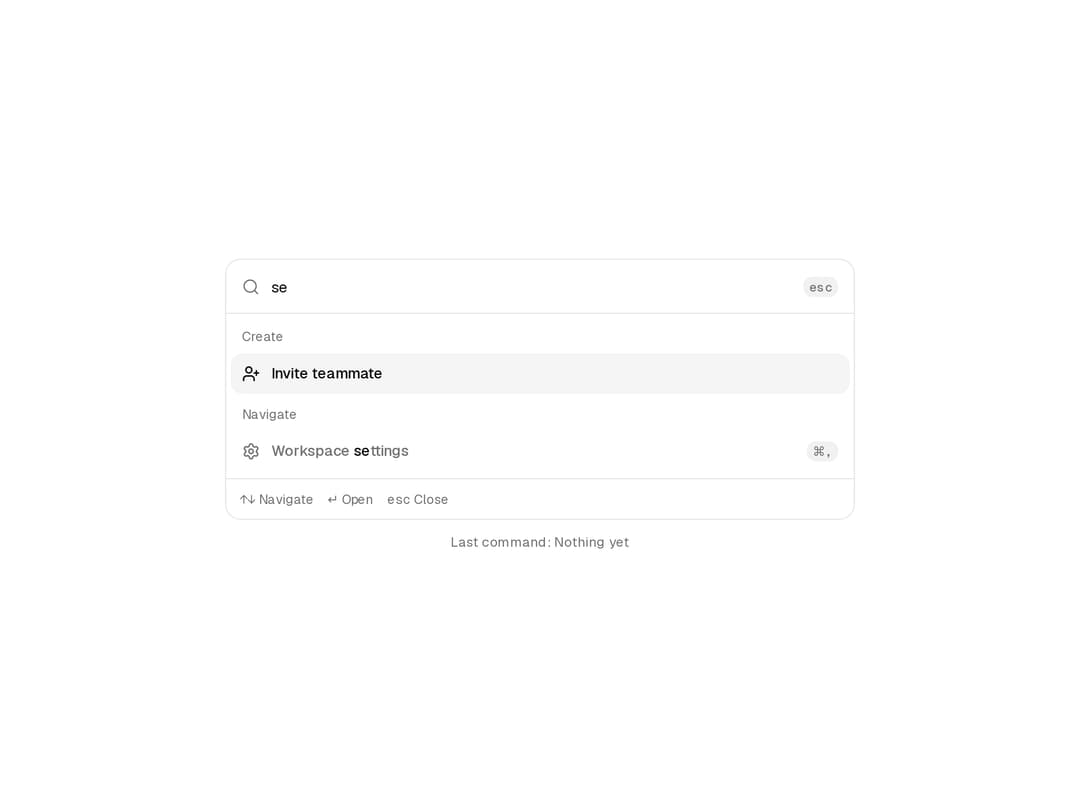
Search and run grouped actions with full keyboard navigation, a height animation between result sets, and reduced-motion support.
Built with React and Tailwind. Copy the prompt and paste it into Claude Code, Cursor or Lovable: your agent adds Command Menu to your project and fits it to your theme.
Code
How Command Menu is used: the demo's code. The component's own source comes with a free account.
Usage.tsx
"use client";

import { Download, FilePlus2, FolderOpen, Settings, UserPlus } from "lucide-react";
import { useState } from "react";
import {
  CommandMenu,
  CommandMenuEmpty,
  CommandMenuFooter,
  CommandMenuGroup,
  CommandMenuGroupLabel,
  CommandMenuInput,
  CommandMenuItem,
  CommandMenuList,
  CommandMenuShortcut,
} from "@/components/ui/command-menu";

export default function CommandMenuDemo() {
  const [lastRun, setLastRun] = useState("Nothing yet");

  return (
    <div className="flex min-h-[480px] w-full items-center justify-center p-6">
      <div className="grid w-full max-w-[560px] gap-3">
        <CommandMenu variant="panel" label="Workspace commands">
          <CommandMenuInput placeholder="Type a command or search…" />
          <CommandMenuList>
            <CommandMenuGroup>
              <CommandMenuGroupLabel>Create</CommandMenuGroupLabel>
              <CommandMenuItem value="New document" keywords={["file", "page"]} onSelect={() => setLastRun("New document")}>
                <FilePlus2 size={16} aria-hidden="true" />
                New document
                <CommandMenuShortcut>⌘N</CommandMenuShortcut>
              </CommandMenuItem>
              <CommandMenuItem value="Invite teammate" keywords={["member", "user"]} onSelect={() => setLastRun("Invite teammate")}>
                <UserPlus size={16} aria-hidden="true" />
                Invite teammate
              </CommandMenuItem>
            </CommandMenuGroup>
            <CommandMenuGroup>
              <CommandMenuGroupLabel>Navigate</CommandMenuGroupLabel>
              <CommandMenuItem value="Open recent project" onSelect={() => setLastRun("Open recent project")}>
                <FolderOpen size={16} aria-hidden="true" />
                Open recent project
                <CommandMenuShortcut>⌘O</CommandMenuShortcut>
              </CommandMenuItem>
              <CommandMenuItem value="Workspace settings" keywords={["preferences"]} onSelect={() => setLastRun("Workspace settings")}>
                <Settings size={16} aria-hidden="true" />
                Workspace settings
                <CommandMenuShortcut>⌘,</CommandMenuShortcut>
              </CommandMenuItem>
              <CommandMenuItem value="Export workspace" keywords={["download"]} disabled>
                <Download size={16} aria-hidden="true" />
                Export workspace
                <span className="ml-auto text-[11.5px] font-normal">Owners only</span>
              </CommandMenuItem>
            </CommandMenuGroup>
            <CommandMenuEmpty>Try “settings” or “invite”, or press Esc to clear.</CommandMenuEmpty>
          </CommandMenuList>
          <CommandMenuFooter />
        </CommandMenu>
        <p className="m-0 text-center text-xs text-muted-foreground">Last command: {lastRun}</p>
      </div>
    </div>
  );
}
Dependencies
More by Victor
View all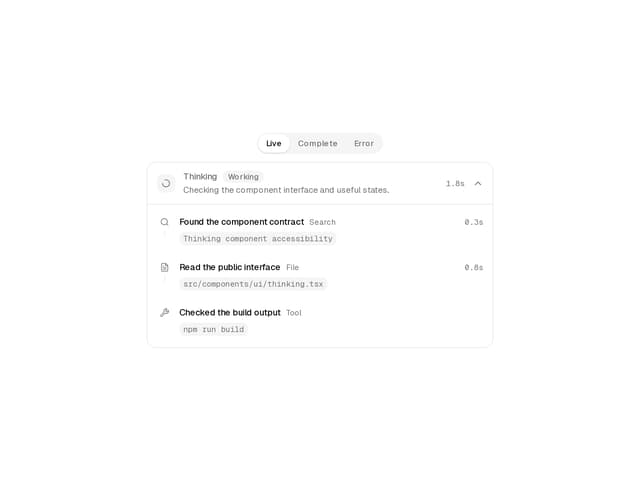
Thinking
15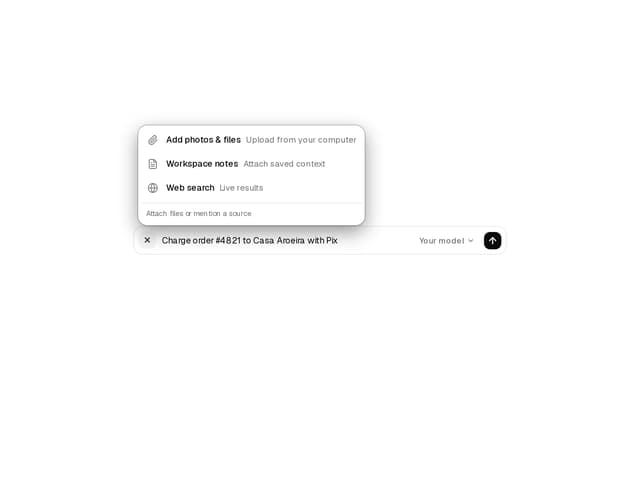
Prompt Composer
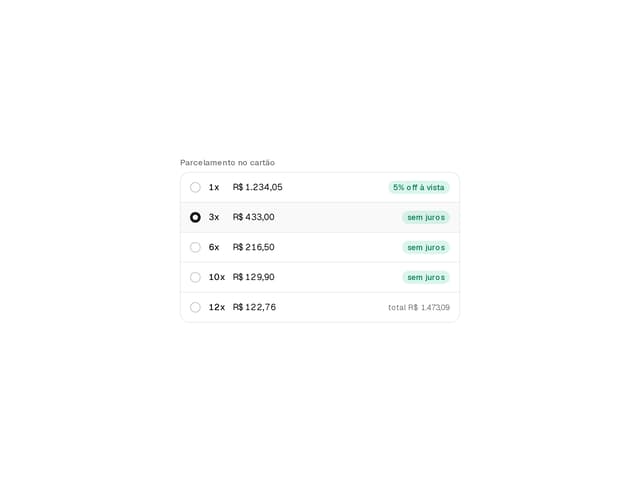
Installment Picker

Pix Payment
Kanban Board
Approval Card