
About
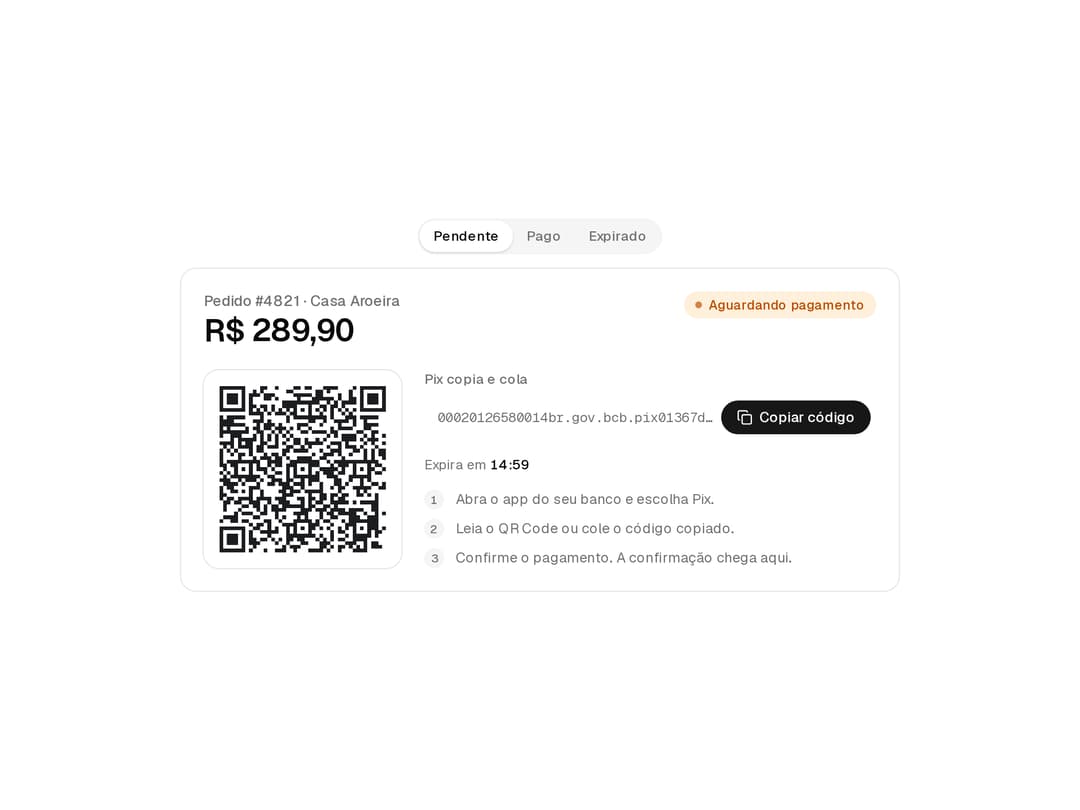
A Pix charge with QR code, copy-and-paste code, expiry countdown and payment status, in card, plain and compact variants.
Built with React and Tailwind. Copy the prompt and paste it into Claude Code, Cursor or Lovable: your agent adds Pix Payment to your project and fits it to your theme.
Code
How Pix Payment is used: the demo's code. The component's own source comes with a free account.
Usage.tsx
"use client";

import { useState } from "react";
import {
  PixPayment,
  PixPaymentAmount,
  PixPaymentBody,
  PixPaymentCode,
  PixPaymentCountdown,
  PixPaymentDetails,
  PixPaymentHeader,
  PixPaymentQrCode,
  type PixPaymentStatus,
  PixPaymentStatusBadge,
  PixPaymentStep,
  PixPaymentSteps,
  PixPaymentTitle,
} from "@/components/ui/pix-payment";

const code =
  "00020126580014br.gov.bcb.pix01367d9f0335-8dcc-4054-9bf9-0dbd61b2a4b95204000053039865406289.905802BR5912CASA AROEIRA6014BELO HORIZONTE62140510PEDIDO4821630449DE";

const statuses: { value: PixPaymentStatus; label: string }[] = [
  { value: "pending", label: "Pendente" },
  { value: "paid", label: "Pago" },
  { value: "expired", label: "Expirado" },
];

export default function PixPaymentDemo() {
  const [status, setStatus] = useState<PixPaymentStatus>("pending");

  return (
    <div className="flex min-h-[460px] w-full items-center justify-center p-6">
      <div className="grid w-full max-w-[640px] gap-3">
        <div
          role="radiogroup"
          aria-label="Simular status"
          className="inline-flex justify-self-center rounded-full bg-muted p-0.5"
        >
          {statuses.map((item) => (
            <button
              key={item.value}
              type="button"
              role="radio"
              aria-checked={status === item.value}
              onClick={() => setStatus(item.value)}
              className="h-7 rounded-full px-3 text-xs font-medium text-muted-foreground transition-[background-color,color] duration-150 hover:text-foreground focus-visible:outline-2 focus-visible:outline-offset-2 focus-visible:outline-ring aria-checked:bg-background aria-checked:text-foreground aria-checked:shadow-sm"
            >
              {item.label}
            </button>
          ))}
        </div>
        <PixPayment
          variant="card"
          status={status}
          code={code}
          // A fixed "now" becomes an offset from the real clock, so the 15-minute countdown keeps ticking.
          now="2026-10-03T14:00:00-03:00"
          expiresAt="2026-10-03T14:15:00-03:00"
          onExpire={() => setStatus("expired")}
        >
          <PixPaymentHeader>
            <div>
              <PixPaymentTitle>Pedido #4821 · Casa Aroeira</PixPaymentTitle>
              <PixPaymentAmount value={289.9} />
            </div>
            <PixPaymentStatusBadge />
          </PixPaymentHeader>
          <PixPaymentBody>
            <PixPaymentQrCode>
              <img src="https://cdn.21st.dev/assets/mirror/2b/2bfb03cb046853b892332baf8ad3b4aaaf92d021bafad68871af5f380022d2ba.svg" alt="QR Code Pix do pedido #4821" />
            </PixPaymentQrCode>
            <PixPaymentDetails>
              <PixPaymentCode />
              <PixPaymentCountdown />
              <PixPaymentSteps>
                <PixPaymentStep>Abra o app do seu banco e escolha Pix.</PixPaymentStep>
                <PixPaymentStep>Leia o QR Code ou cole o código copiado.</PixPaymentStep>
                <PixPaymentStep>Confirme o pagamento. A confirmação chega aqui.</PixPaymentStep>
              </PixPaymentSteps>
            </PixPaymentDetails>
          </PixPaymentBody>
        </PixPayment>
      </div>
    </div>
  );
}
Dependencies
More by Victor
View all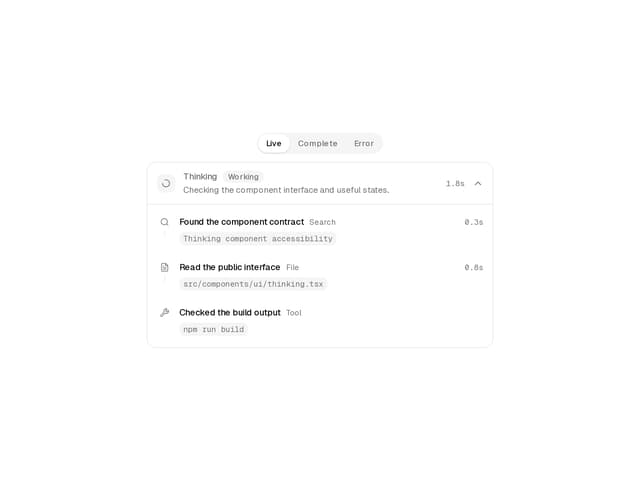
Thinking
15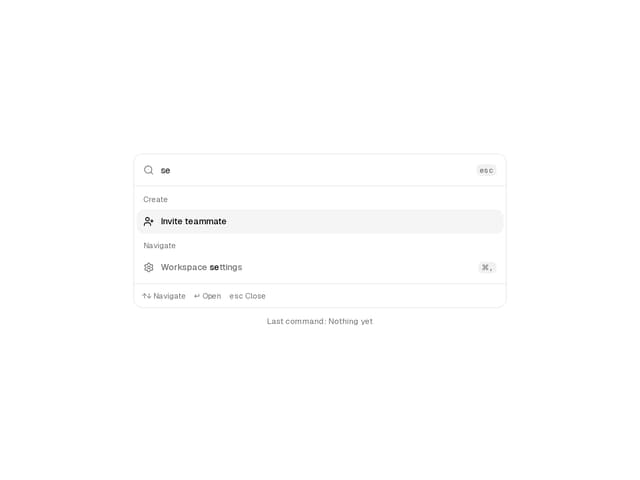
Command Menu
3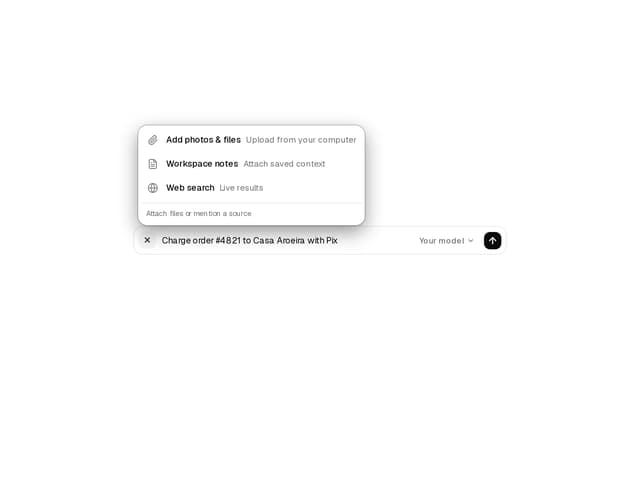
Prompt Composer
Installment Picker
Kanban Board
Approval Card