
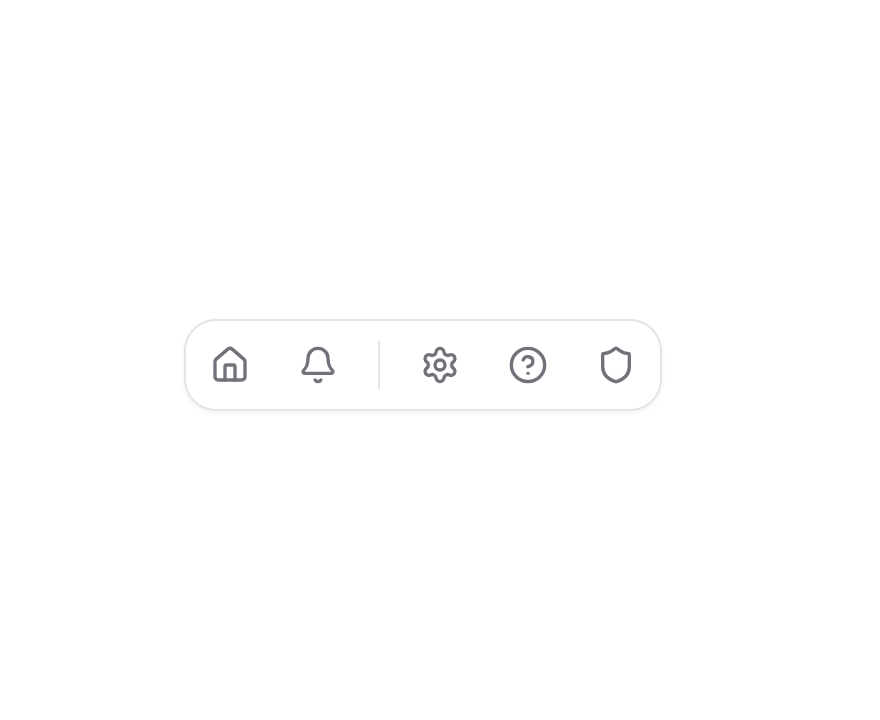
A set of expandable tabs that show both icon and text when selected. Tabs animate smoothly to expand or collapse on click, and clicking outside collapses any open tab. Features - Animated Expansion: Smooth animations when revealing tab labels - Space Efficient: Collapses to icons-only when not in use - Click Outside: Automatically collapses when clicking outside - Separator Support: Optional separators between tab groups - Customizable: Supports custom colors and styling - Shadcn/UI Theme: Fully integrated with shadcn/ui theming system - Dark Mode: Built-in dark mode support - Accessible: Keyboard navigation and screen reader friendly Example Use Cases - Navigation Menus: Compact sidebar navigation - Toolbars: Feature-rich toolbars that save space - Mobile Interfaces: Touch-friendly navigation - Settings Panels: Grouped settings controls - Dashboard Controls: Quick access to main features
Built with React and Tailwind. Copy the prompt and paste it into Claude Code, Cursor or Lovable: your agent adds Expandable Tabs to your project and fits it to your theme.
Code
How Expandable Tabs is used: the demo's code. The component's own source comes with a free account.
Usage.tsx
import { Bell, Home, HelpCircle, Settings, Shield, Mail, User, FileText, Lock } from "lucide-react";
import { ExpandableTabs } from "@/components/ui/expandable-tabs";

function DefaultDemo() {
  const tabs = [
    { title: "Dashboard", icon: Home },
    { title: "Notifications", icon: Bell },
    { type: "separator" },
    { title: "Settings", icon: Settings },
    { title: "Support", icon: HelpCircle },
    { title: "Security", icon: Shield },
  ];

  return (
    <div className="flex flex-col gap-4">
      <ExpandableTabs tabs={tabs} />
    </div>
  );
}

function CustomColorDemo() {
  const tabs = [
    { title: "Profile", icon: User },
    { title: "Messages", icon: Mail },
    { type: "separator" },
    { title: "Documents", icon: FileText },
    { title: "Privacy", icon: Lock },
  ];

  return (
    <div className="flex flex-col gap-4">
      <ExpandableTabs
        tabs={tabs}
        activeColor="text-blue-500"
        className="border-blue-200 dark:border-blue-800"
      />
    </div>
  );
}

export { DefaultDemo, CustomColorDemo };
Dependencies
More by Victor Welander
View all
Gooey Text Morphing
3.7K
Upgrade Banner
654
Nested Dialog
588
More in Navigation
View all

Sidebar
234

Tabs
60
Newsletter Signup Footer
16
Progress Bar Stepper
36

Footer 2
201
Navbar with Theme Toggle
43

Navbar
71

Pagination
86
