
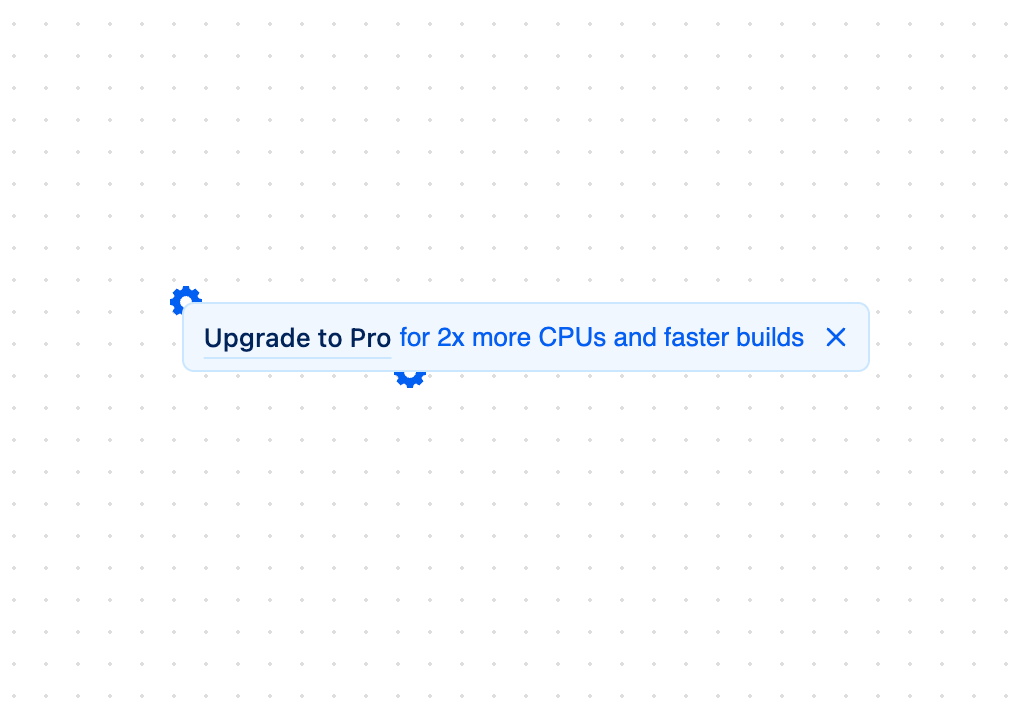
An animated promotional banner component with floating gear icons and hover effects. Inspired by Vercel's upgrade prompts. Features - Smooth entrance animation - Interactive floating gear icons on hover - Dark mode support - Customizable button text and description - Optional close button - Responsive design - Accessible button interactions Perfect for: - Premium feature promotions - Upgrade notifications - Subscription upsells - Feature announcements Props - `buttonText` - Primary call-to-action text (default: "Upgrade to Pro") - `description` - Secondary descriptive text - `onClose` - Optional callback for close button - `onClick` - Callback for main button click - `className` - Additional CSS classes
Built with React and Tailwind. Copy the prompt and paste it into Claude Code, Cursor or Lovable: your agent adds Upgrade Banner to your project and fits it to your theme.
Code
How Upgrade Banner is used: the demo's code. The component's own source comes with a free account.
Usage.tsx
import * as React from "react";
import { UpgradeBanner } from "@/components/ui/upgrade-banner";

function UpgradeBannerDemo() {
  const [isVisible, setIsVisible] = React.useState(true);

  if (!isVisible) {
    return (
      <button
        onClick={() => setIsVisible(true)}
        className="px-4 py-2 bg-blue-500 text-white rounded-md"
      >
        Show Banner
      </button>
    );
  }

  return (
    <div className="w-full max-w-2xl mx-auto p-4">
      <UpgradeBanner
        buttonText="Upgrade to Pro"
        description="for 2x more CPUs and faster builds"
        onClose={() => setIsVisible(false)}
        onClick={() => console.log("Upgrade clicked")}
      />
    </div>
  );
}

export { UpgradeBannerDemo };
Dependencies
More by Victor Welander
View all
Gooey Text Morphing
3.7K
Expandable Tabs
3.3K
Nested Dialog
588
More in Buttons
View all

Button
14
Button
34
Texture Button
92
Button Save
46

Button
64

Button Group
3

Notification Button
103

App Store Button
454

