
About
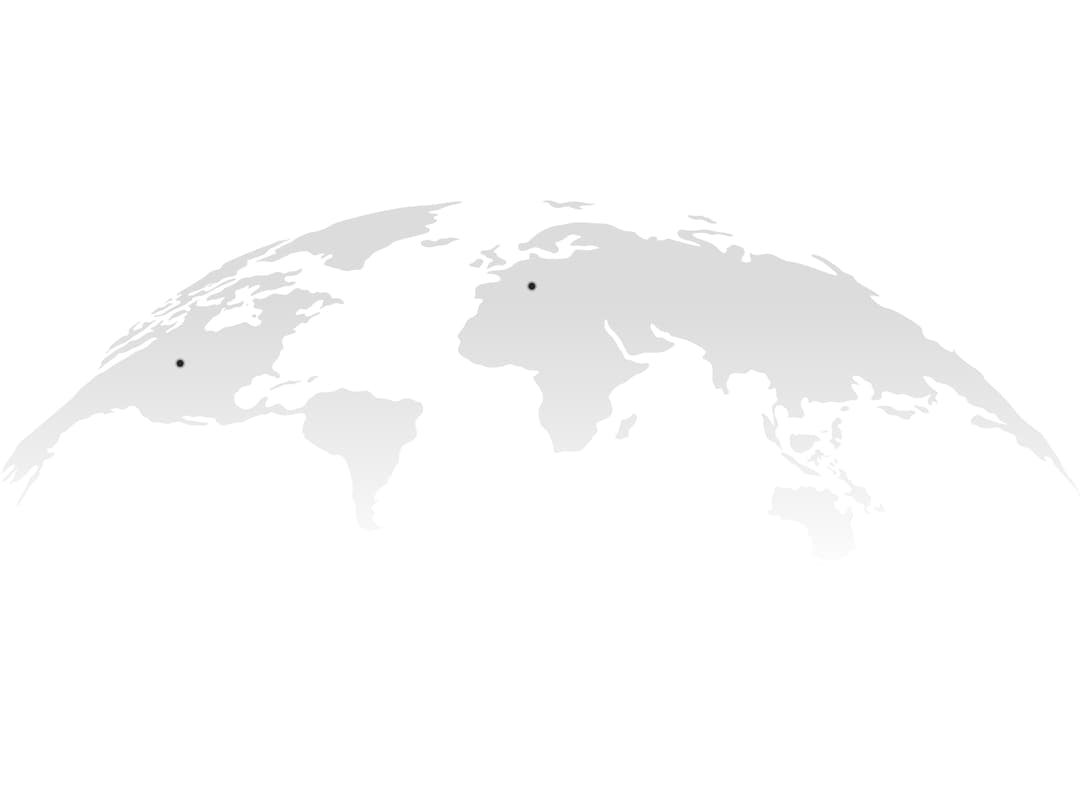
A stylized SVG world map that fills its container like a globe, with animated pulse markers you can pin to specific locations to show geo data.
Built with React and Tailwind. Copy the prompt and paste it into Claude Code, Cursor or Lovable: your agent adds Globe to your project and fits it to your theme.
Code
How Globe is used: the demo's code. The component's own source comes with a free account.
Usage.tsx
import { Globe, GlobeSvg } from "@/components/ui/globe";
import { Pulse } from "@/components/ui/globe-utils/pulse";
import {
  Tooltip,
  TooltipContent,
  TooltipProvider,
  TooltipTrigger,
} from "@/components/ui/globe-utils/tooltip";
import { InfoIcon } from "lucide-react";

export function GlobeDemo() {
  return (
    <TooltipProvider>
      <div className="w-full h-screen flex items-center justify-center">
        <Globe>
          <GlobeSvg>
            <foreignObject x={200} y={180} width={20} height={20}>
              <Tooltip>
                <TooltipTrigger
                  render={
                    <div className="size-full flex justify-center items-center">
                      <Pulse />
                    </div>
                  }
                />
                <TooltipContent className="pb-2 flex-col">
                  <div className="flex justify-between items-center gap-2">
                    <p className="text-muted-foreground">USA Kansas</p>
                    <p className="font-medium tabular-nums">$121,000</p>
                  </div>
                  <div className="flex gap-2 items-center justify-between">
                    <div className="flex gap-1 items-center">
                      <InfoIcon className="text-destructive" size={16} />
                      <p className="text-destructive/80 text-xs">only 8 left</p>
                    </div>
                    <div className=""></div>
                  </div>
                </TooltipContent>
              </Tooltip>
            </foreignObject>

            <foreignObject x={600} y={80} width={40} height={40}>
              <Tooltip>
                <TooltipTrigger
                  render={
                    <div className="size-full flex justify-center items-center">
                      <Pulse />
                    </div>
                  }
                />
                <TooltipContent className="pb-2 flex-col">
                  <div className="flex justify-between items-center gap-2">
                    <p className="text-muted-foreground">Europe France</p>
                    <p className="font-medium tabular-nums">$121,000</p>
                  </div>
                  <div className="flex gap-2 items-center justify-between">
                    <div className="flex gap-1 items-center">
                      <InfoIcon className="text-yellow-300" size={16} />
                      <p className="text-yellow-300/80 text-xs">15 left</p>
                    </div>
                    <div className=""></div>
                  </div>
                </TooltipContent>
              </Tooltip>
            </foreignObject>
          </GlobeSvg>
        </Globe>
      </div>
    </TooltipProvider>
  );
}

export default GlobeDemo;
Dependencies
More by YoucefBnm Bnm
View all

Animated Slideshow
2.2K
Hero Gallery Scroll Animation
1.5K
Animated Gallery
1.4K
Animated Video on Scroll
1.4K
Animated Cards Stack
1.3K
Cards Stack
1.1K
cta section with gallery
669
Hero Video
537