
About
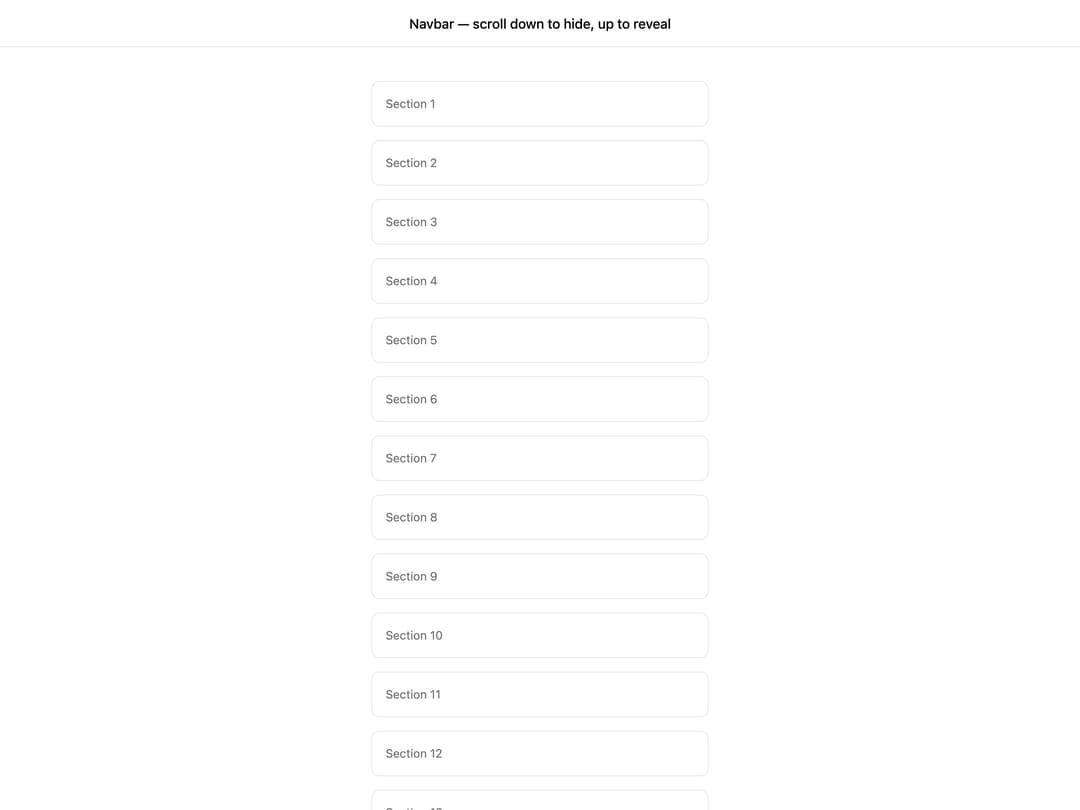
React hook that tracks scroll direction and returns an isHidden flag to hide an element on scroll down and reveal it on scroll up.
Built with React and Tailwind. Copy the prompt and paste it into Claude Code, Cursor or Lovable: your agent adds Use Toggle Onscroll to your project and fits it to your theme.
Code
How Use Toggle Onscroll is used: the demo's code. The component's own source comes with a free account.
Usage.tsx
"use client";

import * as React from "react";
import { useToggleOnscroll } from "@/components/ui/use-toggle-onscroll";

export default function Default() {
  const { isHidden } = useToggleOnscroll();

  return (
    <div className="w-full">
      <nav
        className="fixed inset-x-0 top-0 z-50 flex h-14 items-center justify-center border-b bg-background/80 font-medium backdrop-blur transition-transform duration-300 ease-in-out"
        style={{ transform: isHidden ? "translateY(-100%)" : "translateY(0%)" }}
      >
        Navbar — scroll down to hide, up to reveal
      </nav>

      <div className="mx-auto max-w-md space-y-4 px-6 pb-24 pt-24">
        {Array.from({ length: 40 }).map((_, i) => (
          <div
            key={i}
            className="rounded-lg border bg-card p-4 text-sm text-muted-foreground"
          >
            Section {i + 1}
          </div>
        ))}
      </div>
    </div>
  );
}
Dependencies
More by YoucefBnm Bnm
View all

Animated Slideshow
2.2K
Hero Gallery Scroll Animation
1.5K
Animated Gallery
1.4K
Animated Video on Scroll
1.4K
Animated Cards Stack
1.3K
Cards Stack
1.1K
cta section with gallery
672
Hero Video
538