
About
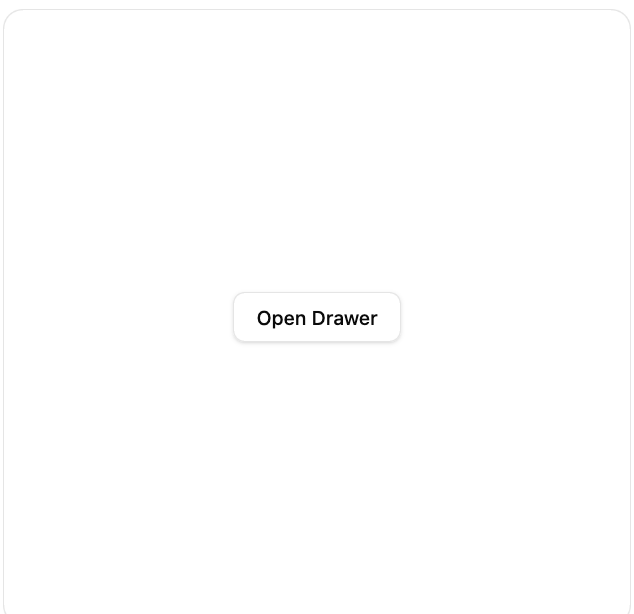
A panel that slides in from any edge of the screen with swipe-to-dismiss gestures, built on Base UI primitives.
Built with React and Tailwind. Copy the prompt and paste it into Claude Code, Cursor or Lovable: your agent adds Drawer (Base UI) to your project and fits it to your theme.
Code
How Drawer (Base UI) is used: the demo's code. The component's own source comes with a free account.
Usage.tsx
"use client";

import { useRef } from "react";
import { Button } from "@/components/ui/button";
import {
  Drawer,
  DrawerClose,
  DrawerDescription,
  DrawerPopup,
  DrawerTitle,
  DrawerTrigger,
} from "@/components/ui/drawer-base";

export default function DrawerDemo() {
  const containerRef = useRef<HTMLDivElement>(null);

  return (
    <div
      ref={containerRef}
      className="relative flex h-[440px] w-full max-w-md items-center justify-center overflow-hidden rounded-xl border bg-background"
      style={{ transform: "translateZ(0)" }}
    >
      <Drawer>
        <DrawerTrigger render={<Button variant="outline" />}>
          Open Drawer
        </DrawerTrigger>
        <DrawerPopup container={containerRef}>
          <div className="mx-auto w-full max-w-sm py-4">
            <DrawerTitle>Notifications</DrawerTitle>
            <DrawerDescription>You have 3 unread messages.</DrawerDescription>
            <div className="mt-6 flex gap-2">
              <DrawerClose render={<Button className="flex-1" />}>
                Confirm
              </DrawerClose>
              <DrawerClose
                render={<Button variant="outline" className="flex-1" />}
              >
                Cancel
              </DrawerClose>
            </div>
          </div>
        </DrawerPopup>
      </Drawer>
    </div>
  );
}
Dependencies
More by Base UI
View all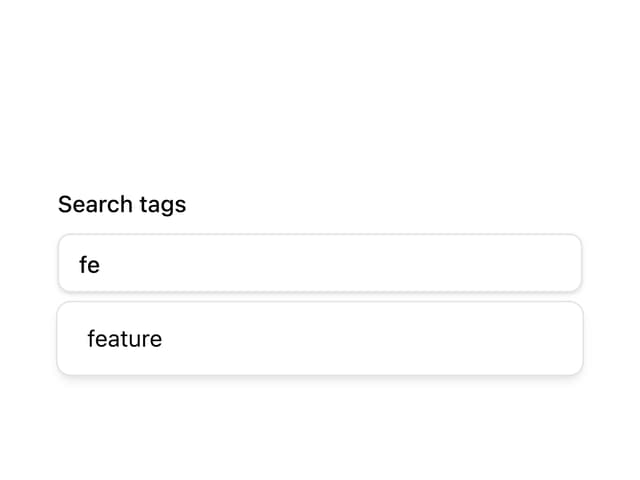

Autocomplete
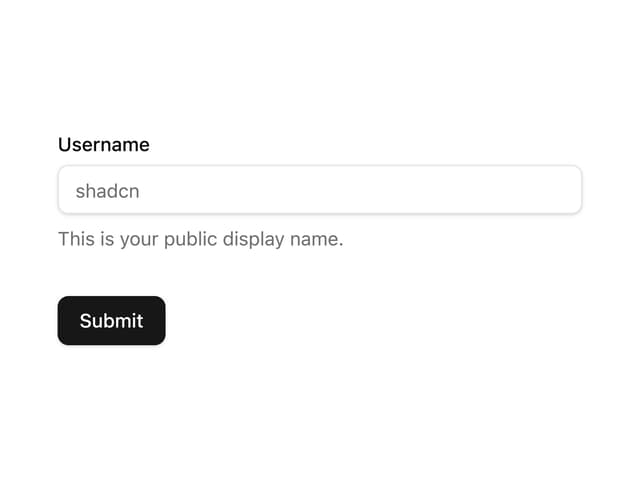
Form (TanStack Form)