About
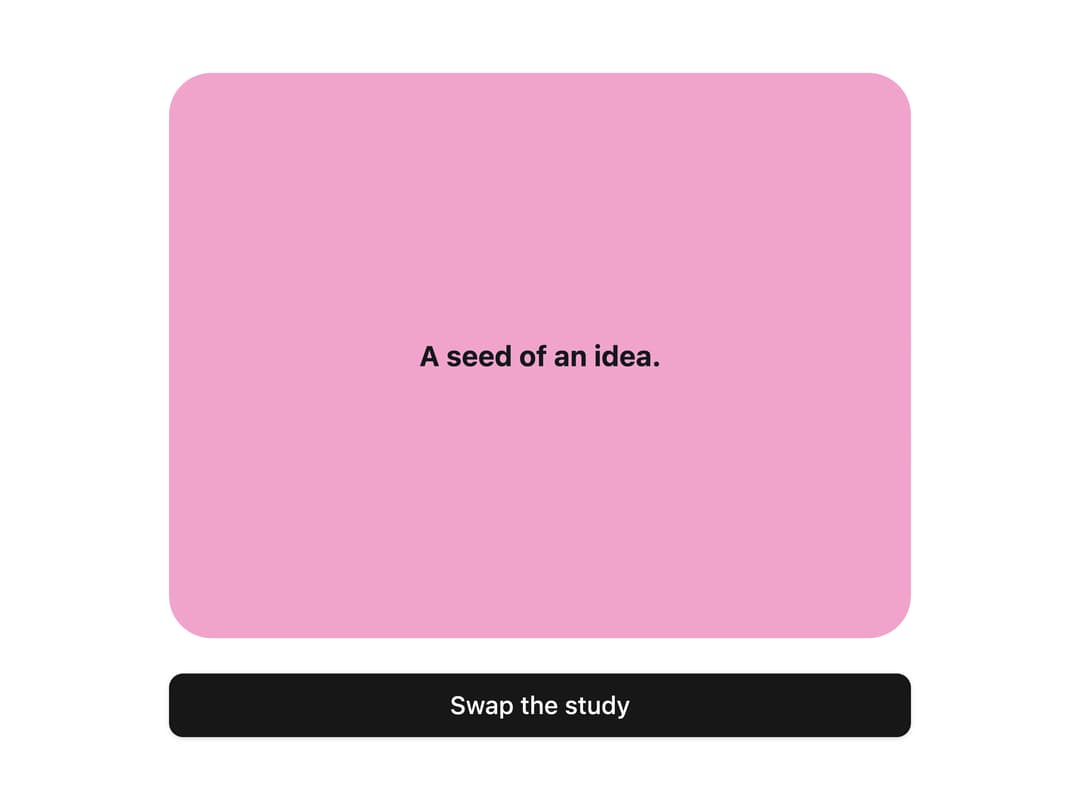
A content swapper that reveals a second composition over a first using a staggered pixel/tile clip-path mask, without duplicating interactive DOM.
Built with React and Tailwind. Copy the prompt and paste it into Claude Code, Cursor or Lovable: your agent adds Pixel Swap to your project and fits it to your theme.
Code
How Pixel Swap is used: the demo's code. The component's own source comes with a free account.
Usage.tsx
"use client";

import * as React from "react";
import { Button } from "@/components/ui/button";
import PixelSwap from "@/components/ui/pixel-swap";

export default function PixelSwapDemo() {
  const [active, setActive] = React.useState(false);
  return (
    <div style={{ display: "grid", gap: 20, width: "100%", maxWidth: 420 }}>
      <PixelSwap
        active={active}
        first={
          <div
            style={{
              display: "grid",
              placeItems: "center",
              padding: 32,
              minHeight: 320,
              background: "#F0A4CC",
              color: "#14171B",
              textAlign: "center",
            }}
          >
            <strong>A seed of an idea.</strong>
          </div>
        }
        second={
          <div
            style={{
              display: "grid",
              placeItems: "center",
              padding: 32,
              minHeight: 320,
              background: "#95BAE8",
              color: "#14171B",
              textAlign: "center",
            }}
          >
            <strong>Something taking shape.</strong>
          </div>
        }
      />
      <Button
        onClick={() => setActive((value) => !value)}
        aria-pressed={active}
      >
        Swap the study
      </Button>
    </div>
  );
}
Dependencies
More by luv-jeri
View all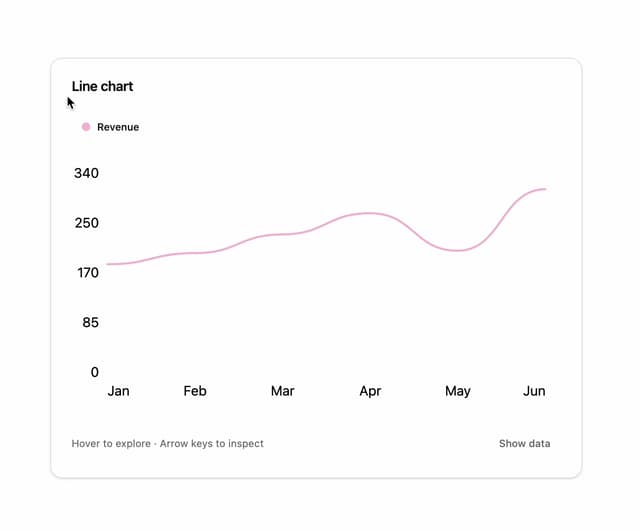

Line Chart
9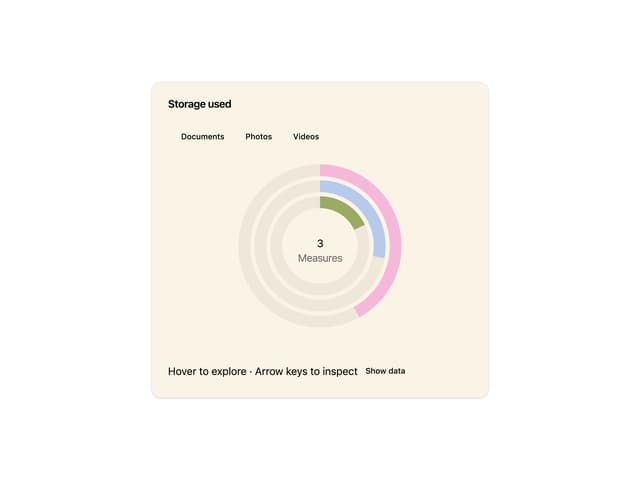
Radial Chart
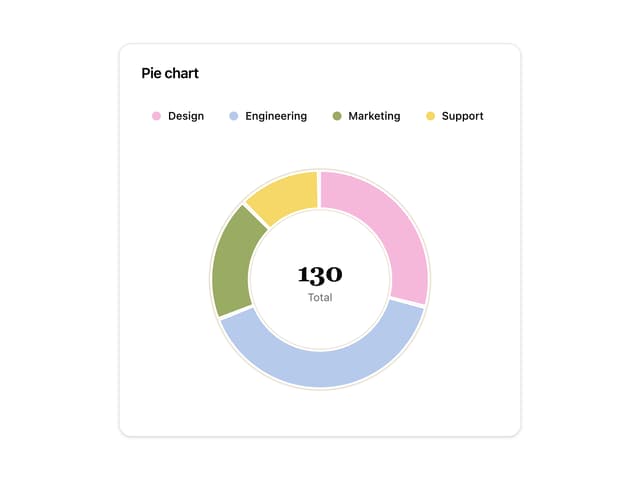
Pie Chart
Infinite Spiral Gallery
Dither Sculpture