
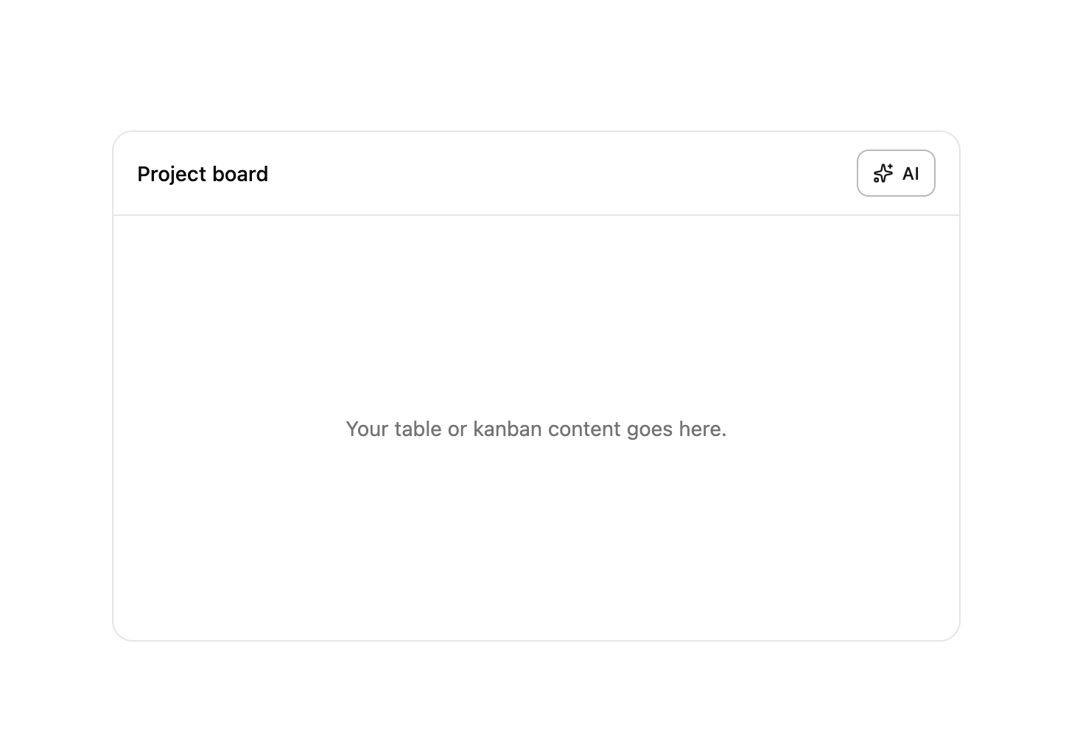
About
A small outline trigger button with a sparkles icon that opens an AI assistant panel from a toolbar.
Built with React and Tailwind. Copy the prompt and paste it into Claude Code, Cursor or Lovable: your agent adds AI Chat Button to your project and fits it to your theme.
Code
How AI Chat Button is used: the demo's code. The component's own source comes with a free account.
Usage.tsx
"use client";

import { AIChatButton } from "@/components/ui/aichat-button";
import { Bot, Sparkles, X } from "lucide-react";
import { useEffect, useRef, useState } from "react";

const SYNTHETIC_REPLY =
  'Based on your current board, 3 cards are overdue in "In Progress". Want me to draft reminders for the assignees?';

export default function AIChatButtonDemo() {
  const [open, setOpen] = useState(false);
  const [streamed, setStreamed] = useState("");
  const [done, setDone] = useState(false);
  const timerRef = useRef<ReturnType<typeof setInterval> | null>(null);

  useEffect(() => {
    if (!open) return;
    setStreamed("");
    setDone(false);
    let i = 0;
    timerRef.current = setInterval(() => {
      i += 1;
      setStreamed(SYNTHETIC_REPLY.slice(0, i));
      if (i >= SYNTHETIC_REPLY.length) {
        setDone(true);
        if (timerRef.current) clearInterval(timerRef.current);
      }
    }, 18);
    return () => {
      if (timerRef.current) clearInterval(timerRef.current);
    };
  }, [open]);

  return (
    <div className="flex h-screen w-full items-center justify-center bg-background p-6">
      <div className="relative w-full max-w-xl overflow-hidden rounded-xl border border-border bg-card">
        <div className="flex items-center justify-between border-b border-border px-4 py-3">
          <span className="text-sm font-medium text-foreground">
            Project board
          </span>
          <AIChatButton
            onClick={() => setOpen((v) => !v)}
            aria-label="Toggle AI assistant"
          />
        </div>
        <div className="flex h-72 items-center justify-center text-sm text-muted-foreground">
          Your table or kanban content goes here.
        </div>

        {open ? (
          <div className="absolute inset-y-0 right-0 flex w-72 flex-col border-l border-border bg-background shadow-xl">
            <div className="flex items-center gap-2 border-b border-border px-3 py-2.5">
              <div className="flex h-7 w-7 items-center justify-center rounded-md bg-primary/10">
                <Bot className="h-4 w-4 text-primary" />
              </div>
              <div className="min-w-0 flex-1">
                <p className="truncate text-sm font-semibold text-foreground">
                  AI assistant
                </p>
                <p className="truncate text-[11px] text-muted-foreground">
                  Simulated local reply
                </p>
              </div>
              <button
                type="button"
                onClick={() => setOpen(false)}
                aria-label="Close"
                className="rounded-md p-1 text-muted-foreground hover:bg-muted"
              >
                <X className="h-4 w-4" />
              </button>
            </div>
            <div className="flex-1 space-y-2 overflow-y-auto p-3 text-sm">
              <div className="flex justify-end">
                <div className="max-w-[85%] rounded-xl rounded-br-sm bg-primary px-3 py-2 text-primary-foreground">
                  Summarize the board status
                </div>
              </div>
              <div className="flex gap-2">
                <div className="mt-0.5 flex h-6 w-6 shrink-0 items-center justify-center rounded-md bg-primary/10">
                  <Sparkles className="h-3 w-3 text-primary" />
                </div>
                <div className="max-w-[85%] rounded-xl rounded-bl-sm border border-border bg-muted/60 px-3 py-2.5 text-foreground">
                  {streamed || " "}
                  {!done ? (
                    <span className="ml-0.5 inline-block h-3 w-1 animate-pulse bg-muted-foreground align-middle" />
                  ) : null}
                </div>
              </div>
            </div>
          </div>
        ) : null}
      </div>
    </div>
  );
}
Dependencies
More in AI chats
View all

AI Actions
319
Color Picker
81
Agent Chat
17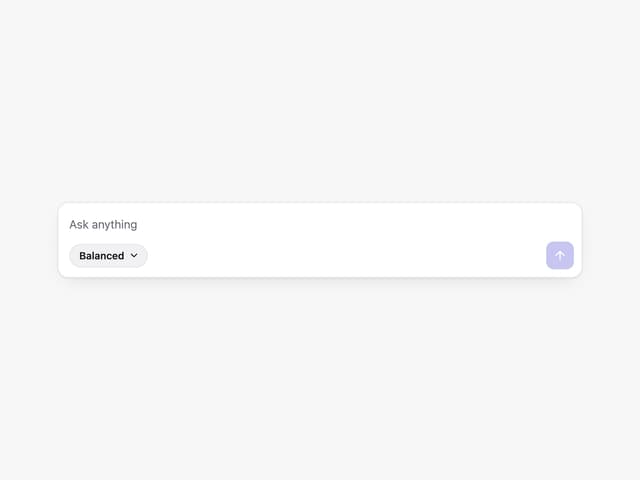
Prompt with Model Picker
2
Message Thread
35

System Message
54
Suggestions
28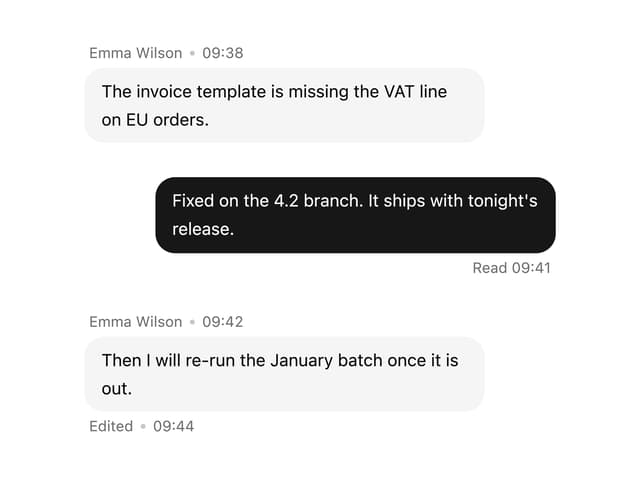

Message With Header And Delivery Status
38


