
About
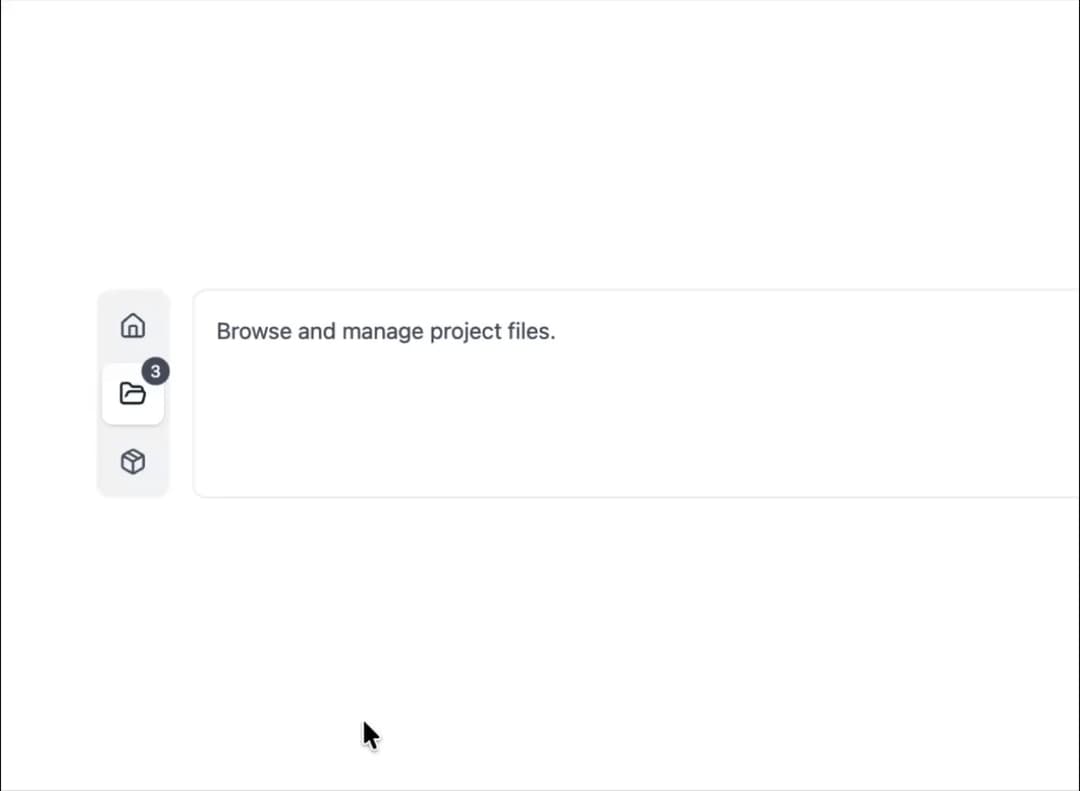
Here is Tabs component
Built with React and Tailwind. Copy the prompt and paste it into Claude Code, Cursor or Lovable: your agent adds Tabs Component to your project and fits it to your theme.
Code
How Tabs Component is used: the demo's code. The component's own source comes with a free account.
Usage.tsx
"use client";

import { Tabs } from "@ark-ui/react/tabs";
import { Home, FolderOpen, Package } from "lucide-react";

const tabs = [
  {
    value: "tab1",
    icon: Home,
    content: "Main dashboard with system overview.",
  },
  {
    value: "tab2",
    icon: FolderOpen,
    badge: 3,
    content: "Browse and manage project files.",
  },
  {
    value: "tab3",
    icon: Package,
    content: "View package dependencies and libraries.",
  },
];

export default function TabsVerticalIcons() {
  return (
    <div className="bg-white dark:bg-gray-800 w-full px-4 py-12 rounded-xl flex items-start justify-center">
      <Tabs.Root defaultValue="tab2" className="flex gap-4 w-full">
        <Tabs.List className="flex flex-col gap-1 p-1 bg-gray-100 rounded-lg dark:bg-gray-700 w-fit">
          {tabs.map((tab) => {
            const Icon = tab.icon;
            return (
              <Tabs.Trigger
                key={tab.value}
                value={tab.value}
                className="relative p-3 text-gray-600 rounded-md transition-all data-selected:bg-white data-selected:text-gray-900 data-selected:shadow-sm dark:text-gray-300 dark:data-selected:bg-gray-800 dark:data-selected:text-gray-100"
              >
                <Icon className="w-5 h-5" />
                {tab.badge && (
                  <span className="absolute -top-1 -right-1 flex h-5 w-5 items-center justify-center rounded-full bg-gray-600 text-xs font-medium text-white dark:bg-gray-400 dark:text-gray-900">
                    {tab.badge}
                  </span>
                )}
              </Tabs.Trigger>
            );
          })}
        </Tabs.List>

        <div className="flex-1 border border-gray-200 rounded-lg p-4 dark:border-gray-700">
          {tabs.map((tab) => (
            <Tabs.Content
              key={tab.value}
              value={tab.value}
              className="text-gray-600 dark:text-gray-300"
            >
              {tab.content}
            </Tabs.Content>
          ))}
        </div>
      </Tabs.Root>
    </div>
  );
}
Dependencies
More by Abraham
View all

Signature Pad
106
Carousel
81
timeline-animation
65
Basic Toast
56
Calendar
54
QR Code
51
Menu
50
Steps
43
More in Dashboards
View all
Dashboard with Collapsible Sidebar
2.4K

Sidebar
234

SaaS Template
2.4K

Chat template
598
Stats Bento
1.1K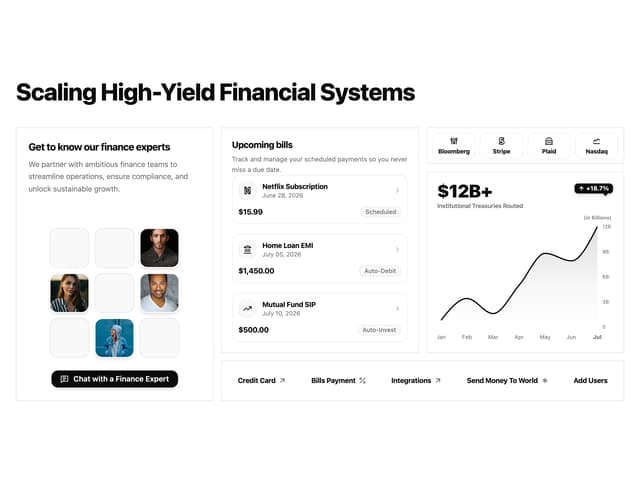

Financial Bento Grid
71

Statistics Card 2
264

Course Design Cards
1.1K

