
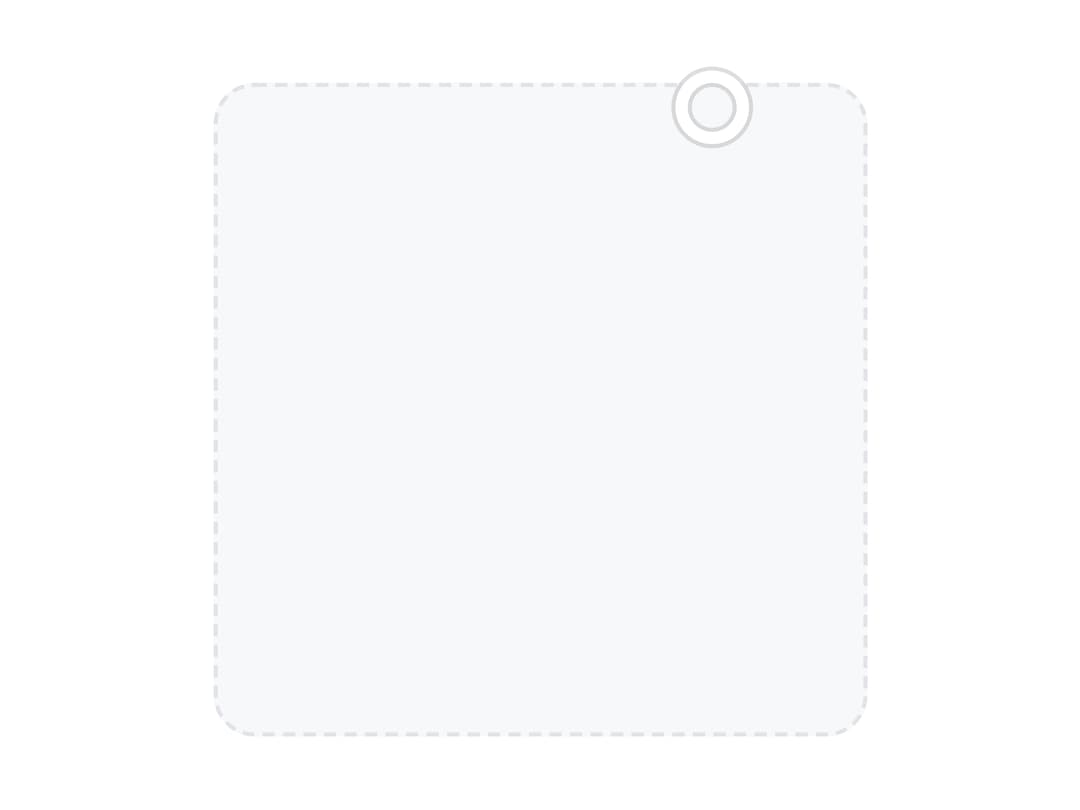
About
A draggable 2D color plane for picking two channels at once (like saturation and brightness), with keyboard, RTL and form support.
Built with React and Tailwind. Copy the prompt and paste it into Claude Code, Cursor or Lovable: your agent adds Color Area to your project and fits it to your theme.
Code
How Color Area is used: the demo's code. The component's own source comes with a free account.
Usage.tsx
import { ColorArea } from "@/components/ui/color-area";

export default function ColorAreaDisabled() {
  return (
    <ColorArea
      defaultValue="hsb(217, 76%, 96%)"
      xChannel="saturation"
      yChannel="brightness"
      aria-label="Brand color"
      disabled
      className="size-40"
    />
  );
}
More by appica-dev
View all
Border Beam
43
Text Animate
19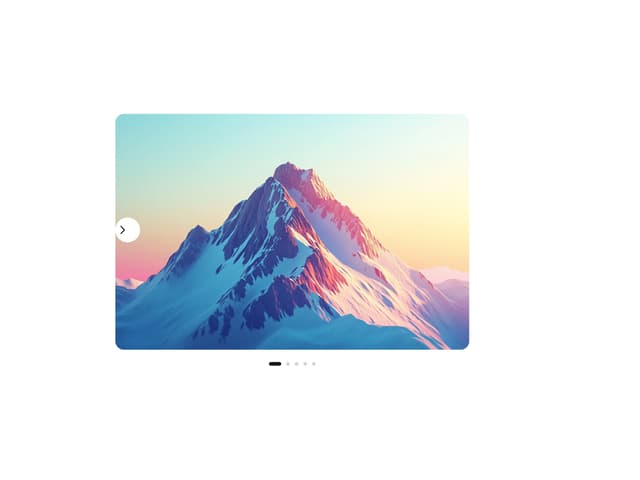
Carousel
14
Sparkline
7
Table of Contents
6
Avatar
6
Background Pattern
3
Autocomplete
2