
About
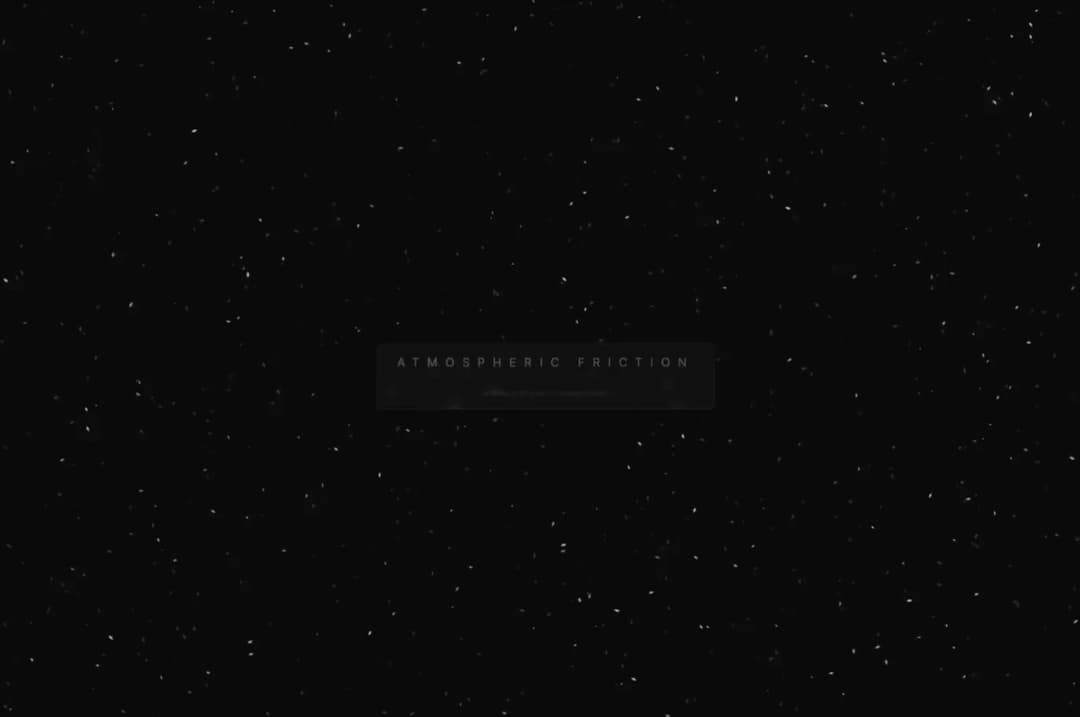
a beautiful asmr mouse hover react bg
Built with React and Tailwind. Copy the prompt and paste it into Claude Code, Cursor or Lovable: your agent adds ASMR background to your project and fits it to your theme.
Code
How ASMR background is used: the demo's code. The component's own source comes with a free account.
Usage.tsx
import React, { useEffect, useRef } from 'react';

/**
 * ASMRStaticBackground Component
 *
 * Features:
 * - High-density particle system using HTML5 Canvas.
 * - Reactive "magnetic vortex" effect on mouse hover.
 * - Visual "friction glow" when particles accelerate.
 * - Glass-shard and charcoal-dust aesthetic.
 */
const ASMRStaticBackground: React.FC = () => {
  const canvasRef = useRef<HTMLCanvasElement>(null);

  useEffect(() => {
    const canvas = canvasRef.current;
    if (!canvas) return;

    const ctx = canvas.getContext('2d');
    if (!ctx) return;

    let width: number;
    let height: number;
    let animationFrameId: number;
    let particles: Particle[] = [];
    const mouse = { x: -1000, y: -1000 };

    const PARTICLE_COUNT = 1000;
    const MAGNETIC_RADIUS = 280;
    const VORTEX_STRENGTH = 0.07;
    const PULL_STRENGTH = 0.12;

    class Particle {
      x: number = 0;
      y: number = 0;
      vx: number = 0;
      vy: number = 0;
      size: number = 0;
      alpha: number = 0;
      color: string = '';
      rotation: number = 0;
      rotationSpeed: number = 0;
      frictionGlow: number = 0;

      constructor() {
        this.reset();
      }

      reset() {
        this.x = Math.random() * width;
        this.y = Math.random() * height;
        this.size = Math.random() * 1.5 + 0.5;
        this.vx = (Math.random() - 0.5) * 0.2;
        this.vy = (Math.random() - 0.5) * 0.2;
        // 70% Charcoal, 30% Glass
        const isGlass = Math.random() > 0.7;
        this.color = isGlass ? '240, 245, 255' : '80, 80, 85';
        this.alpha = Math.random() * 0.4 + 0.1;
        this.rotation = Math.random() * Math.PI * 2;
        this.rotationSpeed = (Math.random() - 0.5) * 0.05;
      }

      update() {
        const dx = mouse.x - this.x;
        const dy = mouse.y - this.y;
        const dist = Math.sqrt(dx * dx + dy * dy);

        if (dist < MAGNETIC_RADIUS) {
          const force = (MAGNETIC_RADIUS - dist) / MAGNETIC_RADIUS;

          // Magnetic center pull
          this.vx += (dx / dist) * force * PULL_STRENGTH;
          this.vy += (dy / dist) * force * PULL_STRENGTH;

          // Swirl vortex motion (Perpendicular to radius)
          this.vx += (dy / dist) * force * VORTEX_STRENGTH * 10;
          this.vy -= (dx / dist) * force * VORTEX_STRENGTH * 10;

          // Glow based on proximity and velocity
          this.frictionGlow = force * 0.7;
        } else {
          this.frictionGlow *= 0.92;
        }

        // Physics application
        this.x += this.vx;
        this.y += this.vy;

        // Friction / Damping
        this.vx *= 0.95;
        this.vy *= 0.95;

        // Background jitter (frozen static feel)
        this.vx += (Math.random() - 0.5) * 0.04;
        this.vy += (Math.random() - 0.5) * 0.04;

        this.rotation += this.rotationSpeed + (Math.abs(this.vx) + Math.abs(this.vy)) * 0.05;

        // Screen wrap
        if (this.x < -20) this.x = width + 20;
        if (this.x > width + 20) this.x = -20;
        if (this.y < -20) this.y = height + 20;
        if (this.y > height + 20) this.y = -20;
      }

      draw() {
        if (!ctx) return;
        ctx.save();
        ctx.translate(this.x, this.y);
        ctx.rotate(this.rotation);

        const finalAlpha = Math.min(this.alpha + this.frictionGlow, 0.9);
        ctx.fillStyle = `rgba(${this.color}, ${finalAlpha})`;

        if (this.frictionGlow > 0.3) {
          ctx.shadowBlur = 8 * this.frictionGlow;
          ctx.shadowColor = `rgba(180, 220, 255, ${this.frictionGlow})`;
        }

        // Sharp shard geometry
        ctx.beginPath();
        ctx.moveTo(0, -this.size * 2.5);
        ctx.lineTo(this.size, 0);
        ctx.lineTo(0, this.size * 2.5);
        ctx.lineTo(-this.size, 0);
        ctx.closePath();
        ctx.fill();

        ctx.restore();
      }
    }

    const init = () => {
      width = canvas.width = window.innerWidth;
      height = canvas.height = window.innerHeight;
      particles = [];
      for (let i = 0; i < PARTICLE_COUNT; i++) {
        particles.push(new Particle());
      }
    };

    const render = () => {
      // Create slight motion blur effect
      ctx.fillStyle = 'rgba(10, 10, 12, 0.18)';
      ctx.fillRect(0, 0, width, height);

      particles.forEach(p => {
        p.update();
        p.draw();
      });

      animationFrameId = requestAnimationFrame(render);
    };

    const handleMouseMove = (e: MouseEvent) => {
      mouse.x = e.clientX;
      mouse.y = e.clientY;
    };

    const handleTouchMove = (e: TouchEvent) => {
      if (e.touches[0]) {
        mouse.x = e.touches[0].clientX;
        mouse.y = e.touches[0].clientY;
      }
    };

    window.addEventListener('resize', init);
    window.addEventListener('mousemove', handleMouseMove);
    window.addEventListener('touchmove', handleTouchMove);

    init();
    render();

    return () => {
      window.removeEventListener('resize', init);
      window.removeEventListener('mousemove', handleMouseMove);
      window.removeEventListener('touchmove', handleTouchMove);
      cancelAnimationFrame(animationFrameId);
    };
  }, []);

  return (
    <div className="relative w-full h-screen bg-[#0a0a0c] overflow-hidden cursor-none">
      <canvas
        ref={canvasRef}
        className="absolute inset-0 block w-full h-full"
      />

      {/* Optional UI Overlay */}
      <div className="relative z-10 flex flex-col items-center justify-center h-full pointer-events-none">
        <div className="px-8 py-4 border border-white/5 bg-white/[0.02] backdrop-blur-sm rounded-sm">
          <h2 className="text-white/30 font-light tracking-[0.7em] uppercase text-sm md:text-xl">
            Atmospheric Friction
          </h2>
          <div className="w-full h-[1px] bg-gradient-to-r from-transparent via-white/10 to-transparent my-4" />
          <p className="text-[10px] text-white/10 tracking-widest text-center">
            INTERACTIVE KINETIC ENVIRONMENT
          </p>
        </div>
      </div>

      {/* Custom cursor follow (optional) */}
      <div
        className="fixed top-0 left-0 w-4 h-4 rounded-full border border-white/20 pointer-events-none transition-transform duration-75 ease-out z-50"
        style={{
          transform: `translate(calc(var(--mouse-x, -100px) - 50%), calc(var(--mouse-y, -100px) - 50%))`
        }}
      />

      <style>{`
        :root {
          --mouse-x: -100px;
          --mouse-y: -100px;
        }
      `}</style>

      <script dangerouslySetInnerHTML={{ __html: `
        window.addEventListener('mousemove', e => {
          document.documentElement.style.setProperty('--mouse-x', e.clientX + 'px');
          document.documentElement.style.setProperty('--mouse-y', e.clientY + 'px');
        });
      `}} />
    </div>
  );
};

export default ASMRStaticBackground;

/*
  Notes for Implementation:
  1. The density is set to 1000 particles; adjust PARTICLE_COUNT based on target device performance.
  2. The vortex effect relies on calculating the vector perpendicular to the vector from mouse to particle.
  3. The "humming glow" is simulated by adding a shadowBlur and increasing alpha on particles that are within the 'magnetic' radius.
*/More by ashish rajwani
View all
animated pattern cloud
616
Balloons Pop background
362
realistic fog background
309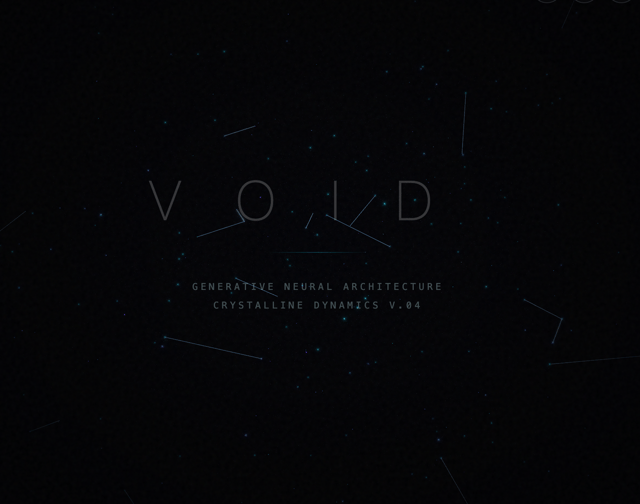
3d animated stars background
3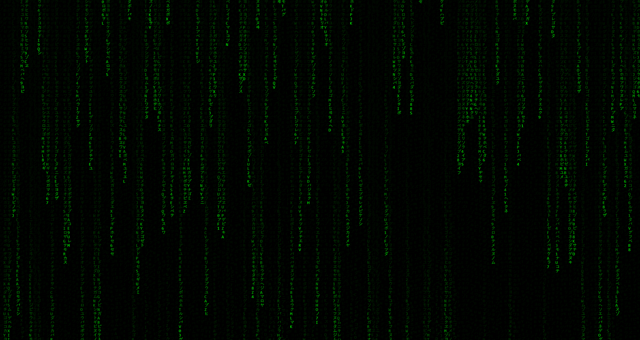
Matrix background
1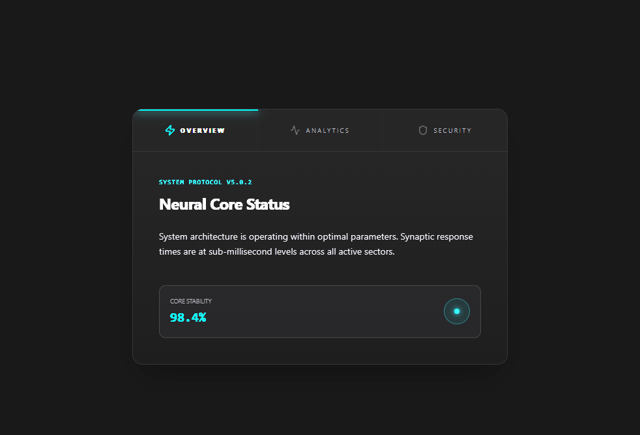
tab pages
1
sleek text input
Botanical background
More in Backgrounds
View all
Elegant Dark Pattern
811

Gradient Backgrounds
25
Jade Sky
85

Light theme Tailwind CSS Background Snippet
221
Gradient Blur Bg
34
Background snippets
16
Background Components
233

LivingOrigami bg
134

