

About
A marketing-attribution chart that splits conversion credit across touchpoints and lets you switch between first-touch, last-touch, linear, time-decay and position-based models.
Built with React and Tailwind. Copy the prompt and paste it into Claude Code, Cursor or Lovable: your agent adds Attribution to your project and fits it to your theme.
Code
How Attribution is used: the demo's code. The component's own source comes with a free account.
Usage.tsx
"use client";

import { Attribution, type Journey } from "@/components/ui/attribution";

const JOURNEYS: Journey[] = Array.from({ length: 40 }, (_, index) => {
  const paths = [
    ["Organic search", "Email", "Direct"],
    ["Paid search", "Direct"],
    ["Social", "Organic search", "Email", "Direct"],
    ["Referral", "Paid search", "Direct"],
    ["Email", "Direct"],
    ["Organic search", "Direct"],
  ];
  const path = paths[index % paths.length];
  const base = new Date("2026-03-01T09:00:00").getTime();
  return {
    id: `j${index}`,
    value: 100 + (index % 7) * 45,
    touchpoints: path.map((channel, step) => ({
      channel,
      at: new Date(base + index * 86_400_000 + step * 36_000_000),
    })),
  };
});

export default function AttributionDemo() {
  return (
    <div className="flex w-full max-w-xl items-center justify-center p-6">
      <Attribution
        className="w-full"
        journeys={JOURNEYS}
        valueFormat={(value) => `$${value.toFixed(0)}`}
      />
    </div>
  );
}
More by astralyxdev
View all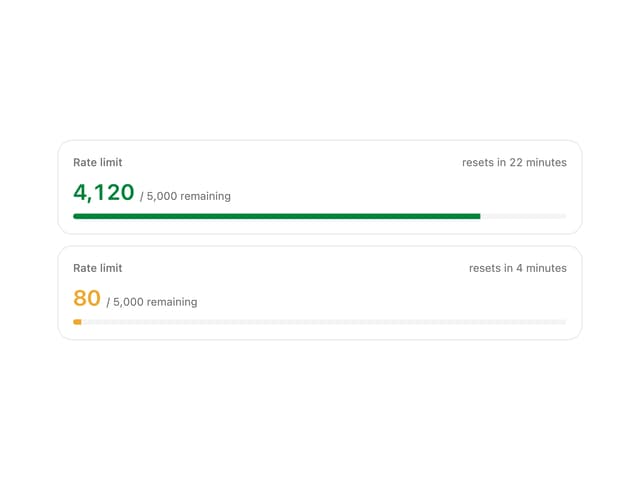
Rate Limit Meter
18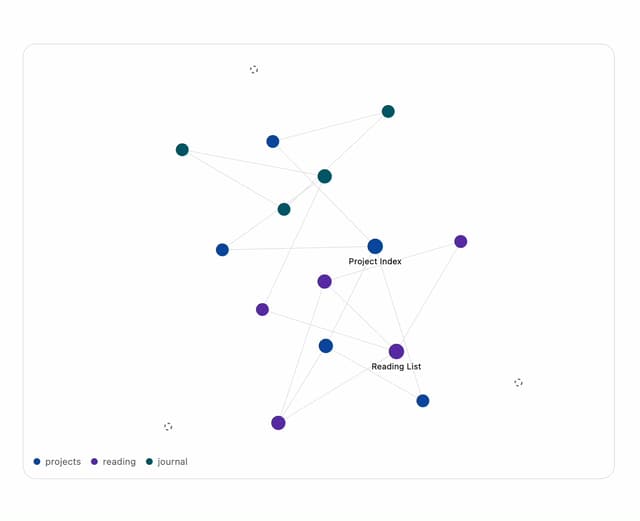
Note Graph
13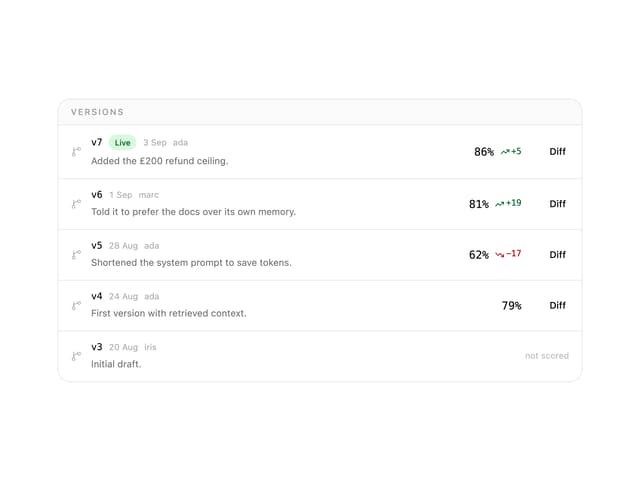
Prompt Versions
7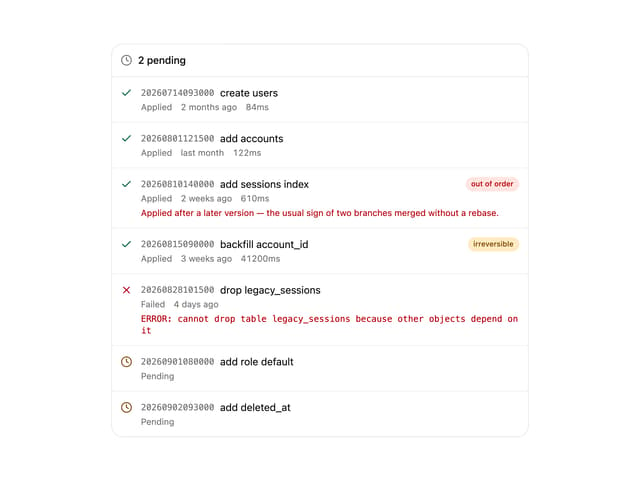
Migration List
7
IP Cluster
7
Checkout Summary
7
Odds Display
5
Budget Guard
5