
About
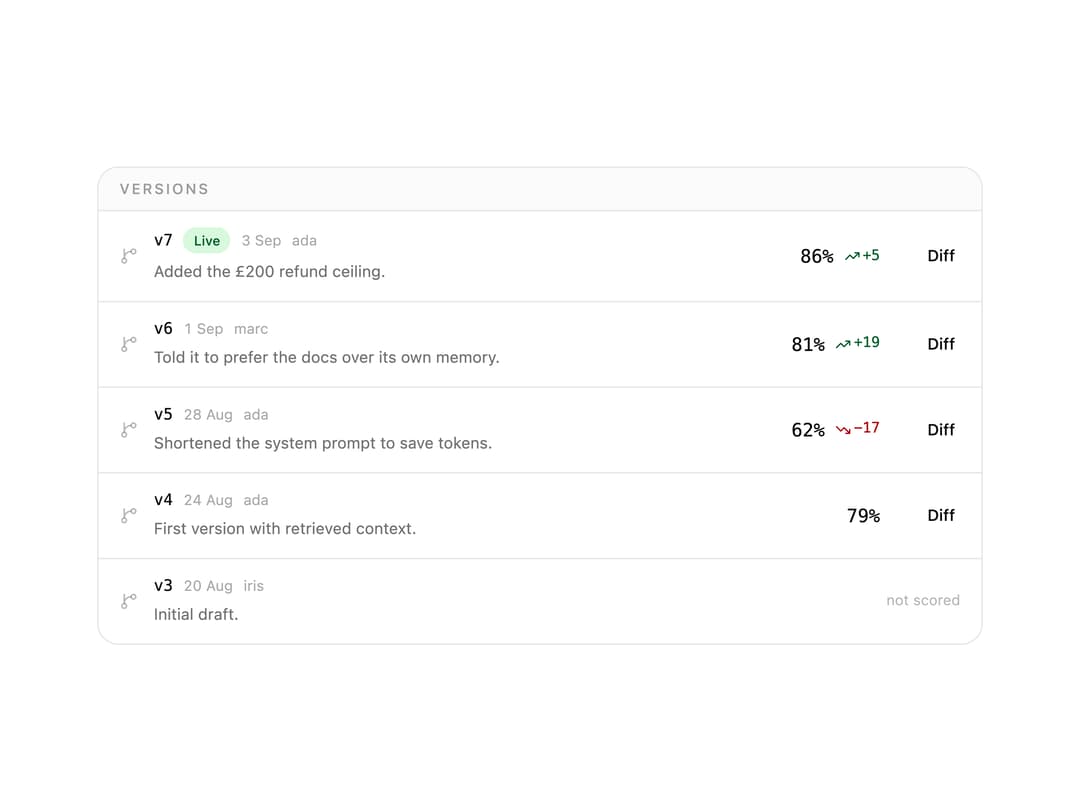
A version history for an AI prompt that pairs each edit with the eval score it produced, so you can tell exactly which change made the score go up or down.
Built with React and Tailwind. Copy the prompt and paste it into Claude Code, Cursor or Lovable: your agent adds Prompt Versions to your project and fits it to your theme.
Code
How Prompt Versions is used: the demo's code. The component's own source comes with a free account.
Usage.tsx
import {
  PromptVersions,
  type PromptVersion,
} from "@/components/ui/prompt-versions";

const VERSIONS: PromptVersion[] = [
  {
    id: "v7",
    label: "v7",
    at: "3 Sep",
    author: "ada",
    note: "Added the £200 refund ceiling.",
    score: 0.86,
    live: true,
  },
  {
    id: "v6",
    label: "v6",
    at: "1 Sep",
    author: "marc",
    note: "Told it to prefer the docs over its own memory.",
    score: 0.81,
  },
  {
    id: "v5",
    label: "v5",
    at: "28 Aug",
    author: "ada",
    note: "Shortened the system prompt to save tokens.",
    score: 0.62,
  },
  {
    id: "v4",
    label: "v4",
    at: "24 Aug",
    author: "ada",
    note: "First version with retrieved context.",
    score: 0.79,
  },
  {
    id: "v3",
    label: "v3",
    at: "20 Aug",
    author: "iris",
    note: "Initial draft.",
  },
];

export default function PromptVersionsDemo() {
  return (
    <div className="w-full max-w-2xl">
      <PromptVersions versions={VERSIONS} onCompare={() => {}} />
    </div>
  );
}
Dependencies
More by astralyxdev
View all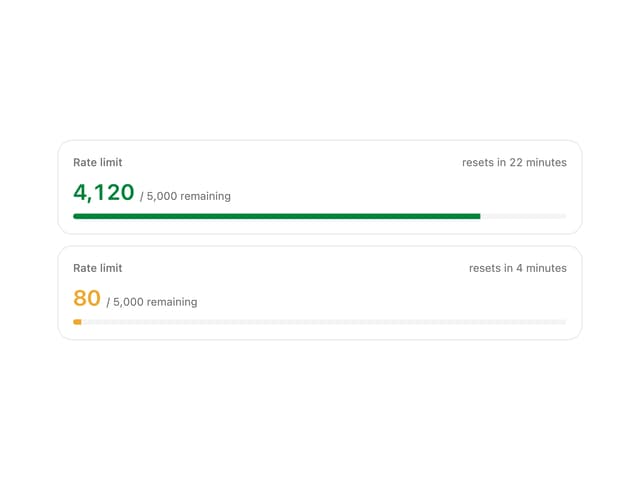
Rate Limit Meter
18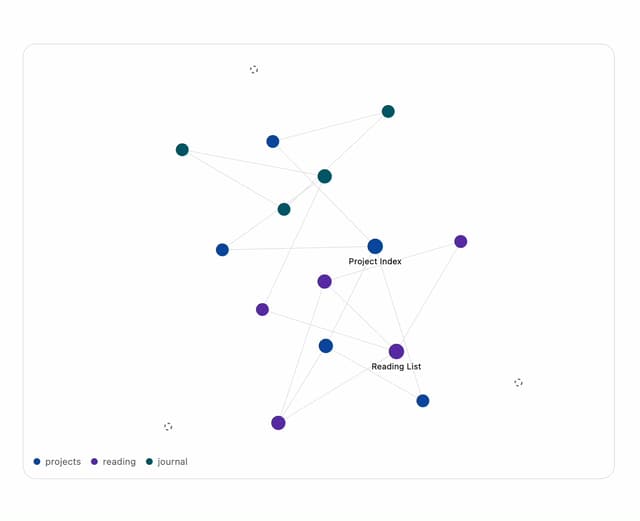
Note Graph
13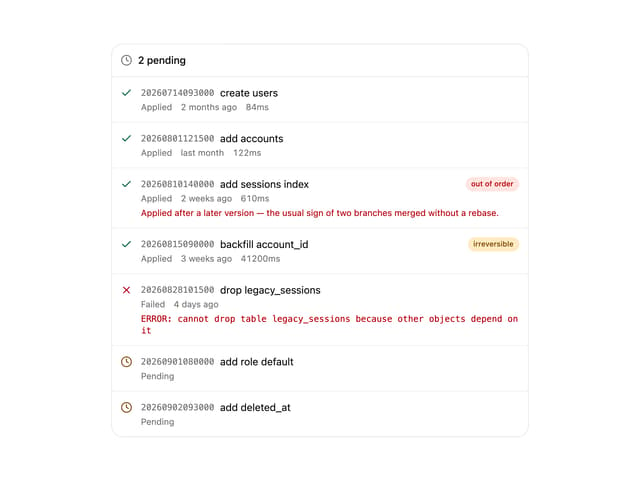
Migration List
7
IP Cluster
7
Checkout Summary
7
Odds Display
5
Budget Guard
5
Attribution
5