
About
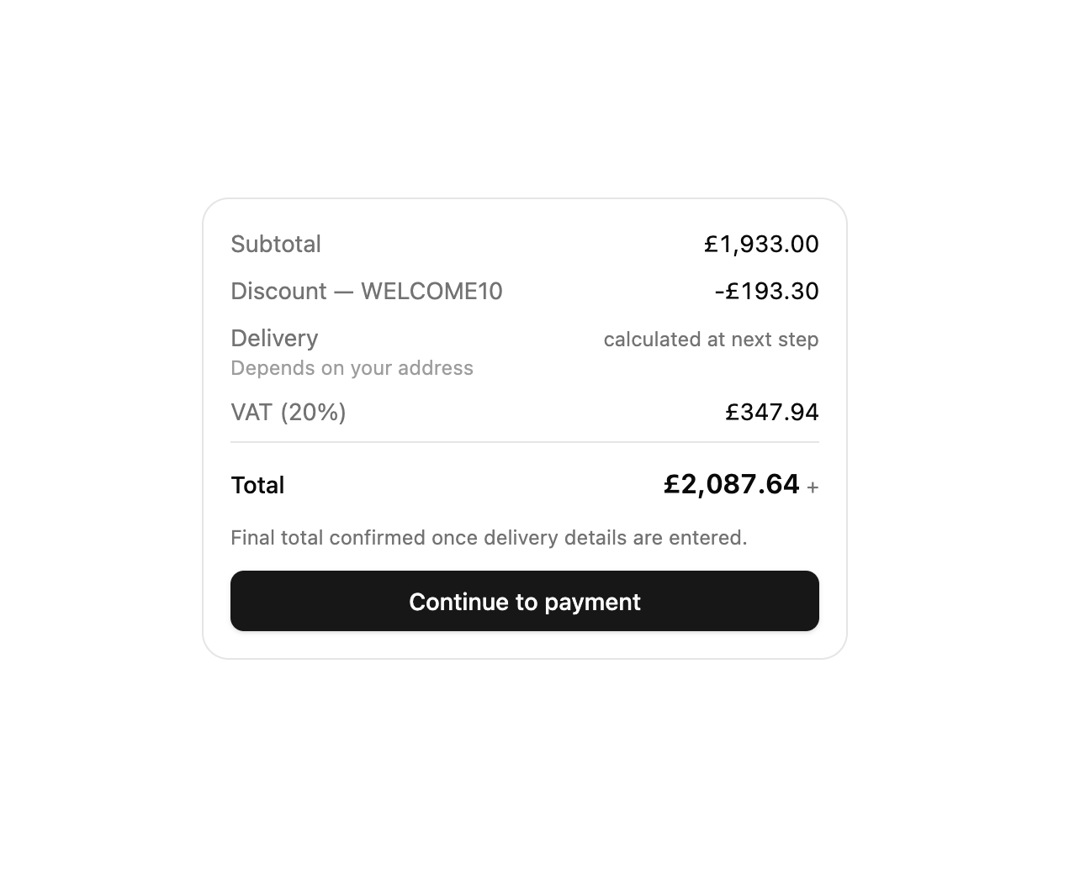
An order total broken into subtotal, discount, tax and shipping line items, with charges that aren't known yet shown as "calculated at next step" instead of a false £0.00.
Built with React and Tailwind. Copy the prompt and paste it into Claude Code, Cursor or Lovable: your agent adds Checkout Summary to your project and fits it to your theme.
Code
How Checkout Summary is used: the demo's code. The component's own source comes with a free account.
Usage.tsx
"use client";

import { Button } from "@/components/ui/button";
import { CheckoutSummary } from "@/components/ui/checkout-summary";

// Synthetic basket, mirroring the real usage in astralyx-ui's Storefront
// example (src/examples/shop.tsx): a chair plus two monitor arms.
const SUBTOTAL = 149_500 + 2 * 21_900;

export default function CheckoutSummaryDemo() {
  return (
    <div className="flex w-full items-center justify-center bg-background p-6 text-foreground">
      <div className="w-full max-w-sm">
        <CheckoutSummary
          subtotal={SUBTOTAL}
          currency="GBP"
          lines={[
            {
              id: "discount",
              label: "Discount — WELCOME10",
              amount: -Math.round(SUBTOTAL * 0.1),
              discount: true,
            },
            {
              id: "delivery",
              label: "Delivery",
              amount: null,
              note: "Depends on your address",
            },
            {
              id: "vat",
              label: "VAT (20%)",
              amount: Math.round(SUBTOTAL * 0.9 * 0.2),
            },
          ]}
          footer={<Button className="w-full">Continue to payment</Button>}
        />
      </div>
    </div>
  );
}
More by astralyxdev
View all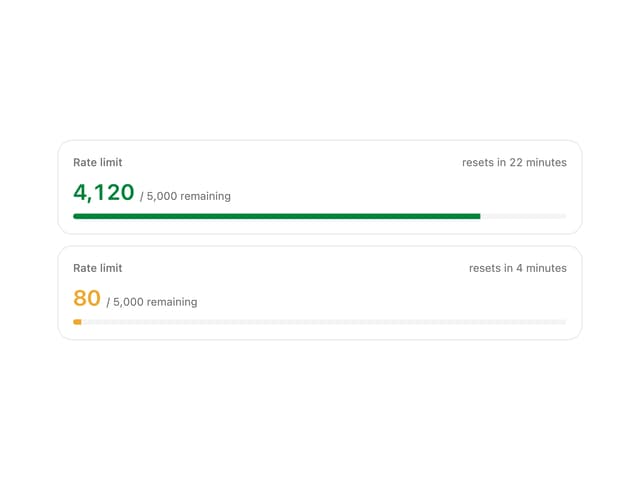
Rate Limit Meter
18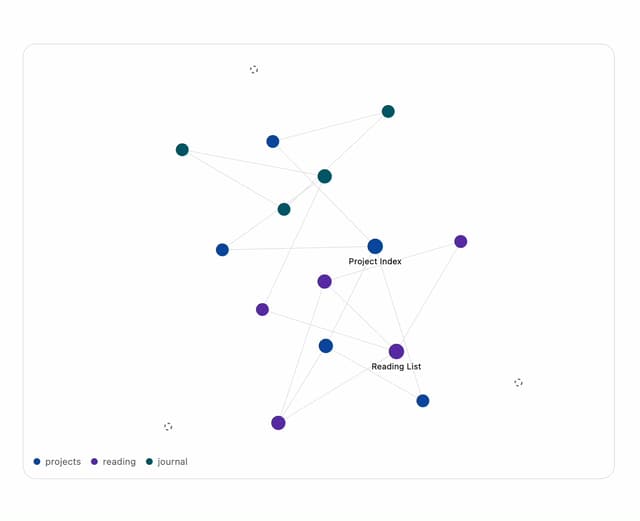
Note Graph
14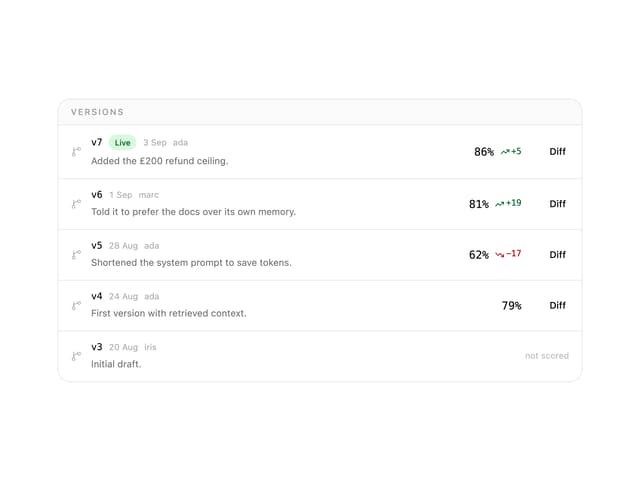
Prompt Versions
7
Migration List
7
IP Cluster
7
Odds Display
5
Budget Guard
5
Attribution
5