
About
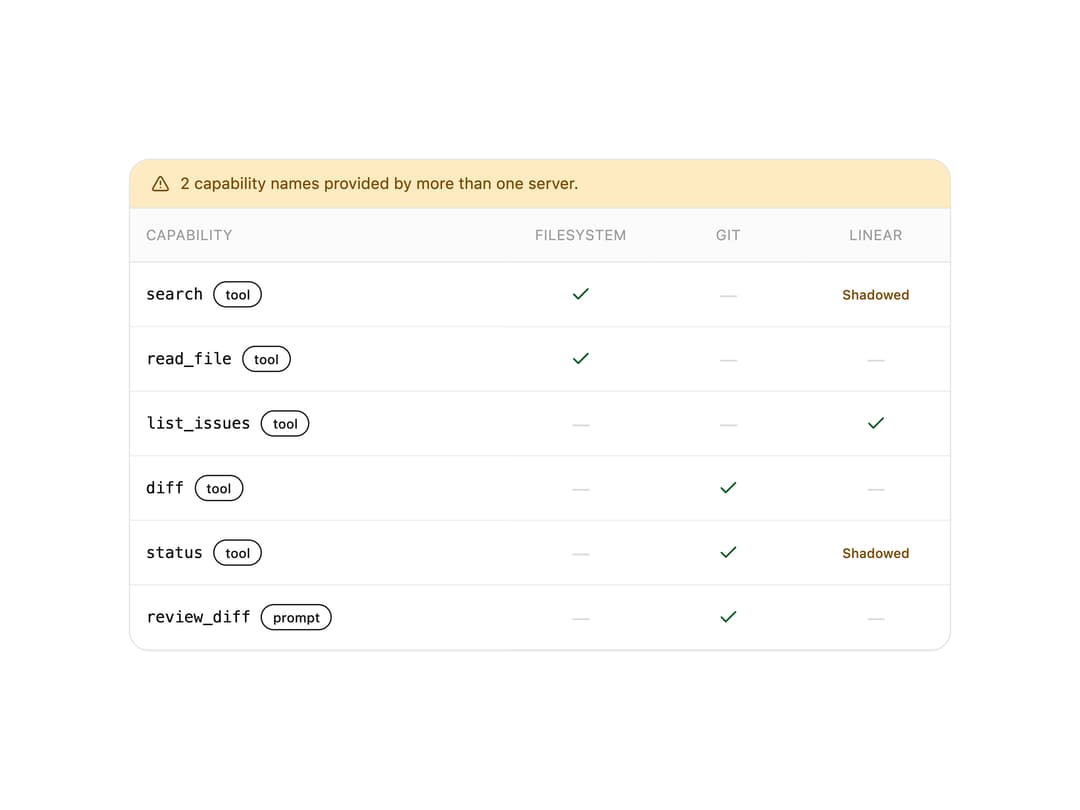
A grid that lines up every MCP server's tools, resources and prompts against each other so you can see where two servers expose the same capability name and which one your client would actually reach.
Built with React and Tailwind. Copy the prompt and paste it into Claude Code, Cursor or Lovable: your agent adds MCP Capability Matrix to your project and fits it to your theme.
Code
How MCP Capability Matrix is used: the demo's code. The component's own source comes with a free account.
Usage.tsx
import McpCapabilityMatrix, {
  type CapabilityRow,
} from "@/components/ui/mcp-capability-matrix";

const servers = [
  { id: "filesystem", name: "filesystem" },
  { id: "git", name: "git" },
  { id: "linear", name: "linear" },
];

const capabilities: CapabilityRow[] = [
  { name: "search", kind: "tool", providers: ["filesystem", "linear"] },
  { name: "read_file", kind: "tool", providers: ["filesystem"] },
  { name: "list_issues", kind: "tool", providers: ["linear"] },
  { name: "diff", kind: "tool", providers: ["git"] },
  { name: "status", kind: "tool", providers: ["git", "linear"] },
  { name: "review_diff", kind: "prompt", providers: ["git"] },
];

export default function McpCapabilityMatrixDemo() {
  return (
    <div className="bg-background text-foreground w-full max-w-2xl p-6">
      <McpCapabilityMatrix
        servers={servers}
        capabilities={capabilities}
        resolve={(row) => row.providers[0]}
      />
    </div>
  );
}
Dependencies
More by astralyxdev
View all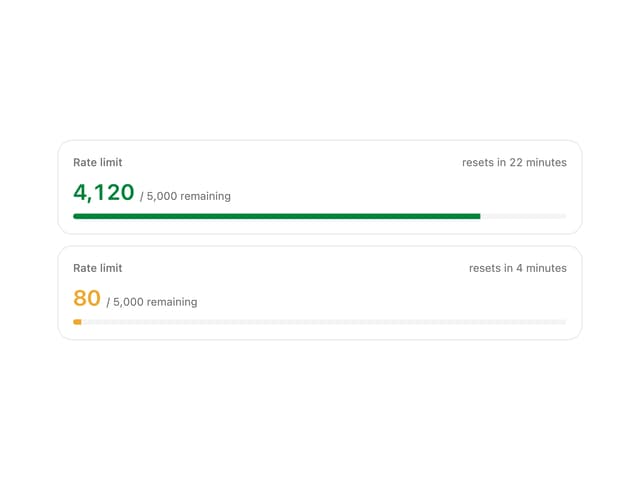
Rate Limit Meter
18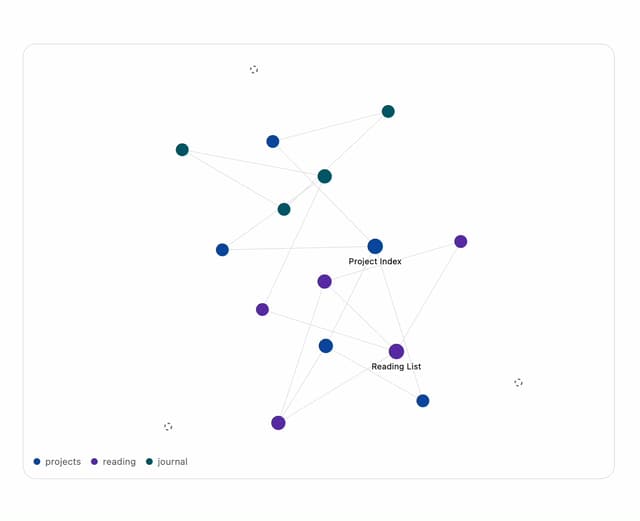
Note Graph
14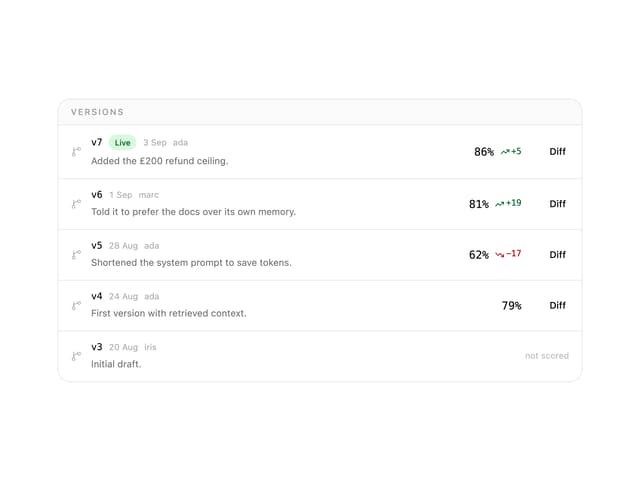
Prompt Versions
7
Migration List
7
IP Cluster
7
Checkout Summary
7
Odds Display
5
Budget Guard
5