
About
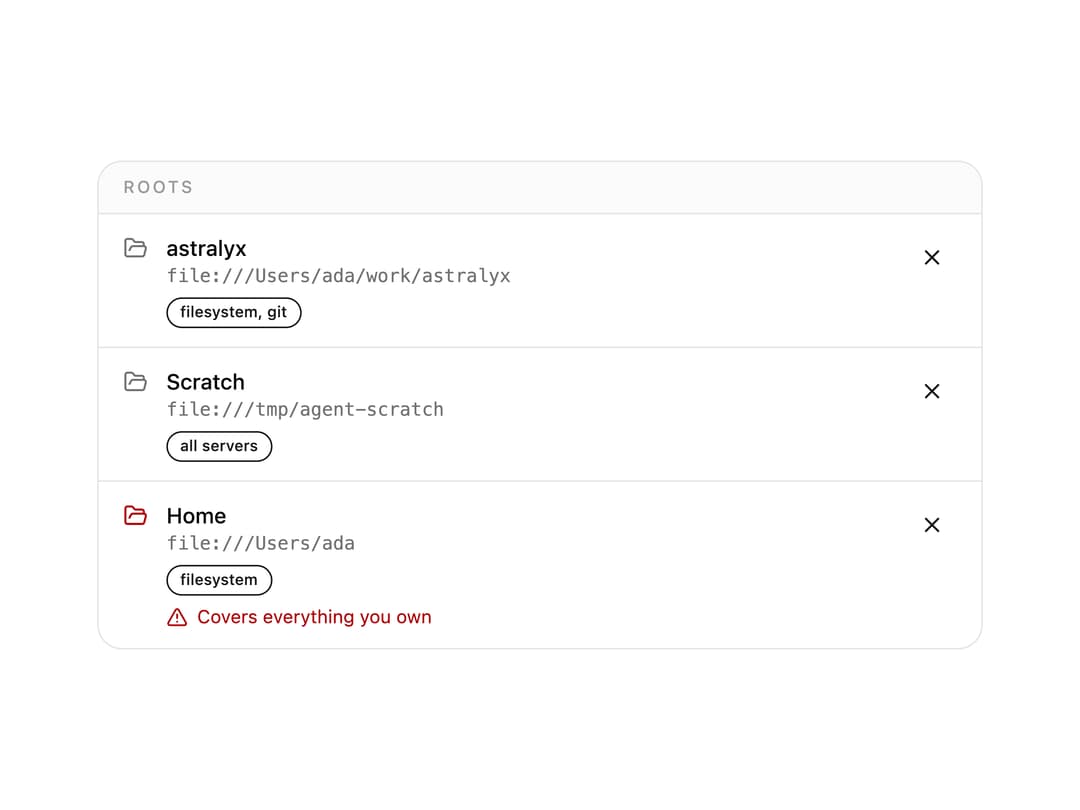
A permissions panel listing the filesystem roots an MCP client has granted its servers, flagging any root wide enough to cover a whole home directory as a warning instead of a plain row.
Built with React and Tailwind. Copy the prompt and paste it into Claude Code, Cursor or Lovable: your agent adds MCP Roots to your project and fits it to your theme.
Code
How MCP Roots is used: the demo's code. The component's own source comes with a free account.
Usage.tsx
"use client";

import { McpRoots, type McpRoot } from "@/components/ui/mcp-roots";

const ROOTS: McpRoot[] = [
  {
    uri: "file:///Users/ada/work/astralyx",
    name: "astralyx",
    servers: ["filesystem", "git"],
  },
  { uri: "file:///tmp/agent-scratch", name: "Scratch", readOnly: false },
  { uri: "file:///Users/ada", name: "Home", servers: ["filesystem"] },
];

export default function McpRootsDemo() {
  return (
    <div className="w-full max-w-xl">
      <McpRoots roots={ROOTS} onRemove={() => {}} />
    </div>
  );
}
Dependencies
More by astralyxdev
View all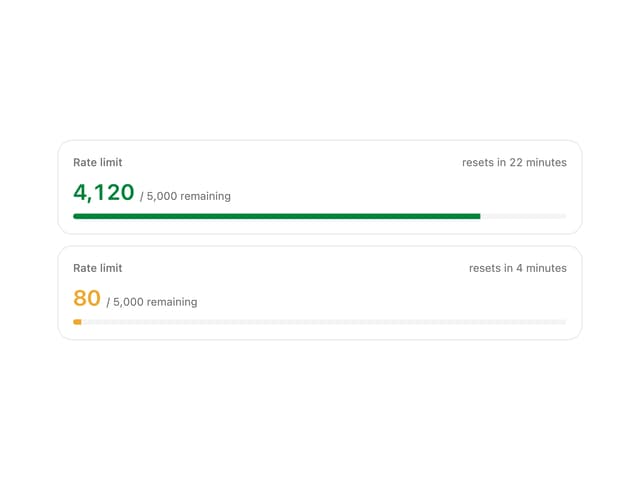
Rate Limit Meter
18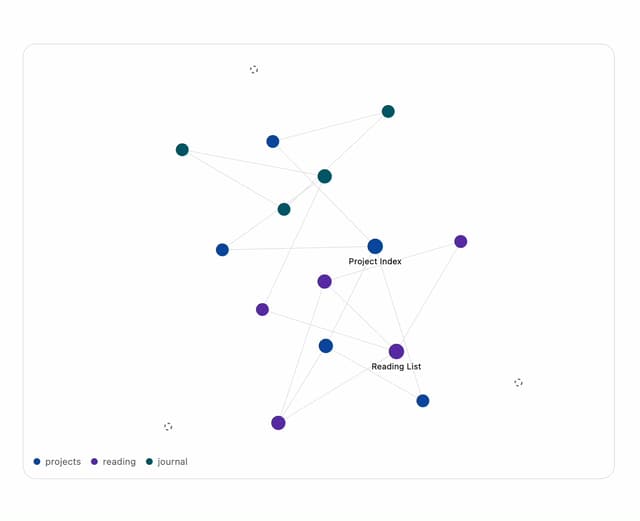
Note Graph
14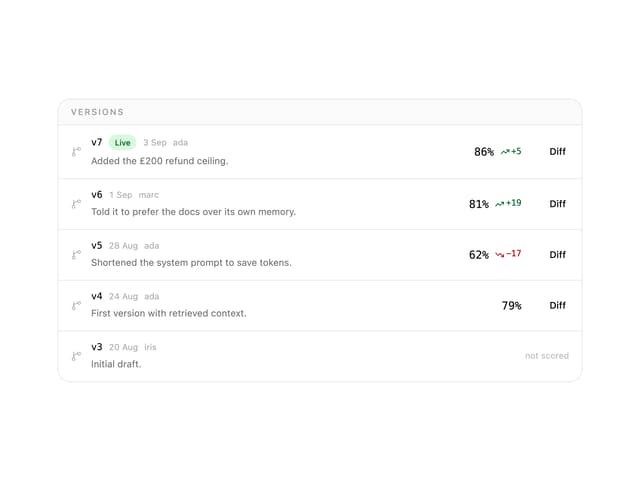
Prompt Versions
7
Migration List
7
IP Cluster
7
Checkout Summary
7
Odds Display
5
Health Checks
5