
About
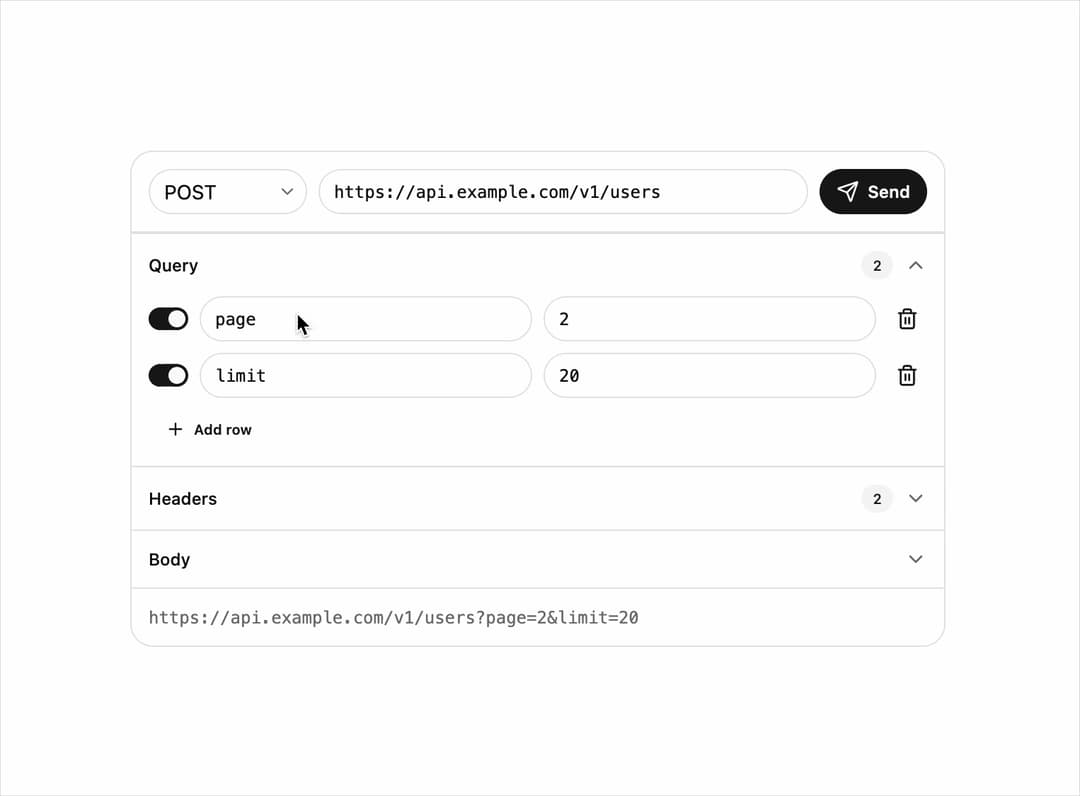
A compact HTTP request composer with method, URL, headers, query parameters and body, that shows the assembled request URL beneath an editable set of query rows.
Built with React and Tailwind. Copy the prompt and paste it into Claude Code, Cursor or Lovable: your agent adds Request Builder to your project and fits it to your theme.
Code
How Request Builder is used: the demo's code. The component's own source comes with a free account.
Usage.tsx
"use client";

import { RequestBuilder } from "@/components/ui/request-builder";
import { useState } from "react";

export default function RequestBuilderDemo() {
  const [method, setMethod] = useState("POST");
  const [url, setUrl] = useState("https://api.example.com/v1/users");

  const [params, setParams] = useState([
    { id: "p1", name: "page", value: "2", enabled: true },
    { id: "p2", name: "limit", value: "20", enabled: true },
  ]);

  const [headers, setHeaders] = useState([
    {
      id: "h1",
      name: "Authorization",
      value: "Bearer sk_live_51Hc9…",
      enabled: true,
    },
    {
      id: "h2",
      name: "Content-Type",
      value: "application/json",
      enabled: true,
    },
  ]);

  const [body, setBody] = useState(
    '{\n  "name": "Ada Lovelace",\n  "role": "admin"\n}',
  );
  const [sending, setSending] = useState(false);

  return (
    <div className="flex w-full items-center justify-center p-6">
      <RequestBuilder
        className="w-full max-w-xl"
        method={method}
        onMethodChange={setMethod}
        url={url}
        onUrlChange={setUrl}
        params={params}
        onParamsChange={setParams}
        headers={headers}
        onHeadersChange={setHeaders}
        body={body}
        onBodyChange={setBody}
        sending={sending}
        onSend={() => {
          setSending(true);
          setTimeout(() => setSending(false), 800);
        }}
      />
    </div>
  );
}
Dependencies
More by astralyxdev
View all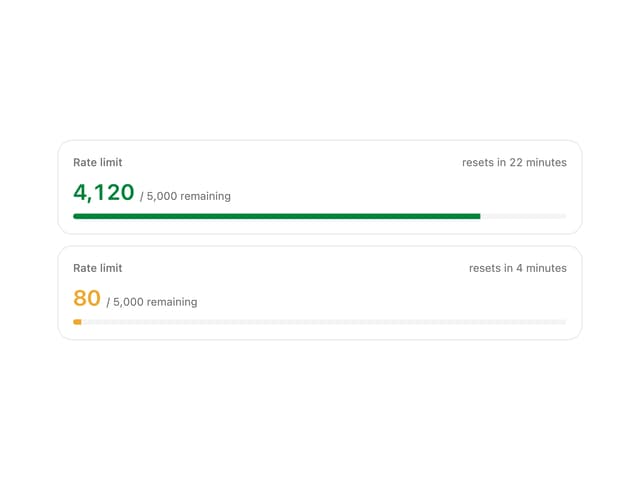
Rate Limit Meter
18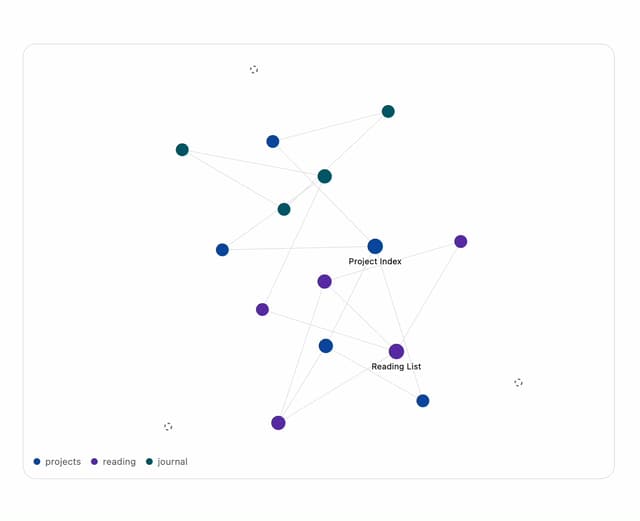
Note Graph
13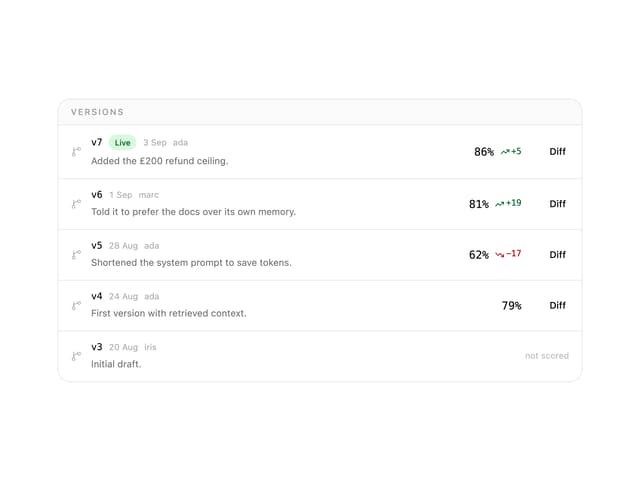
Prompt Versions
7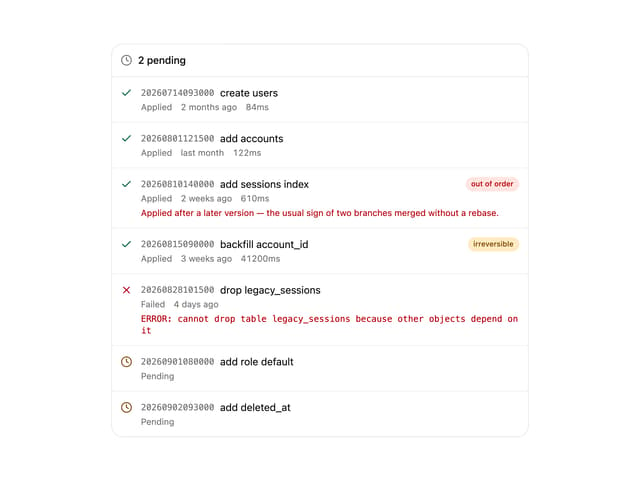
Migration List
7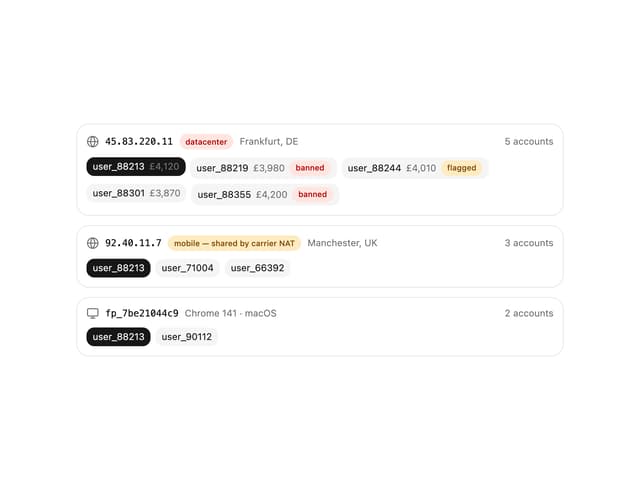
IP Cluster
7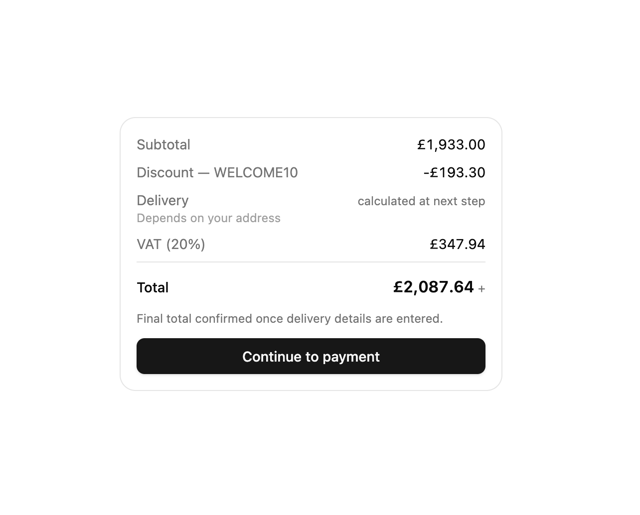
Checkout Summary
7
Odds Display
5
Budget Guard
5