About
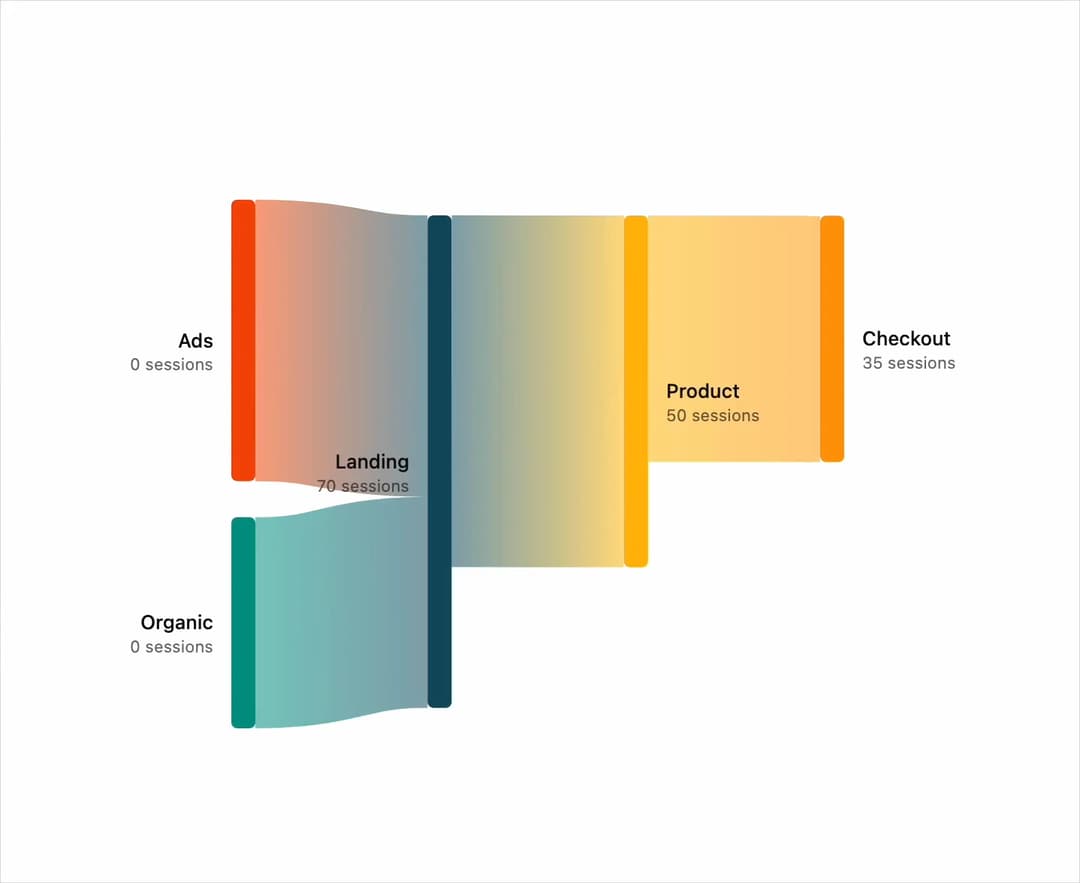
An animated flow diagram that visualizes how values move between nodes (e.g. traffic sources through landing pages to checkout), with hover highlighting and tooltips.
Built with React and Tailwind. Copy the prompt and paste it into Claude Code, Cursor or Lovable: your agent adds Sankey Diagram to your project and fits it to your theme.
Code
How Sankey Diagram is used: the demo's code. The component's own source comes with a free account.
Usage.tsx
"use client";

import { SankeyChart } from "@/components/ui/sankey-chart";
import { SankeyLink } from "@/components/ui/sankey-chart-utils/sankey-link";
import { SankeyNode } from "@/components/ui/sankey-chart-utils/sankey-node";
import { SankeyTooltip } from "@/components/ui/sankey-chart-utils/sankey-tooltip";

const data = {
  nodes: [
    { name: "Ads" },
    { name: "Organic" },
    { name: "Landing" },
    { name: "Product" },
    { name: "Checkout" },
  ],
  links: [
    { source: 0, target: 2, value: 40 },
    { source: 1, target: 2, value: 30 },
    { source: 2, target: 3, value: 50 },
    { source: 3, target: 4, value: 35 },
  ],
};

export default function Component() {
  return (
    <main className="flex min-h-svh w-full items-center justify-center p-6 md:p-10">
      <div className="w-full max-w-3xl">
        <SankeyChart data={data} aspectRatio="16 / 9">
          <SankeyLink />
          <SankeyNode />
          <SankeyTooltip />
        </SankeyChart>
      </div>
    </main>
  );
}
Dependencies
More by bklitai
View all

Funnel Chart
398
Area Chart
357
Bar Chart
118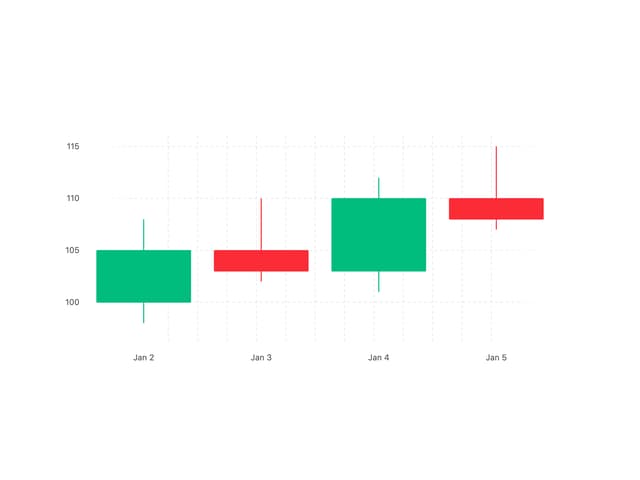
Candlestick Chart
10