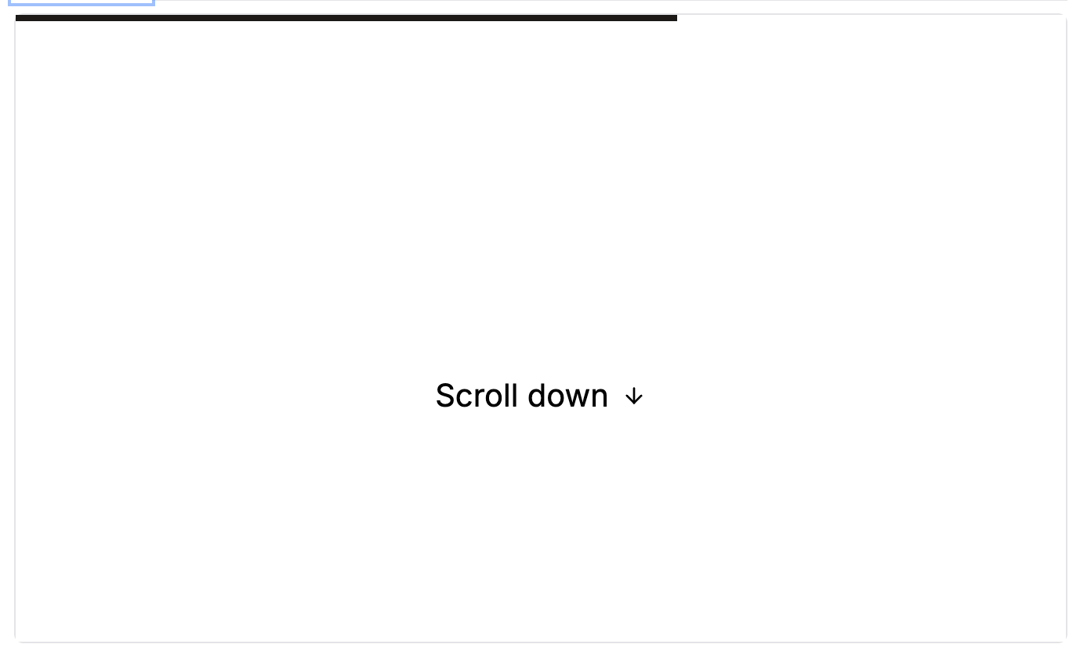
The Scroll Progress Bar component enhances user experience by providing a visually dynamic indicator as the user scrolls through the page. It visually informs users how much of the page has been scrolled, making it especially useful for longer content. Unlike static progress bars, this animated indicator offers a more modern and interactive experience. The scroll bar can be configured as a circular or linear bar and can be positioned in specific corners of the page, such as the bottom-right or top-left. Built using Framer Motion and Tailwind CSS, the Scroll Progress Bar ensures smooth transitions and an aesthetically pleasing design.
Built with React and Tailwind. Copy the prompt and paste it into Claude Code, Cursor or Lovable: your agent adds Scroll Progress Bar to your project and fits it to your theme.
Code
How Scroll Progress Bar is used: the demo's code. The component's own source comes with a free account.
Usage.tsx
"use client";

import ScrollProgressBar from "@/components/ui/scroll-progress-bar";

function ScrollProgressBarCircleDemo() {
  return (
    <div className="min-h-[200vh] w-full relative">
      <div className="fixed inset-0 flex items-center justify-center pointer-events-none">
        <div className="w-full max-w-5xl mx-auto p-4">
          <div className="rounded-lg p-8 text-xl w-full h-[500px] border border-neutral-200 dark:border-neutral-800 bg-white/50 dark:bg-black/50 backdrop-blur-sm">
            <h2 className="text-2xl font-bold mb-4">Circle Progress Indicator</h2>
            <p className="mb-4">Scroll down to see the circle progress indicator in action.</p>
            <p className="mb-4">This version shows the percentage and uses the default circle type.</p>
          </div>
        </div>
      </div>
      <ScrollProgressBar showPercentage />
      <div className="h-[200vh]" aria-hidden="true" />
    </div>
  )
}

function ScrollProgressBarTopDemo() {
  return (
    <div className="min-h-[200vh] w-full relative">
      <div className="fixed inset-0 flex items-center justify-center pointer-events-none">
        <div className="w-full max-w-5xl mx-auto p-4">
          <div className="rounded-lg p-8 text-xl w-full h-[500px] border border-neutral-200 dark:border-neutral-800 bg-white/50 dark:bg-black/50 backdrop-blur-sm">
            <h2 className="text-2xl font-bold mb-4">Top Bar Progress Indicator</h2>
            <p className="mb-4">Scroll down to see the top bar progress indicator in action.</p>
            <p className="mb-4">This version uses the bar type with a custom color.</p>
          </div>
        </div>
      </div>
      <ScrollProgressBar type="bar" color="#3b82f6" strokeSize={4} />
      <div className="h-[200vh]" aria-hidden="true" />
    </div>
  )
}

function ScrollProgressBarCustomDemo() {
  return (
    <div className="min-h-[200vh] w-full relative">
      <div className="fixed inset-0 flex items-center justify-center pointer-events-none">
        <div className="w-full max-w-5xl mx-auto p-4">
          <div className="rounded-lg p-8 text-xl w-full h-[500px] border border-neutral-200 dark:border-neutral-800 bg-white/50 dark:bg-black/50 backdrop-blur-sm">
            <h2 className="text-2xl font-bold mb-4">Custom Position Progress</h2>
            <p className="mb-4">Scroll down to see the circle progress indicator in action.</p>
            <p className="mb-4">This version uses a custom position and color.</p>
          </div>
        </div>
      </div>
      <ScrollProgressBar
        position="top-left"
        color="#10b981"
        strokeSize={3}
        showPercentage
      />
      <div className="h-[200vh]" aria-hidden="true" />
    </div>
  )
}

export { ScrollProgressBarCircleDemo, ScrollProgressBarTopDemo, ScrollProgressBarCustomDemo }
Dependencies
More by Bundui.io
View all

Fluid particles background
758
Floating paths
638
Text Gradient Scroll
614
Stars
536
Image Comparison
429
Magnetic Button
402
Marquee Effect
318
Wavy
194