
About
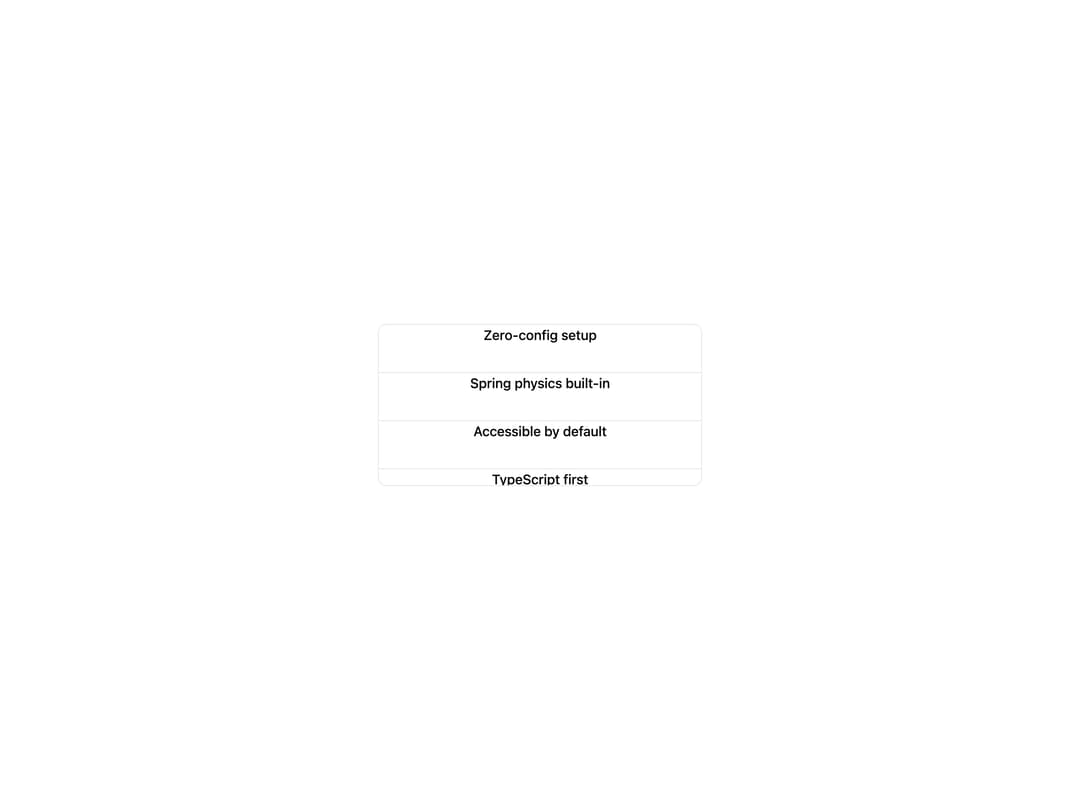
Text that swaps in and out vertically as its scrollable container is navigated, with the current line sliding up while a clone rises into place.
Built with React and Tailwind. Copy the prompt and paste it into Claude Code, Cursor or Lovable: your agent adds Scroll Swap Text to your project and fits it to your theme.
Code
How Scroll Swap Text is used: the demo's code. The component's own source comes with a free account.
Usage.tsx
"use client";
import * as React from "react";
import { ScrollSwapText } from "@/components/ui/scroll-swap-text";

const features = [
  "Zero-config setup",
  "Spring physics built-in",
  "Accessible by default",
  "TypeScript first",
  "Tree-shakeable exports",
  "Server component ready",
];

export default function ScrollSwapTextFeatureList() {
  const containerRef = React.useRef<HTMLDivElement>(null);

  return (
    <div className="flex min-h-[320px] w-full items-center justify-center bg-background px-6 py-10">
      <div
        className="h-48 w-full max-w-sm overflow-y-scroll rounded-lg border border-border bg-card"
        ref={containerRef}
      >
        {features.map((feature) => (
          <ScrollSwapText
            as="div"
            className="border-border border-b px-5 py-4 font-medium text-base text-foreground last:border-0"
            containerRef={containerRef}
            key={feature}
          >
            {feature}
          </ScrollSwapText>
        ))}
      </div>
    </div>
  );
}
Dependencies
More by Cnippet
View all

Team
1.3K
Davincho Hero-1
683
Aero Hero-3
558
Features
510
Random Letter Swap Navigation
487
Services with Animated Hover Modal
465
Blogs
396
Aero Hero-1
356
More in Text
View all
Vertical Cut Reveal Characters
103

Rainbow Text Effect
47
Motion Blur Text
36
Text Loop
309
Text Reveal
27
Apple Hello Effect
610
Typography
4

Animated Text
8

